
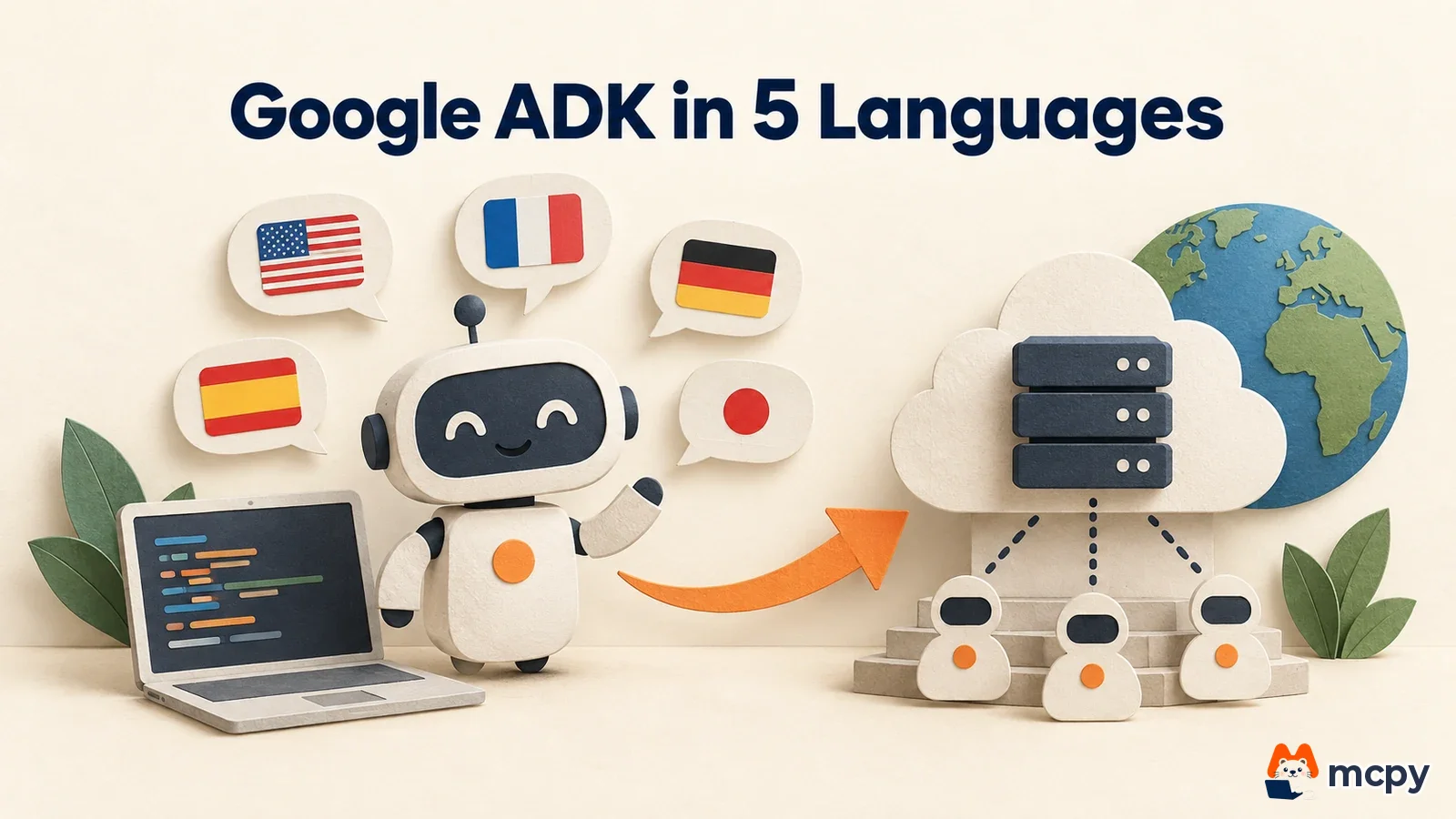
Google ADK (Agent Development Kit) is an open-source kit for building, evaluating and deploying AI agents in code. On October 14, 2026, Google Cloud wrote that the same kit supports five languages: Python, Go, TypeScript, Java and Kotlin. You can build agents in the language you already use, then deploy them to Cloud Run to serve traffic. Below we cover how to pick a language, the starter commands and the Cloud Run deployment steps.
Google ADK is one kit, and the 5 languages share the same core
The official ADK docs describe ADK as an open-source framework for building, debugging and deploying agents. It includes setups that run multiple agents in sequence, in parallel or in loops, plus session and memory management, evaluation and observability. Models can be connected from Gemini and several other providers.
Two specs are shared across all languages. According to the Google Cloud blog, all five languages have an MCP client (MCP is a common spec for AI to call external tools), so MCP tools can be called from any language. They also support the A2A spec, where agents talk to each other over HTTP, so an agent built in Python and an agent built in Go can call each other.
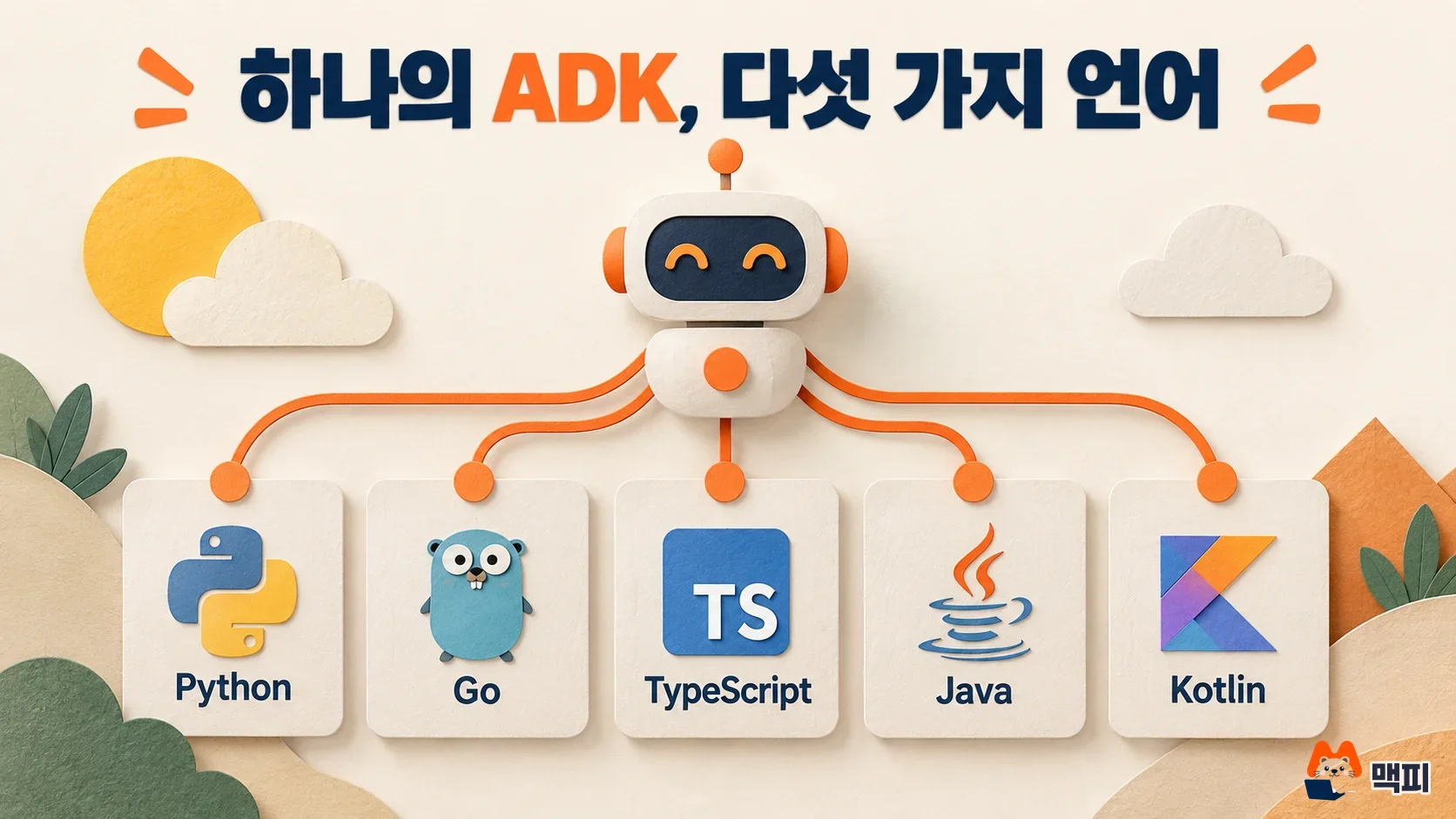
The graph workflow in ADK 2.0 connects agents and plain functions as a directed graph, so you can build conditional branches and parallel steps. According to the blog, Go and TypeScript run on this engine, and Kotlin is experimental.
ADK differs by language, and the choice follows your stack
The Google Cloud blog builds the same weather lookup tool in five languages and explains that each language declares tools differently. The table below summarizes this per language.
| Language | How tools are declared | Features |
|---|---|---|
| Python | A plain function with types and a docstring, passed to tools | The reference implementation. It has the widest support for BigQuery, Spanner and Bigtable integrations, Gemini, Anthropic, OpenAI and LiteLLM model adapters, and evaluation tools |
| Go | functiontool.New and struct tags | The compiler checks tool signatures. It includes an A2A server handler and OpenTelemetry tracing |
| TypeScript | FunctionTool and a Zod schema | One schema handles runtime validation, JSON Schema and type inference. It supports browser bundles and WebMCP |
| Java | The @Schema annotation and LlmAgent.builder() | It streams events with RxJava, and provides a Maven dev UI plugin and Spring AI and LangChain4j integrations |
| Kotlin | A KSP plugin that reads @Tool and @Param at build time | There is no runtime reflection, and it fits Android R8 shrinking. It can also run the agent loop on the device |
According to the blog, Python is the reference implementation, so it has the widest Google Cloud integrations and evaluation tools. If your service is already in TypeScript or Java, ADK meshes with the tools of that language, such as Zod schemas or the Spring AI integration the blog describes. If you need to run an agent inside an Android app, pick Kotlin, which the blog says can run the agent loop on the device.
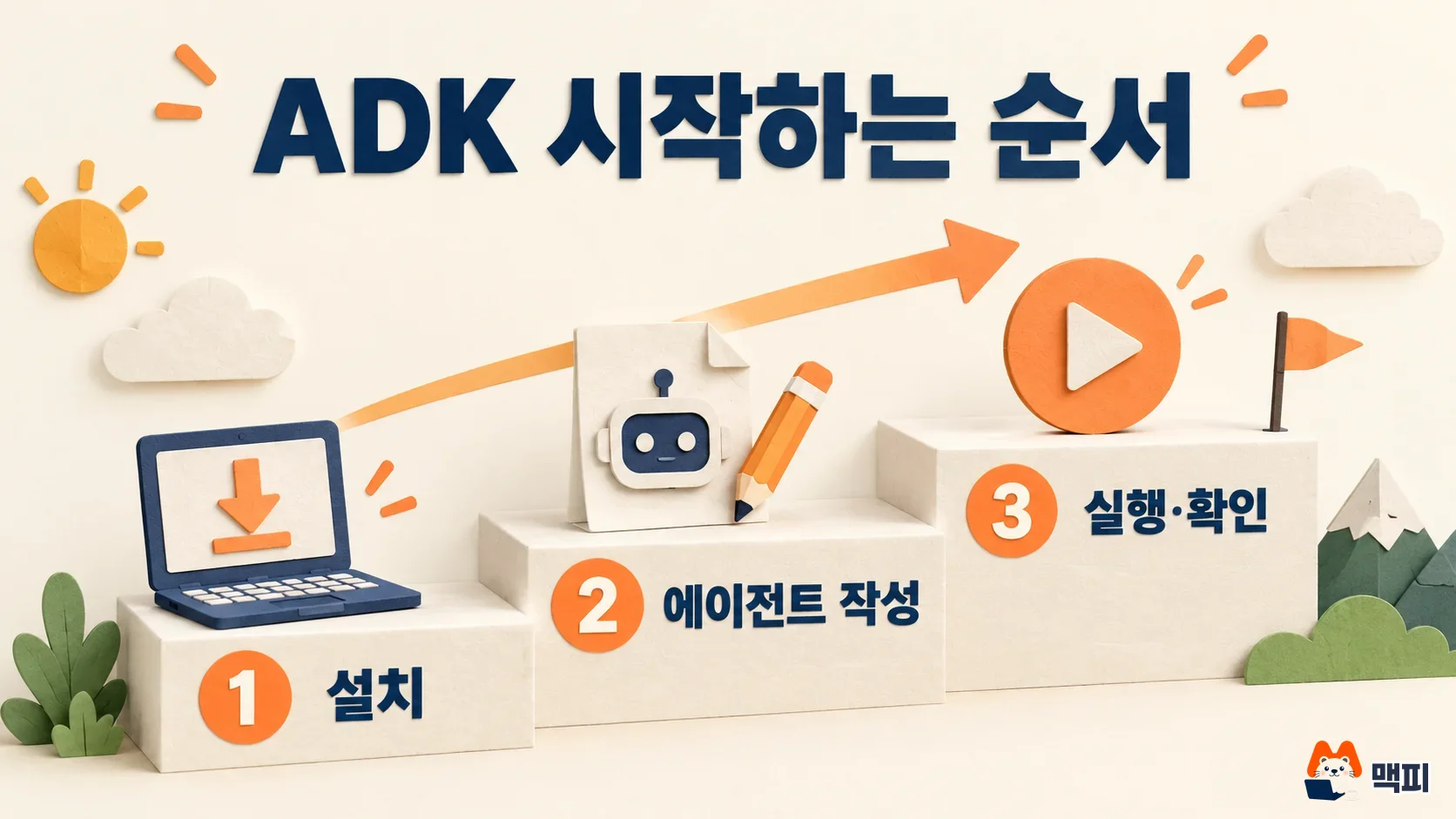
How to use Google ADK: install and first run per language
The common prerequisite is a Gemini API key. The Go and Kotlin getting-started docs tell you to put it in a .env file as GOOGLE_API_KEY, and the TypeScript getting-started doc says GEMINI_API_KEY. You create the key in Google AI Studio.
| Language | Requirements | Install | Run |
|---|---|---|---|
| Python | Python 3.11 or later | pip install google-adk | adk run <agent folder>, and adk web <folder> for the web UI |
| Go | Go 1.25 or later | go get google.golang.org/adk/v2 | go run agent.go, and go run agent.go web api webui for the web UI |
| TypeScript | Node.js 24.13.0 or later | npm install @google/adk | npx adk run agent.ts, and npx adk web for the web UI |
| Java | Java 17 or later, Maven 3.9 or later | Add com.google.adk:google-adk to pom.xml | Run with mvn compile exec:java and specify the main class |
| Kotlin | Java 17 or later, Gradle 8.0 or later | Add google-adk-kotlin-core and the KSP processor to build.gradle.kts | gradle run |
The requirements come from the Python repository and the Go, TypeScript, Java and Kotlin getting-started docs. In Python, you start by defining one agent as shown below.
from google.adk import Agent

root_agent = Agent(
    name="greeting_agent",
    model="gemini-3.5-flash",
    instruction="You are a helpful assistant. Greet the user warmly.",
)
Pass the folder holding this file to adk run to chat in the terminal, and adk web opens a browser dev UI. Each getting-started doc says this web UI is for development and debugging only, and should not be used in production. If you pick the agent in the browser UI, send a message and get a reply that follows the instruction you wrote, your first run works.
If you want to create the project skeleton in one go, use the agents-cli that the Google Cloud blog introduces. uvx google-agents-cli setup checks Google Cloud authentication, installs the CLI and adds the ADK skills in one step. Then a command like agents-cli scaffold create my-go-agent --agent adk_go --deployment-target cloud_run --region us-central1 creates the project with the language (--agent), deployment target and region. For Python, use --agent adk. If you want a coding agent such as Claude Code or Codex to work with ADK, adk.dev/llms.txt collects the API docs for all 5 languages.
You can deploy an ADK agent to Cloud Run in a few commands
According to the blog, the scaffold command lets you pick the deployment target from Cloud Run, Gemini Enterprise Agent Runtime and GKE. The Cloud Run deployment doc lists the deploy command per language as follows.
| Language | Deploy command | Required values |
|---|---|---|
| Python | adk deploy cloud_run | --project, --region, agent path |
| TypeScript | npx adk deploy cloud_run (from the folder with package.json) | --project, --region |
| Go | ./adkgo deploy cloudrun | -p project, -r region, -s service name, -e main.go path |
| Java | Your own Dockerfile and gcloud run deploy <service> --source . | Service name, --region, --project |
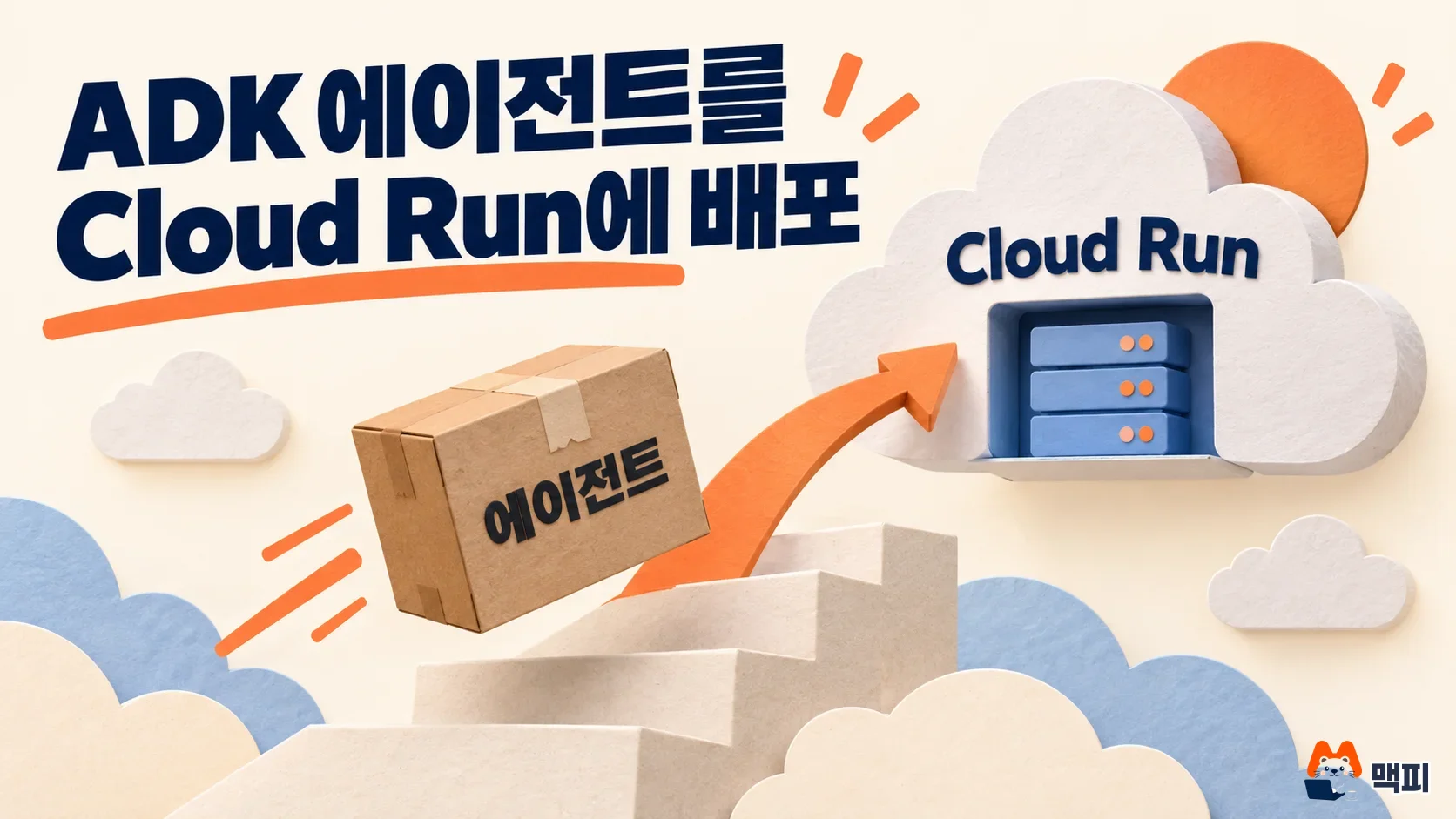
Before deploying, set your account and project with gcloud auth login and gcloud config set project. According to the same doc, adk deploy builds the image with Cloud Build, so the default compute service account needs the roles/cloudbuild.builds.builder role. It also says to store the API key in Secret Manager as a GOOGLE_API_KEY secret, then grant the service account roles/secretmanager.secretAccessor.
The same doc describes how to verify the deployment. After deployment finishes, open the service URL, pick the agent and send a message. Or check the app name with GET $APP_URL/list-apps, send a message with POST $APP_URL/run_sse and confirm that events and a final answer come back. If the service requires authentication, use the output of gcloud auth print-identity-token as the token. If something looks wrong, check the logs in the Cloud Run console.
According to the deployment doc, if you do not set a session store and an artifact store, both live only in instance memory. When Cloud Run replaces an instance, the conversation history is lost. To keep the history, set --session_service_uri and --artifact_service_uri.
The Google Cloud blog presents Go as a good fit for Cloud Run deployment. The compiled agent fits in a distroless static image of about 2MiB, and the static binary opens its port as soon as the container starts, so there is no loading or warm-up cost like with dynamic languages or JVM services.
Common mistakes when you first use ADK
The most common mistake is exposing the web dev UI directly as a production service. adk web and go run agent.go web api webui are for development and debugging, so you need to switch to a deployment setup with its own authentication and session store. The second is putting the API key in code or in the image. The getting-started docs tell you to use a .env file locally, and the deployment doc tells you to use a Secret Manager secret on Cloud Run. The third is missing that graph workflows in Kotlin are experimental. According to the blog, graph workflows run on Go and TypeScript, so projects that need them should look at those two first.
Frequently asked questions
Can Google ADK only use Gemini?
No. The Python repository says ADK is not tied to a specific model or deployment environment, and the blog says Python can use Gemini, Anthropic, OpenAI and LiteLLM adapters.
Is Google ADK free?
ADK is open source under the Apache-2.0 license. The model APIs your agent calls and services you deploy to, such as Cloud Run, are billed according to each service's price list.
Where can I deploy an ADK agent besides Cloud Run?
Gemini Enterprise Agent Runtime and GKE are also scaffold deployment targets, and the official ADK docs say you can also deploy to your own infrastructure.
Found this useful? Share it
Latest posts
Kakao Share Thumbnail Not Showing? Here's the Fix (JavaScript SDK 2025)
Learn why Kakao Share thumbnails don't appear even with a valid imageUrl, and fix it using scrapImage to convert your URL into a KAGE CDN URL. Step-by-step guide.
How to Generate CRM User Manuals in 20 Minutes with Claude Code Sub-Agents
Learn how Claude Code sub-agents can analyze your CRM codebase and auto-generate user manuals and visual guidebooks in just 20 minutes. See the real-world results.
GEO Generative Engine Optimization: The Complete 2025 AI Marketing Strategy Guide
Learn what GEO (Generative Engine Optimization) is, how it differs from traditional SEO, and discover 5 proven AI marketing strategies to get cited by AI search engines in 2025.
Related projects
Get new posts by email
Insights on marketing, analytics, and dev, delivered to your inbox.