
ChatGPT Voice gained new voices, including Korean, in the October 15, 2026 update. In the ChatGPT release notes, OpenAI says it applied GPT-Live-1.1 and its mini version, GPT-Live-1.1 Quip, to ChatGPT Voice, and that intonation sounds more natural in several languages. You pick the new Korean voice in the Voice menu in Settings. The voices you see may differ by account and region.
What changed The voice model moved up to GPT-Live-1.1, and new voices were added for Korean, Japanese and other languages. The messages shown while ChatGPT searches are also more varied.
Who is affected Everyone who uses ChatGPT voice conversations. Free users are included, but the model and usage time differ by plan.
What to do now In the app, go to Settings > Voice and try the new voices. If you use voice for work, check the time limit for your plan.
What changed in ChatGPT Voice
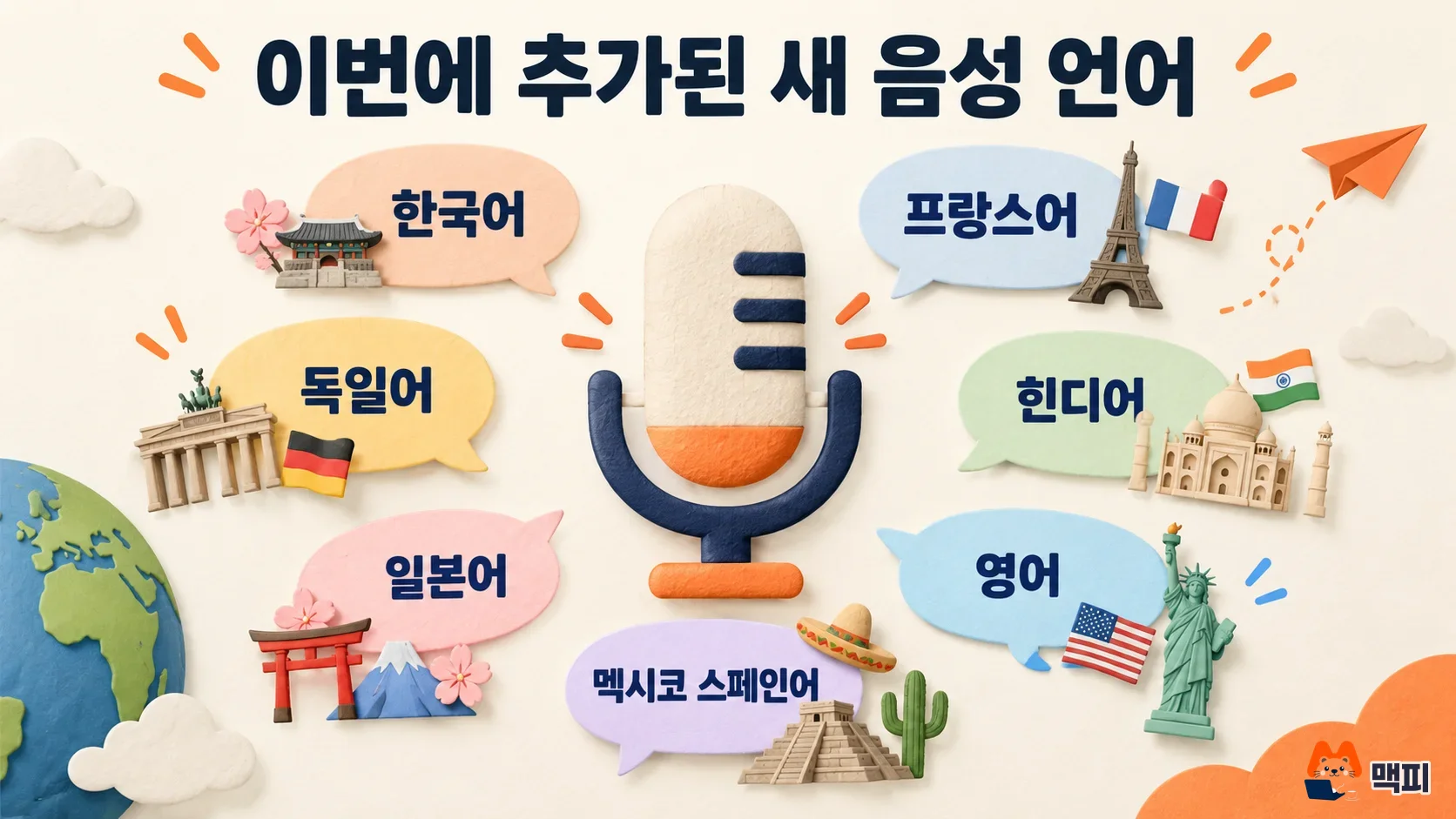
According to the release notes (the October 15, 2026 entry, titled 「GPT-Live-1.1 and new voices in ChatGPT」), there are three changes. First, the voice model is now GPT-Live-1.1 and its mini version, GPT-Live-1.1 Quip. Second, new voices were added for French, German, Hindi, Japanese, Korean and Mexican Spanish, and English gets a new voice called Bubbie. Third, while ChatGPT looks up information, it now uses a wider range of short phrases to tell you what is happening, instead of repeating "checking".
The release notes do not say how many Korean voices there are or what they are called. This article only uses what the official entry states.
How to pick the new Korean voice in ChatGPT voice settings
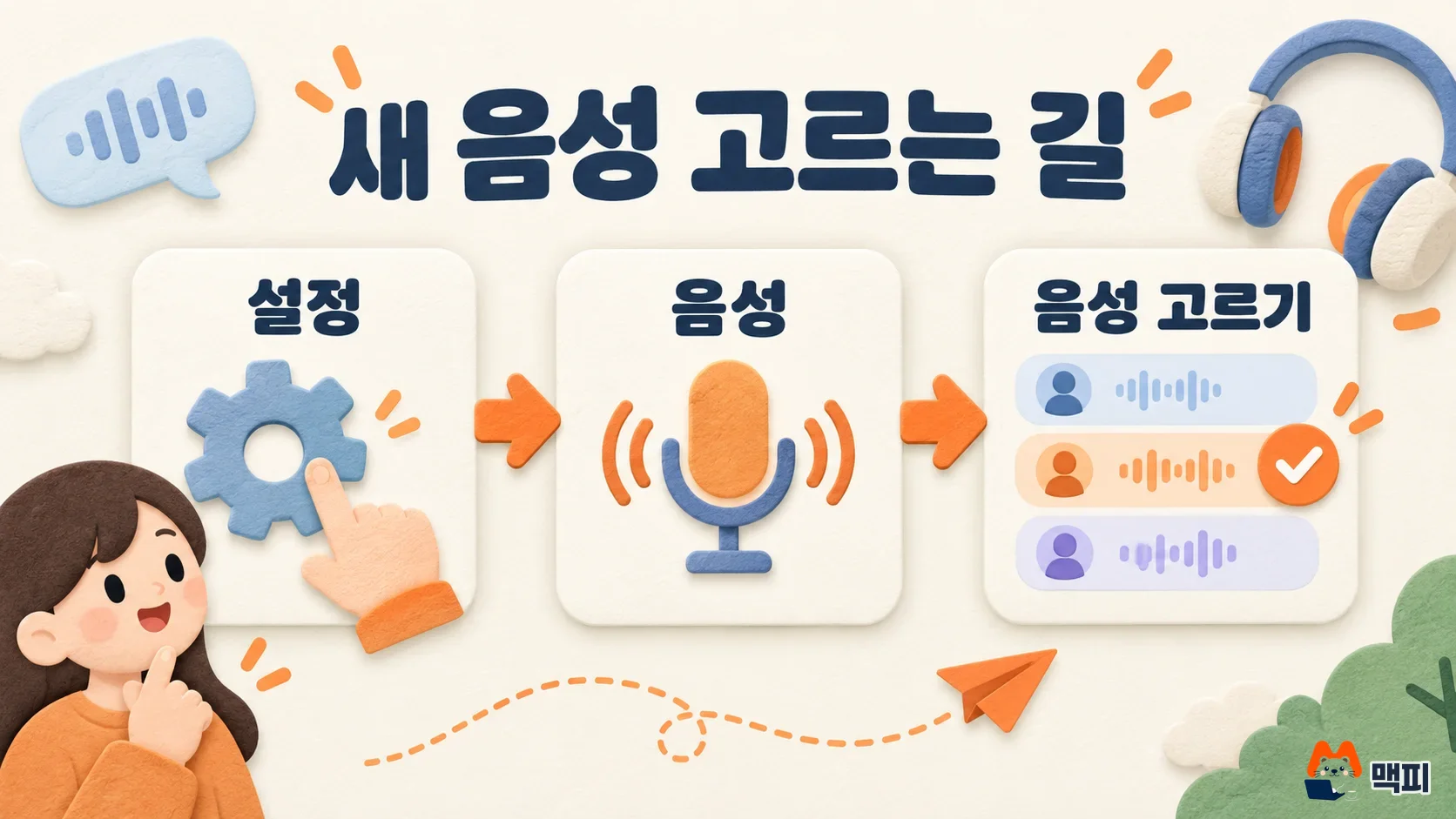
The release notes give a one-line instruction. Open Settings in the ChatGPT app or on the web, go to Voice, then tap Voice and choose from the list. The same help page says the voices you see can vary by region and account. If the list has no Korean voice yet, the rollout may still be in progress.
After you choose, start a voice conversation and speak to it briefly in Korean. Two things are worth checking in this update. One is whether the intonation sounds natural. The other is whether a waiting phrase appears when you ask a question that needs a search. If the new voice shows in the list and replies in the voice you selected, the update has been applied.
ChatGPT voice usage time limits by plan
In the chat voice usage table in the ChatGPT Voice help page, limits are counted over the last 24 hours and differ by plan. The table names the models GPT-Live-1 and GPT-Live-1 mini, which differs from the 1.1 naming in the release notes. For time limits, though, use the plan figures in that same table.
Free is described as limited use, and the limit may change. Pro (200 USD per month) is unlimited. On Business plans, going over the limit costs 1.25 credits per minute. If you want to understand the plans themselves, start with the ChatGPT plan price and limit comparison (in Korean).
What to check next
The Korean voice list may roll out account by account, so open the same menu again after a few days. If you plan to let your team use voice conversations for work, also watch whether the model names and limits in the help table are updated to match the release notes.
Frequently asked questions
Can free accounts use the new Korean voices?
The release notes say the new voices apply to all of ChatGPT Voice and set no plan restriction. The help page does say that free accounts have limited usage time and that the limit may change.
What if I do not see a Korean voice in the list?
The release notes say the voices you see can differ by region and account. Update the app to the latest version, then check Settings > Voice again.
Found this useful? Share it
Latest posts
Kakao Share Thumbnail Not Showing? Here's the Fix (JavaScript SDK 2025)
Learn why Kakao Share thumbnails don't appear even with a valid imageUrl, and fix it using scrapImage to convert your URL into a KAGE CDN URL. Step-by-step guide.
How to Generate CRM User Manuals in 20 Minutes with Claude Code Sub-Agents
Learn how Claude Code sub-agents can analyze your CRM codebase and auto-generate user manuals and visual guidebooks in just 20 minutes. See the real-world results.
GEO Generative Engine Optimization: The Complete 2025 AI Marketing Strategy Guide
Learn what GEO (Generative Engine Optimization) is, how it differs from traditional SEO, and discover 5 proven AI marketing strategies to get cited by AI search engines in 2025.
Related projects
Get new posts by email
Insights on marketing, analytics, and dev, delivered to your inbox.