
Gemini Gems are being replaced by Skills, and Business and Enterprise accounts can no longer create or use Gems after March 1, 2027 (as of October 1, 2026). Skills open in order: Google Workspace on October 5, 2026, then the Gemini app on October 13. Any remaining Gems move automatically to the Gemini app as draft Skills. The source is the September 30, 2026 announcement on the Google Workspace Updates blog. This article covers the switch in the Gemini app and in Workspace apps.
Read this first in three lines
- Skills launch: Workspace starts October 5 and the Gemini app starts October 13. Both finish by mid-November.
- Gems shutdown: On November 17, Gems move to a settings panel. Use is blocked after March 1, 2027 for business accounts and after June 1, 2027 for education accounts.
- Your to-do: Rebuild the instructions of the Gems you use now as Skills. Skills in the app and in Workspace do not sync with each other.
Skills are reusable instructions, and they differ from Gems
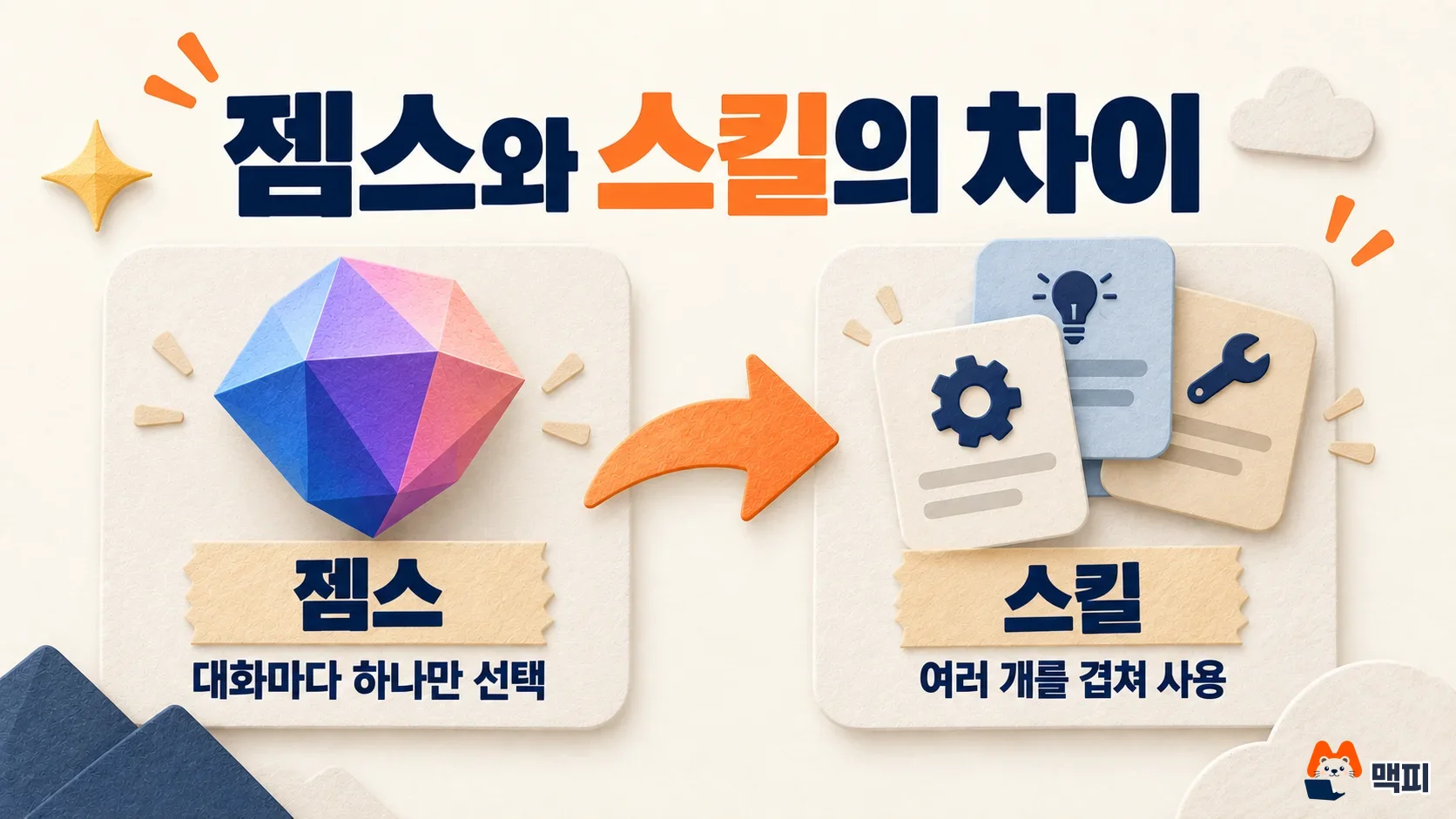
A Skill is a reusable set of instructions that you call on when you give Gemini a task. A Gem worked by picking one Gem for a conversation, as in "this chat runs on this Gem." Skills can be stacked, so you can use several in one conversation. In the example from Google's announcement, you use a newsletter Skill together with a brand guidelines Skill (this is an illustrative example, not a real screen).
The format is different too. Skills follow SKILL.md, an open Markdown-based specification. Markdown is a text format that marks headings and lists with symbols, so you can write instructions like a normal document, and moving them to other tools is easy. Google says Gems did not have this kind of portability.
When do Gemini Gems shut down?
Dates differ by product and account type. In its announcement, Google added "no sooner than" to the business and education end dates. That means the dates can move later, but they will not move earlier.
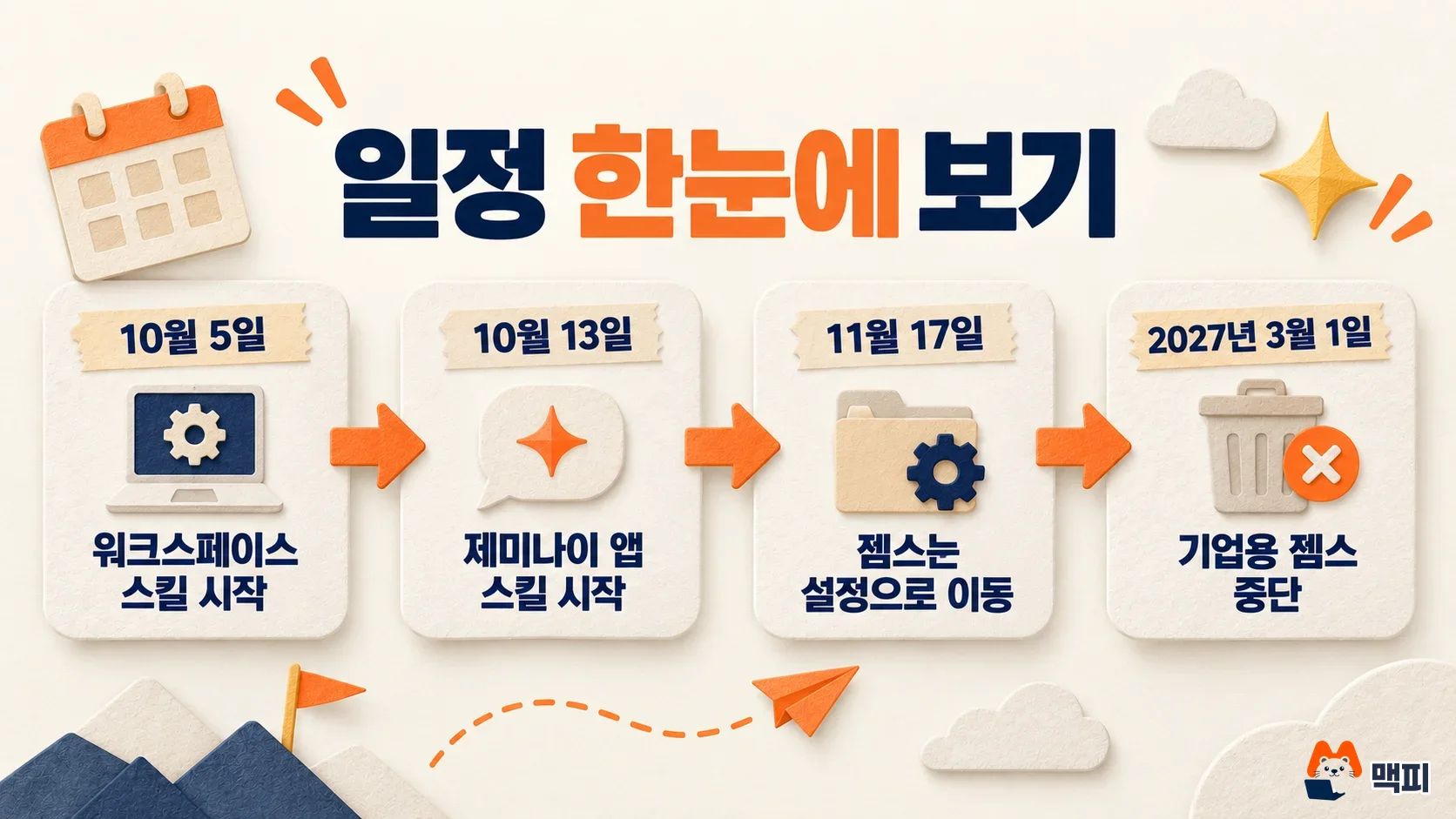
| Date | What changes |
|---|---|
| October 5, 2026 | Skills start rolling out in Workspace. Rapid Release domains get them October 5 to 12. Scheduled Release domains get them from October 19 to mid-November |
| October 13, 2026 | Skills start rolling out in the Gemini app, with a gradual rollout through mid-November |
| November 17, 2026 | Gems move to a settings panel in the Gemini app. You can still create, edit, and use them |
| After March 1, 2027 | Gems can no longer be created, edited, or used in Business and Enterprise accounts |
| After June 1, 2027 | Gems can no longer be created, edited, or used in education accounts. This includes Google Classroom and some external LMS platforms |
The announcement gives no end date for Gems in personal Google accounts. MCPY did not guess a date for the table.
Your current Gems keep working until the end date
You can use them as they are until the end date. Gems that remain at that point are moved automatically to the Gemini app as draft Skills. As the word draft suggests, it is not confirmed that a migrated Skill behaves exactly like the Gem. For important work Gems, it is safer to move them yourself and compare the results instead of waiting for the automatic move.
How to rebuild a Gem as a Skill
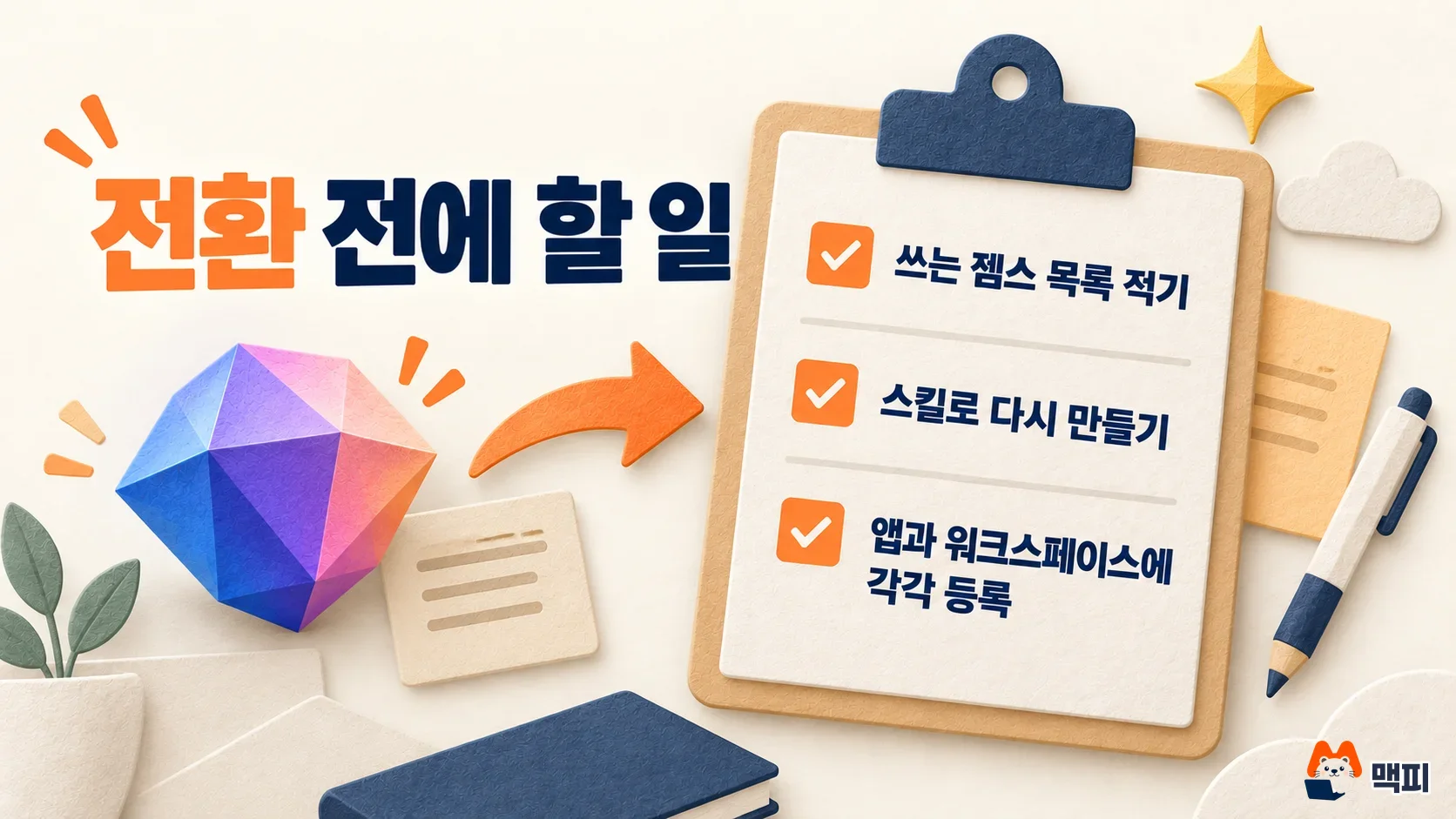
Google says users who want to move early can rebuild their Gems as Skills themselves. In Workspace apps, you use Skill Builder. In the Gemini app, you create Skills from Skills in the settings menu. The Gemini app help page on creating and managing Skills says these Skills require you to be 18 or older, signed in with a personal Google account, and have Keep Activity turned on. That help page also says Gems will be recreated as Skills automatically when they are retired, and that you can recreate them yourself to use them earlier. Screen names and button positions may change at launch. The five steps below are not a procedure from the announcement. They are the order MCPY recommends.
- List every Gem you use. Paste the name, purpose, and full instructions into one document.
- Move one Gem into one Skill. Organize the instructions as Markdown that fits the SKILL.md format.
- Split long instructions by role. Skills stack, so separating "writing style" from "work procedure" makes them easier to reuse.
- Enter the same question into the Gem and the Skill, and compare the results.
- For a Skill you want in both the app and Workspace, create it in each place.
What to check in Korea
The announcement does not say when Korean language support arrives. October 5 and 13 are the global rollout start dates in the English announcement. It is not confirmed that they open on the same days for Korean accounts. The rollout is gradual through mid-November, so even within one company, the opening day can differ from person to person.
If you use a company account, ask your Workspace admin first. Admins can turn Skills on or off in the Admin console, and Workspace Skills are only for users 18 or older. If your domain uses Scheduled Release, Skills open only after October 19.
Common mistakes
- Assuming a Skill made in the app will also show up in Workspace. Google says Skills in the two places do not sync for now.
- Reading March 1, 2027 as the end date for personal accounts too. That date applies to Business and Enterprise accounts.
- Trusting only the automatic move. Skills arrive as drafts, so do not use them for work until you check the results yourself.
- Treating the end dates as fixed. The wording is "no sooner than," so the schedule can change.
Update (October 21, 2026): Gemini app adds a Customize menu
On October 21, Google announced on the Workspace Updates blog a Customize menu that puts Skills and other personalization settings for the Gemini app in one place. Skills that change how Gemini responds, and connections to outside services, are gathered in this menu.
| Item | Details |
|---|---|
| Skills | Custom Skills and prompt settings for automating repeat tasks, keeping your tone and writing style, and setting response formats |
| Connected apps | Connect more than 40 outside services and Google apps. You can review permissions and disconnect at any time |
| How to open | In Gemini on the web, mobile, and the Windows and macOS desktop apps, open the left navigation menu and select Customize |
| Who gets it | All Google Workspace customers, Workspace Individual subscribers, and personal Google account users |
| Rollout | Phased from October 13 for both Rapid Release and Scheduled Release domains, and it can take up to 15 days for the menu to appear |
The place described above as "Skills in the settings menu" is now this Customize menu. The menu is rolling out worldwide, but most connected apps are currently available only in English in the US. Some apps also work in other English-speaking regions, Brazil, and India, so accounts used in Korean may see fewer apps in the connected apps list.
There are three things for readers to do. First, check whether Customize appears in the left menu of Gemini. If it does, rebuild your Gems in the Skills section using the five steps above. For a company account, admins review and manage connected apps and third-party tool integrations in the Admin console under Apps > Additional Google services > Gemini, so ask your admin whether connected apps are allowed before you use them. If the menu is not visible yet, it should open within 15 days.
Frequently asked questions
Will Gemini Gems disappear completely?
The announcement says Google plans to phase out Gems support across all surfaces. Only two final dates by account type have been published: after March 1, 2027 for business and after June 1, 2027 for education.
Are Skills free to use?
The announcement has no pricing information. It says Gemini app Skills are available to all Workspace customers and personal Google account users, but the help page focuses on personal accounts for users 18 or older. The two documents describe the scope differently, so MCPY does not claim availability for each account type and recommends checking your own account after launch. Workspace app Skills are for all Business and Enterprise tiers, the education add-on (Google AI Pro), and users with the AI Expanded Access.
What happens to Classroom?
Gems are blocked in education accounts after June 1, 2027. For personalized learning, Google tells users to move to Gemini Notebook and the upcoming Guided Learning.
What to do today
If you use Gems for work, start by making your list this week. Even if the end date looks far away, moving your Gems in October, when Skills open, helps you avoid a sudden stop after November. MCPY will update this article if Google's announcement changes.
Official sources
Found this useful? Share it
Latest posts
Kakao Share Thumbnail Not Showing? Here's the Fix (JavaScript SDK 2025)
Learn why Kakao Share thumbnails don't appear even with a valid imageUrl, and fix it using scrapImage to convert your URL into a KAGE CDN URL. Step-by-step guide.
How to Generate CRM User Manuals in 20 Minutes with Claude Code Sub-Agents
Learn how Claude Code sub-agents can analyze your CRM codebase and auto-generate user manuals and visual guidebooks in just 20 minutes. See the real-world results.
GEO Generative Engine Optimization: The Complete 2025 AI Marketing Strategy Guide
Learn what GEO (Generative Engine Optimization) is, how it differs from traditional SEO, and discover 5 proven AI marketing strategies to get cited by AI search engines in 2025.
Related projects
Get new posts by email
Insights on marketing, analytics, and dev, delivered to your inbox.