
Q. Korean text and logos break in AI-generated images, what's the fix?
AI image generators can't produce Korean characters, accurate logos, or exact pixel dimensions. So the image and text layers are separated: generate only the background scene with AI (Claude has no image generation capability itself, so it delegates to Codex and uses its imagegen tool), then layer Korean text and the logo onto an HTML template using web fonts and capture the whole thing to PNG with a headless browser. Blog illustrations that carry no text let numbers speak through captions. OG cards that must carry text have the text added outside the pixel layer by code. For many pages, fill two spreadsheet columns (scene key, copy) and batch-generate everything at once.
3 lines you can use right now
- Never ask AI to write text. Keep AI to the background only; add text and logos in code.
- Claude has no image generation. Use
codex execto borrow the imagegen tool from a Codex instance logged into ChatGPT. - For headless rendering, embed Korean fonts as files in the HTML, and after swapping any image use
?v=to bust the cache.

Text baked inside the image breaks. Text kept outside the image is crisp. That's the whole point of this article.
Delegate text to AI and it turns text into broken pixels
AI image generators draw pictures as pixels. The problem is that they draw characters the same way, as "pixels that look like characters." Ask for a Korean headline and you get a mangled blob that barely mimics the strokes.
Logos have the same problem. The generator has no idea what the real logo looks like and invents a plausible fake, slightly off in color, spacing, and weight. No matter how much you tweak the prompt, it never comes out right consistently. If you get a passable image on one attempt, the next attempt breaks it again.
Dimensions don't cooperate either. Tell it "output at 800 by 400" and the result won't match exactly. A card with wrong dimensions gets cropped by KakaoTalk (a Korean messaging app) or Facebook on its own terms. The three things a card most needs, text, a logo, and exact dimensions, just happen to be the three things AI image generators are weakest at.
So text was pulled out of the image
After a long fight with prompts, the direction changed. Asking AI to handle text was the mistake from the start. AI would be used only for mood and scene; text would be added separately.
The principle then became one line: AI makes the picture; text lives outside the pixels. Background art and text (title, logo) are treated as completely separate layers. The image is "atmosphere" that can afford a little softness. Text is "information" that can never break.
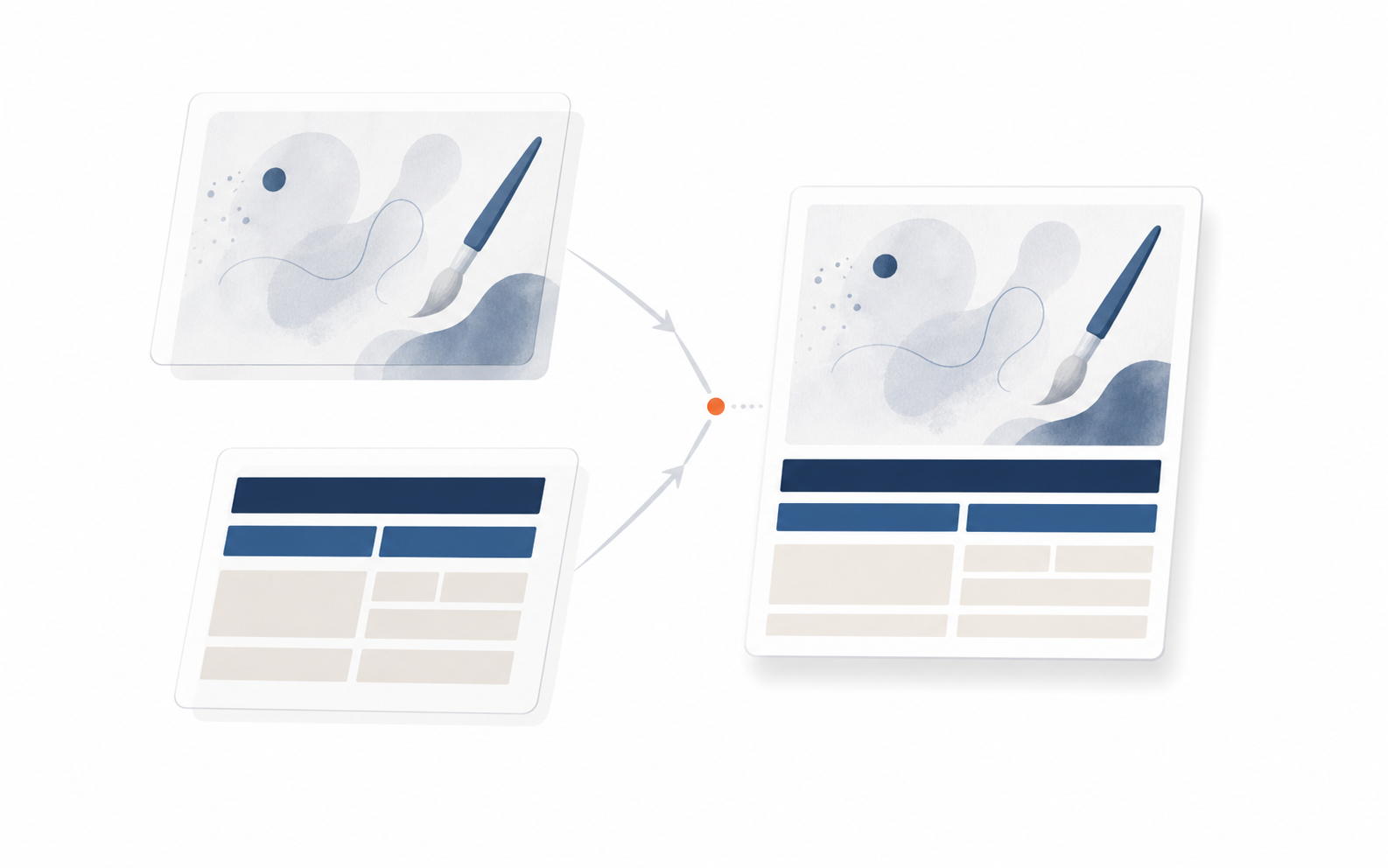
AI handles the image layer; code handles the text layer. Combine them and you get one finished card. Two tools, one principle.
This single principle applies in two places. Blog illustrations that carry no text at all let numbers and conclusions be stated in captions below the image. Sharing cards that must carry text have their headline added outside the pixels by code. The tools differ; the principle is identical.
Claude borrows Codex to generate the image
So who actually generates the background image? Claude, the model writing this article, has no image generation capability. It can write text but it cannot draw. So it calls on a different tool nearby.
That tool is Codex. Codex is a coding agent that runs in the terminal, and when you log in once with a ChatGPT account it comes with an image generation capability (imagegen). Claude sends a single command to wake Codex and says "draw this scene and save it here."
The actual command looks like this. Don't be intimidated by the code. It's just "Codex, draw this with imagegen and save to the assets folder as a PNG" translated into machine-readable form.
codex exec --dangerously-bypass-approvals-and-sandbox - <<'PROMPT'
use the imagegen skill (built-in image_gen tool).
Flat vector editorial illustration, navy #1c3d5a base + beige,
single orange #ff8649 accent, no text, no faces.
Save to .../05-outputs/blog/assets/2026-06-26_hero.png
PROMPT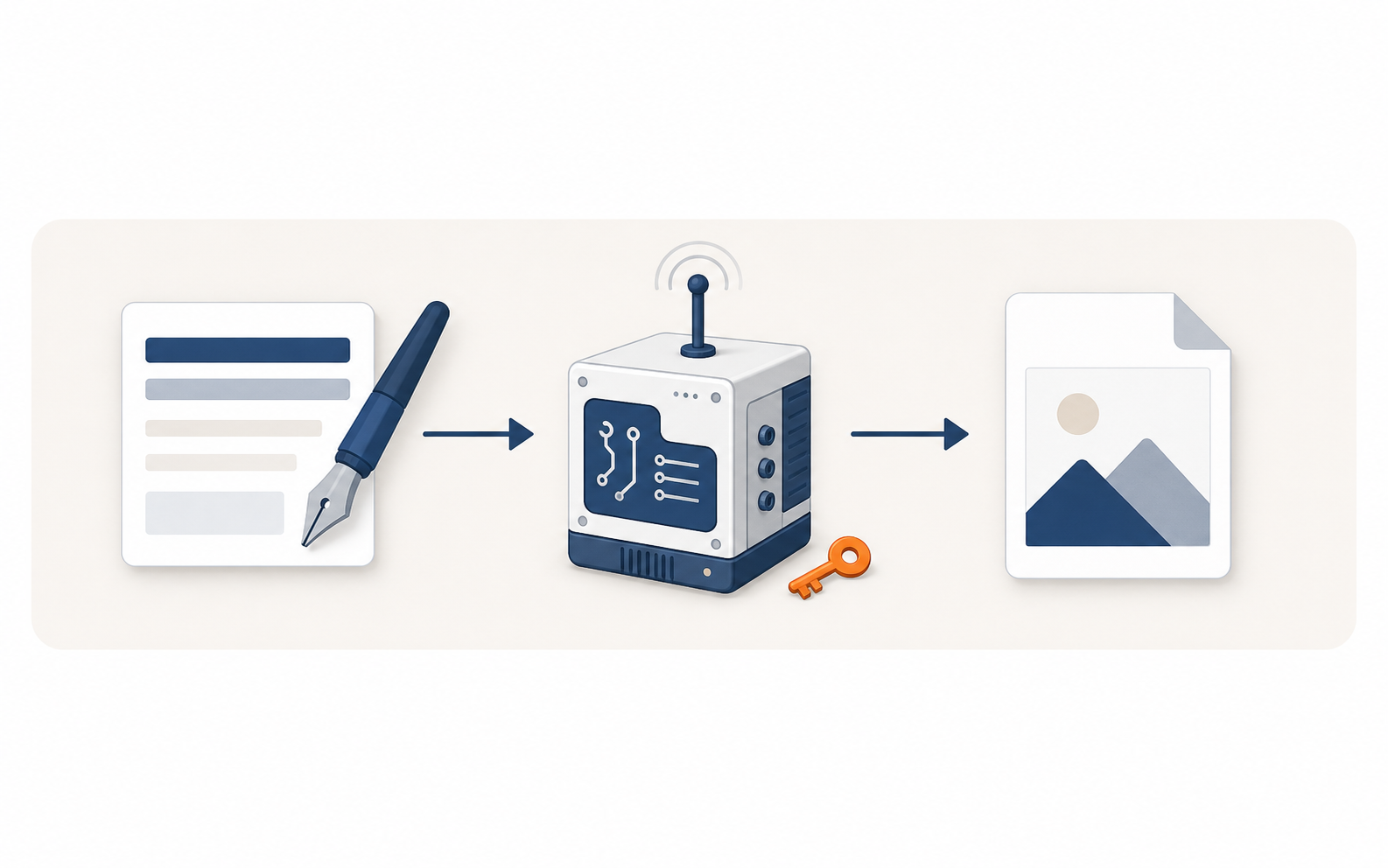
Claude calls Codex; Codex produces the image. The image generation is essentially borrowed via a ChatGPT login.
Multiple images can be queued at once, it takes a while, so run it in the background and keep writing in the meantime. In summary: Claude doesn't draw directly; it borrows Codex (which has drawing capability via its ChatGPT login) as the actual rendering engine.
Images without text are easy, offload numbers to captions
Start with the text-free case: the illustrations used throughout this blog. The rule is that they carry only concept, metaphor, or mood. Numbers and conclusions, anything that "must be said in words", never go inside the image.
Style is locked to a single set: flat vector, navy base, sand/beige tones, and a single orange #ff8649 accent. No text, no numbers, faces vague and without detail. This makes all illustrations within one article look like siblings.
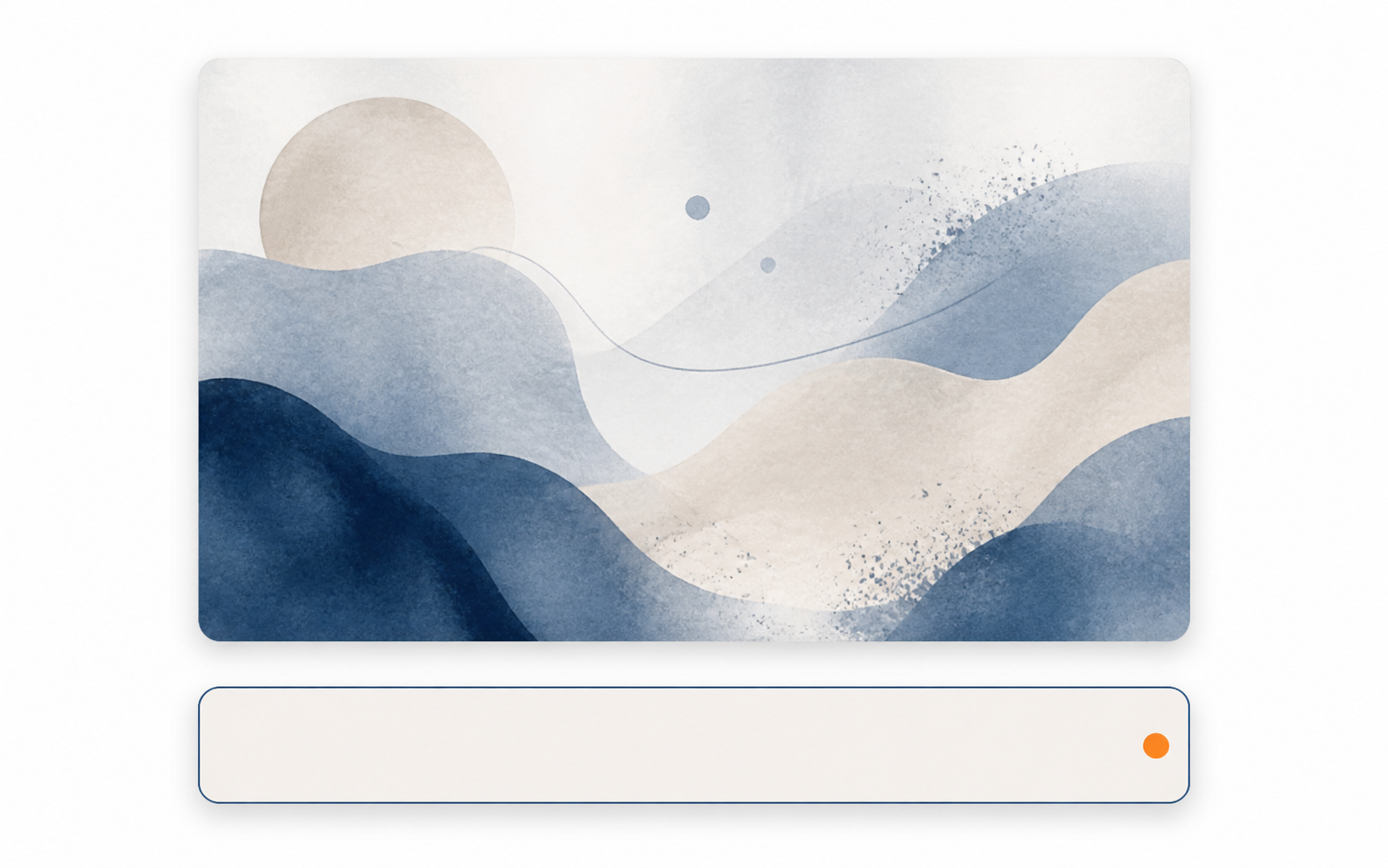
No text in the image. Numbers and conclusions are handled by the caption below.
So where does a figure like "survival rate 30 vs. 10" get stated? The caption directly below the image. The image sets the mood; the number lives in the caption. This is the lowest-effort way to keep text outside the pixels.
Cards that must carry text: code adds the headline outside the pixels
Text-free images are the easy case. The harder problem is cards that must carry text, those sharing cards (OG images) that appear when a link is pasted into a chat. They need a title, a logo, and supporting copy, all crisp.
The same principle applies again. Generate only the background scene with AI, but this time leave one side empty. About 45% of the left is kept clear for text, with only the model and props filling the right half. Code then places the text in that empty space.
Text is written in HTML. A Korean web font renders the headline. A real logo SVG is placed accurately. Key words are colored with the accent. This HTML is then opened in a headless browser (Chrome running without a display window) and photographed to produce a PNG. Since text is drawn by fonts, it's always crisp and dimensions are always exact.
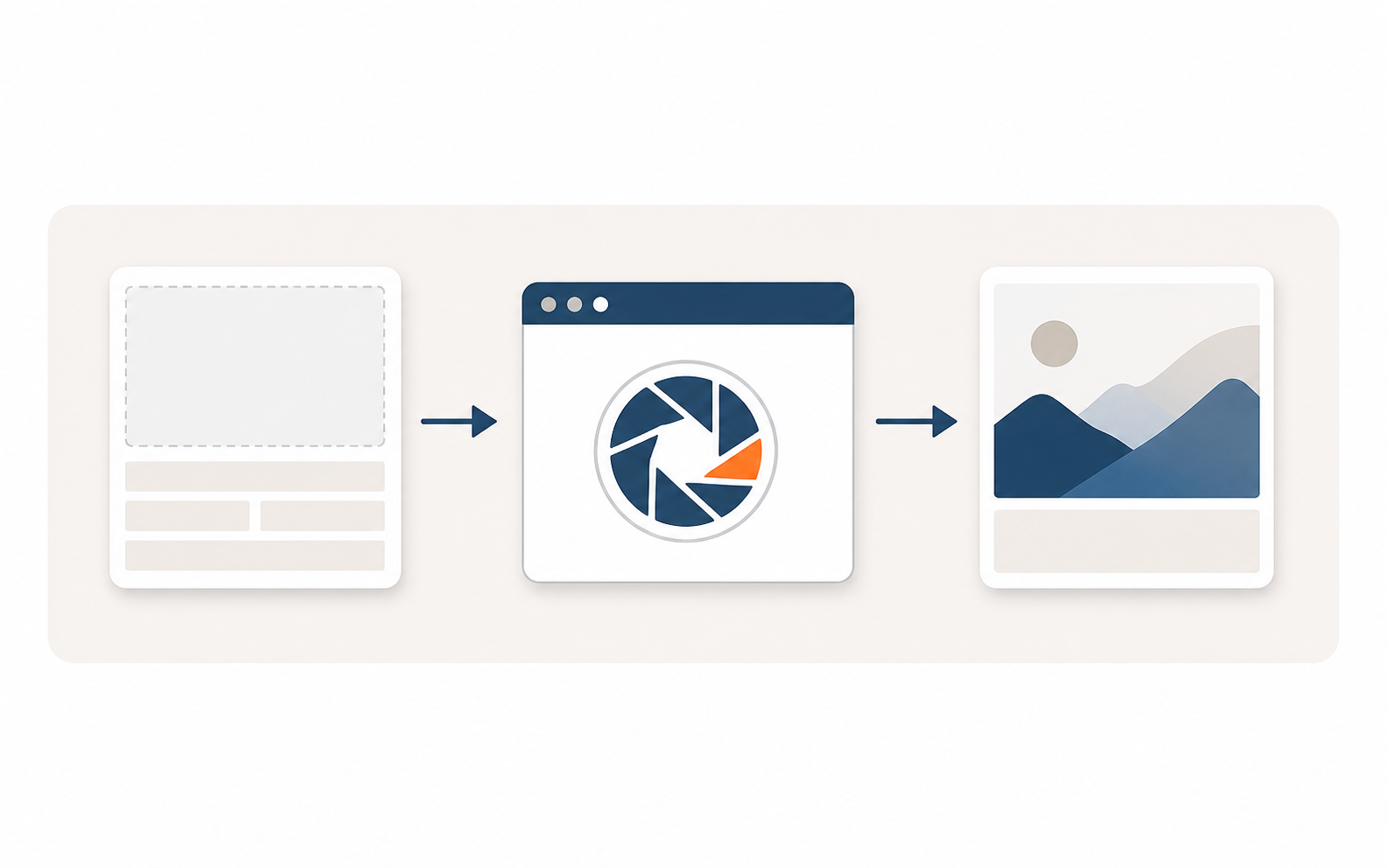
Background from AI, text from HTML. Captured by headless Chrome, the PNG has crisp text.
chrome --headless=new --hide-scrollbars \
  --force-device-scale-factor=1 --window-size=800,400 \
  --screenshot=card.png "file:///.../card.html"
Title length varies per page, so font size is adjusted automatically. With 440px reserved for the left text region, Korean characters are estimated at 1.0 width and Latin characters and spaces at 0.45, and the font is scaled between 40px and 62px. Short titles get large text; long titles shrink just enough to stay on one line without forced wrapping.
The reason to size so generously: KakaoTalk renders sharing cards at roughly 300px wide. For more on designing for that small size (the 9px math, contrast, gaze cueing), see the companion post (Fixing Invisible OG Images). This post focuses only on how to produce the cards.
Korean text broke even in headless, fonts were embedded into the file
When it seemed like everything was done, one more trap was hiding. Headless Chrome draws text using the fonts installed on that computer. So on a machine without the design font, or in a shared file, characters would come out wrong.
The cause is simple: if a font is referenced only by name, any environment that doesn't have that font installed substitutes a fallback. The fix was to embed the font file itself into the HTML as base64. With the font embedded, it travels with the file. The same design font renders on any machine, even offline.
Trap: Headless rendering ultimately relies on fonts installed on the host machine. If the Korean design font isn't embedded, any machine or shared file without the font falls back to a substitute. "It worked fine on my machine" is exactly the symptom you get at this point.
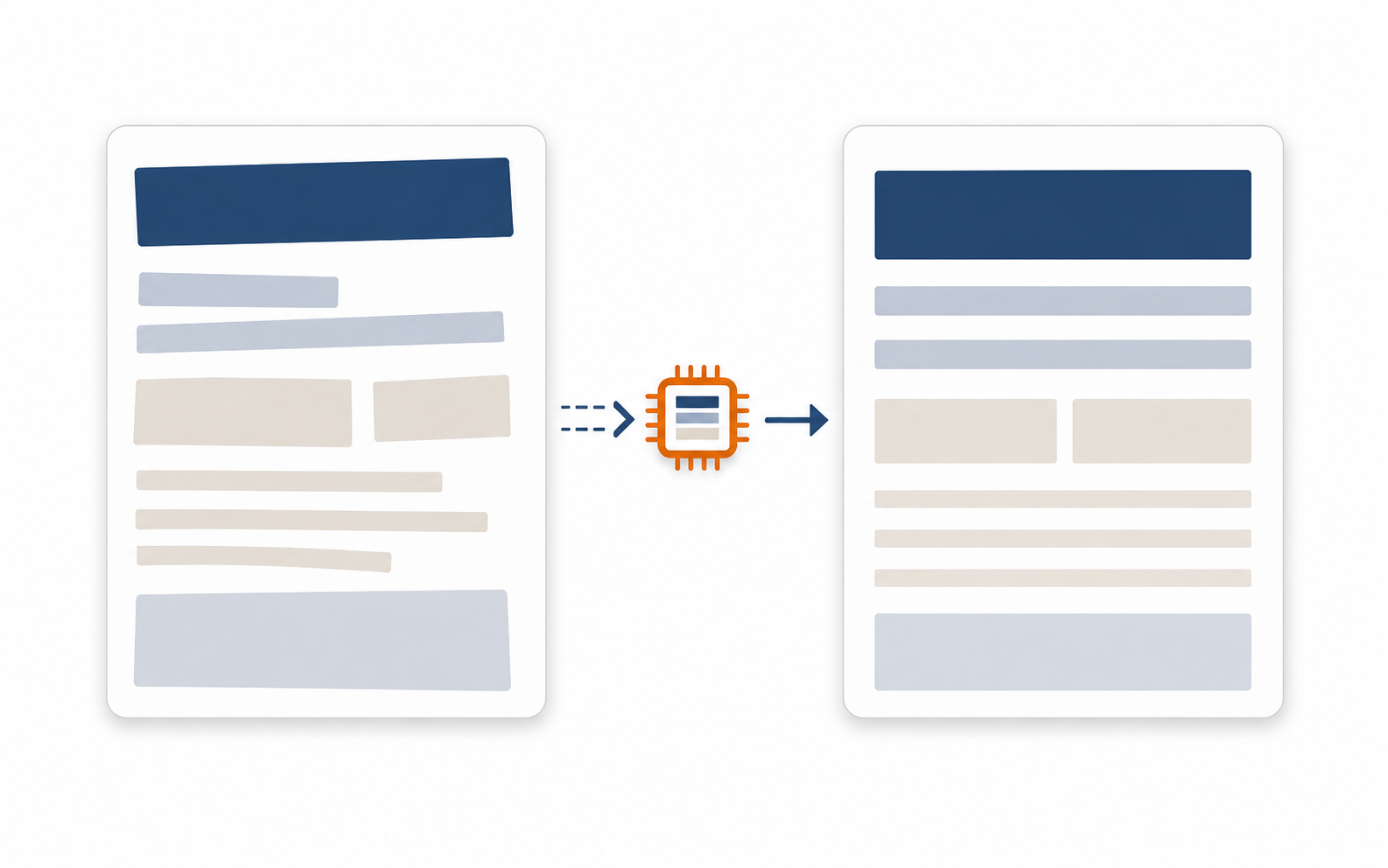
Referencing a font by name breaks on machines without it. Embedding the file makes it crisp everywhere.
The same logic applies to logos and model photos. Use the official SVG or PNG for the logo, not an AI-generated fake. Use the official cut-out (background-removed) photo for the model. Anything that must not break gets placed by code from the accurate original.
Dozens of cards can't be made by hand, two spreadsheet columns do it
Once you have the method for one card, scale is the next problem. Dozens of pages means dozens of cards. Editing HTML one by one quickly becomes unsustainable. So a single spreadsheet becomes the control tower.
Only two columns need filling per card. The scene key column specifies which background to use (by device, feature, or content type). The copy column holds the headline and sub-copy in one cell: // for line breaks, *asterisks* around a word for accent-color emphasis, || before sub-copy. The script reads each row and bakes all the cards at once.
| Column | What to write | Example |
|---|---|---|
| Scene key | Which background scene to use | internet · mobile · apple |
| Copy | Headline, emphasis, line breaks, sub-copy in one cell | Internet Sign-up // Cash Rebate || Apply instantly |
Inside one cell: // breaks a line, *word* renders in accent color, text after || becomes sub-copy. The script parses these markers and places everything automatically.
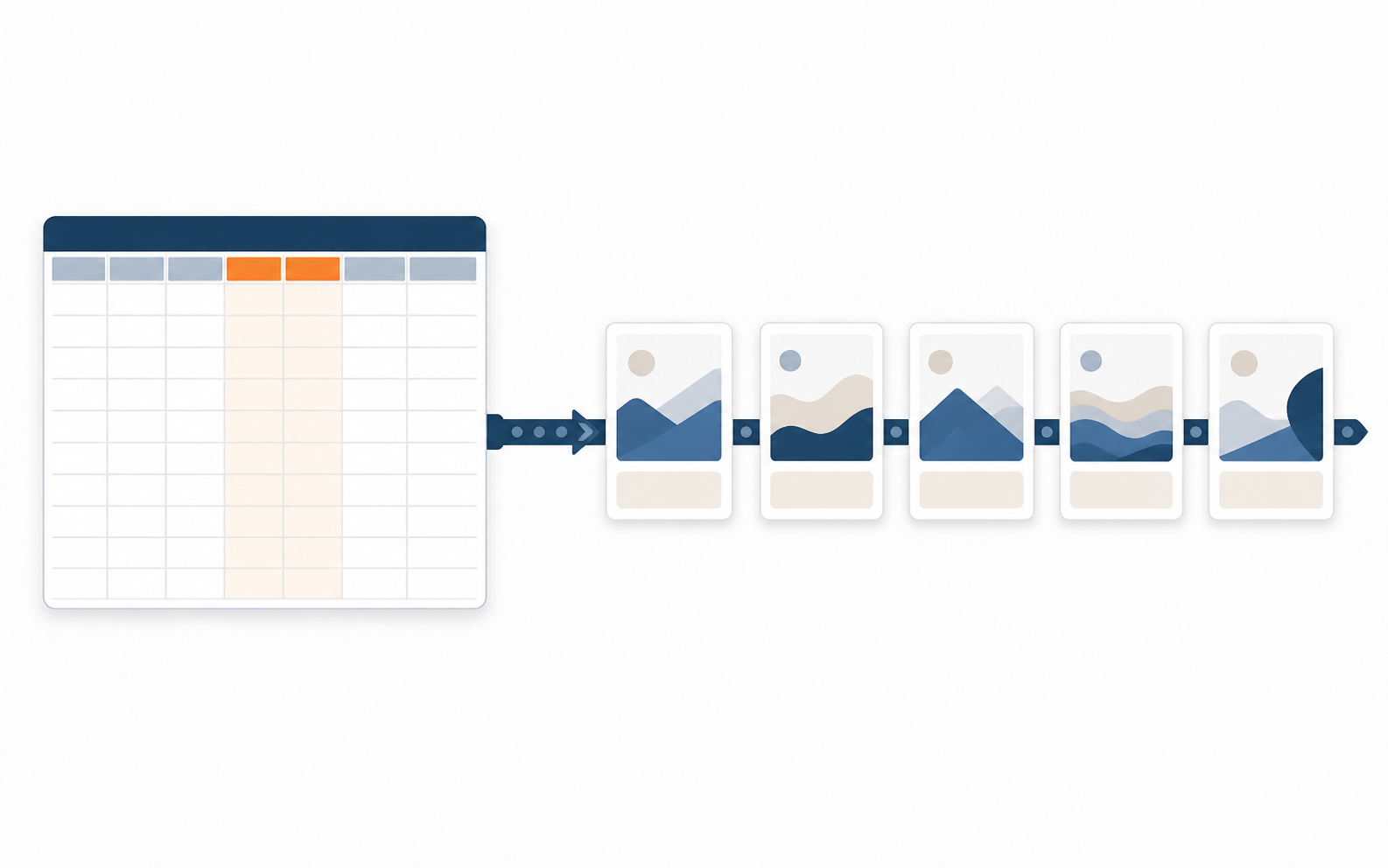
Humans fill two columns, scene key and copy. The script bakes dozens of cards.
The last piece is hosting. Cards only work as OG images when served from a public URL. Push them to a public repository like GitHub and use that URL. One trap remains: swap an image and still see the old card for days. The cache is keyed on the URL, not the file content. Keeping the same URL while changing the file means the platform never knows. Append ?v=2 (or any new version number) to the URL and it's treated as a new address, breaking the cache.

The cache is keyed on the URL. Changing the file without changing the URL changes nothing. Bump ?v= to open the lock.
Summary: when images break next time
It's one pipeline. Don't ask AI for text. Let Codex generate the image, let code place the text outside the pixels, embed fonts into the file, and when volume is high let the spreadsheet do the baking.
- Division of labor: Are you asking AI for text, logos, or exact dimensions? Keep AI to the background only; handle text in code.
- Image generation: Claude has no image generation. Use
codex execwith a ChatGPT-logged-in Codex instance and save the PNG to assets. - Text-free images: Did you put numbers or conclusions inside the image? Pull them out to a caption below (flat vector, navy + orange, no text).
- Text-carrying cards: Leave ~45% of the background empty for text, then write headline and logo in HTML with a Korean font and bake via headless.
- Font: Is headless relying on the system font? Embed the Korean font as a file to eliminate "worked on my machine" bugs.
- Operations and cache: For many pages, use two spreadsheet columns (scene, copy) for batch generation; bump
?v=after any swap.
If you can only remember one thing, make it this:
AI makes the picture. Text lives outside the pixels. Anything that must not break, hand to code.
Sources
- og:image, public URL, cache, re-scraping: Meta Sharing Images
- Open Graph attribute standard: ogp.me
- KakaoTalk link preview cache: Kakao devtalk
- Headless Chrome screenshots: Chrome for Developers, Headless
- Web font file embedding (data URL): MDN @font-face
- Small card readability (9px math, contrast, gaze): Fixing Invisible OG Images
The production method described here (background from AI, text from code, headless baking, spreadsheet batch generation) is a record of how the sharing cards on one real site and the illustrations on this blog were actually made. That AI generators can't handle Korean characters, logos, or exact pixel dimensions is from direct experience (the degree of failure varies by generator and generation). Card dimensions, cache, and re-scraping were confirmed against the primary sources above. Company and brand details have been generalized.
Found this useful? Share it
Latest posts
Kakao Share Thumbnail Not Showing? Here's the Fix (JavaScript SDK 2025)
Learn why Kakao Share thumbnails don't appear even with a valid imageUrl, and fix it using scrapImage to convert your URL into a KAGE CDN URL. Step-by-step guide.
How to Generate CRM User Manuals in 20 Minutes with Claude Code Sub-Agents
Learn how Claude Code sub-agents can analyze your CRM codebase and auto-generate user manuals and visual guidebooks in just 20 minutes. See the real-world results.
GEO Generative Engine Optimization: The Complete 2025 AI Marketing Strategy Guide
Learn what GEO (Generative Engine Optimization) is, how it differs from traditional SEO, and discover 5 proven AI marketing strategies to get cited by AI search engines in 2025.
Related projects
Get new posts by email
Insights on marketing, analytics, and dev, delivered to your inbox.