
Q. If UTM parameters get re-attached to internal links, does that inflate the session count?
No. In both GA4 and Amplitude, the session source locks in at first touch, so re-attaching the same parameters doesn't split the session. In a live test on claude.com, moving across three pages in a row kept the same anonymous ID and the same campaign the whole time (2026-07-10). This re-attachment serves a different purpose entirely, carrying an ad click ID across to a conversion page on a different domain.
Three lines you can use today
- If your conversion domain is separate from your marketing domain, start by defining an allowlist of click IDs (gclid, fbclid, msclkid, and so on).
- Install pixels only on the domain where conversions actually happen, and pass values to the marketing domain through the URL.
- Naver has no gclid, so capture the ci value inside NaPm as your click ID and use it for offline joins.
I Clicked an Ad, and the Tag Followed Me All the Way to the Blog
I clicked a Google ad and landed on Claude's (claude.com) landing page. The address bar carried the usual tags, values like utm_source=google plus a gclid, nothing unusual so far.
But when I clicked from the landing page over to a blog post, the same tags were sitting there again. I hadn't clicked a tagged link, yet the blog URL had a gclid attached to it.
Opening dev tools and checking the network tab, I saw no Google tag requests (GTM or gtag) and no pixel calls. So who kept copying this click ID forward? Using Playwright, I moved through three pages in sequence, from the landing page to the blog, cross-checking network requests and the address bar at every step (2026-07-10).
This post answers three questions: why the parameters keep tagging along, whether this inflates traffic counts, and whether your own product should be doing the same thing.
The Culprit Wasn't the Server. It Was Inside the Browser.
My first suspect was the server. If the parameters were baked in server-side when the response was built, the story would be simple, so I pulled the raw HTML with curl.
It came back clean. The canonical tag only had the parameter-free URL, and there wasn't a trace of gclid anywhere in the body. The server wasn't the culprit.
Next suspect: JavaScript. Digging through the site bundle, I opened one Next.js chunk (8c63d2c26586bdb1.js) and found exactly what I was looking for.
Here's the logic. When a page opens, it picks out only a predefined set of parameters from the address bar's query string and stores them in sessionStorage (a temporary browser drawer that automatically empties when the tab closes). It expires 30 minutes after storage, on a rolling basis.
After that, it walks every link (every `a` tag) on the page and re-attaches the stored parameters. To catch links that get added later, it also runs a MutationObserver (a browser API that watches the page structure change in real time) for 10 seconds.
Was 30 minutes just a random number? The analytics tools (Segment, Amplitude) also use a 30-minute window to define a session boundary (analytics_session_id), so the campaign label's lifespan was simply matched to the session's lifespan. When the session ends, the label dies with it.

the server response was clean. The decoration happens after load, via JavaScript, with a 30-minute expiry in sessionStorage.
Not Just Any Parameter Gets In, Only a 12-Slot Basket
But this script doesn't grab every single parameter in the address bar. I pulled the allowlist straight out of the code.
["utm_source","utm_medium","utm_campaign","utm_content","utm_term",
 "gclid","dclid","gbraid","wbraid","fbclid","msclkid","li_fat_id"]
Five UTM fields (who, which path, which campaign, which creative, which keyword brought them in) plus seven click IDs, exactly 12 slots. The click IDs cover four from Google (gclid, dclid, gbraid, wbraid), one from Facebook (fbclid), one from Microsoft (msclkid), and one from LinkedIn (li_fat_id).
Meanwhile, diagnostic parameters that the same Google ad automatically appends, things like gclsrc, targetid, gad_source, gad_campaignid, aren't on the list at all, they get dropped entirely. It only keeps the signals needed for attribution (tracing which visit led to which revenue) and treats everything else as dead weight.
Decorating links also follows rules. Phone (tel:), mail (mailto:), in-page anchors (#), PDFs, and image links all get skipped. Only same-domain links (claude.com and its subdomains) get decorated, and if a link already carries parameters, they're never overwritten.
And links to claude.ai, the conversion domain, are treated as a special exception. All UTM values get dropped, and only three click IDs (gclid, gbraid, wbraid) get attached. That exception is exactly what led to the next discovery.
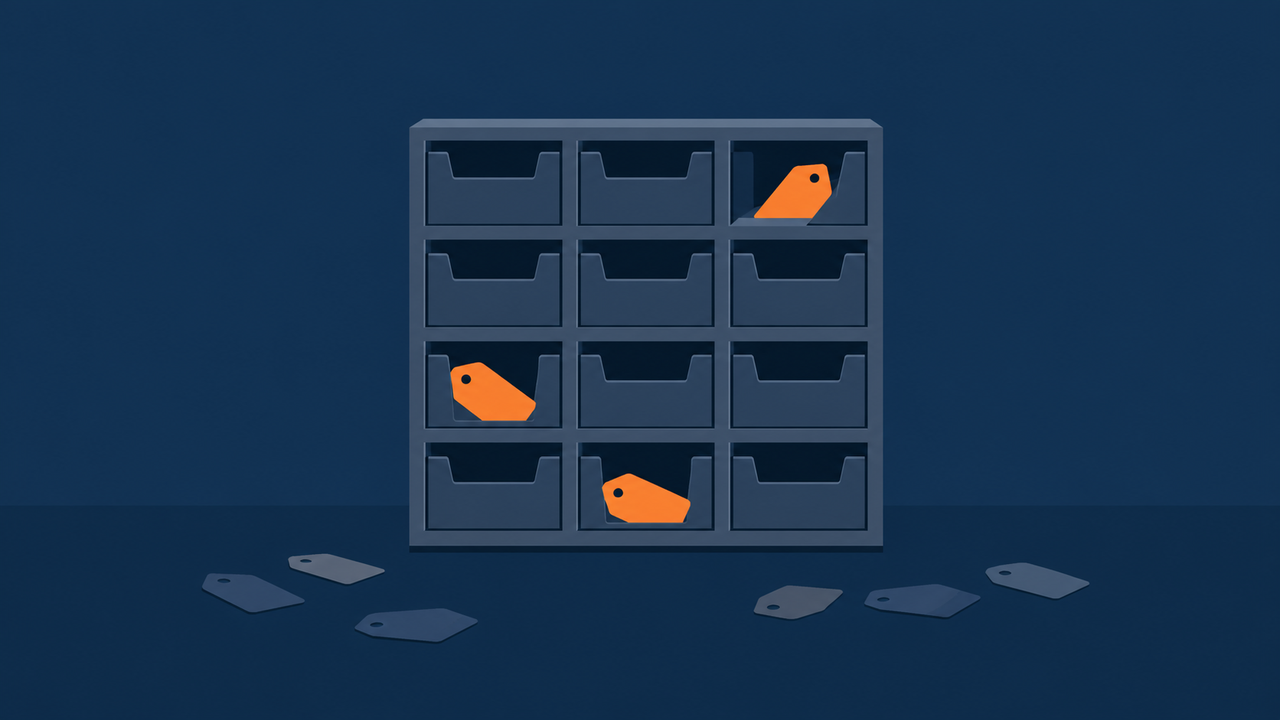
five UTM fields plus seven click IDs, only 12 slots make it in. Everything else gets discarded.
There Was a Secret Passage Hiding Behind the Sign-Up Button
The allowlist is only half the story. Open a link from claude.com to claude.ai (the conversion domain where sign-up and login actually happen), and a path that was invisible before the click suddenly appears. Reopening the href showed a shape like claude.ai/redirect/{a long string}/original-path.
Trying to follow this path with curl returned a 403. A headless browser was blocked too. Cloudflare had a human-vs-bot challenge in place, and it only passed through with a real, headed Chromium browser with an actual screen.
Following it all the way through, here's what happened. Hitting /redirect/{ID}/code?gclid=X resolves to a final URL of claude.ai/code?gclid=X. That means the server consumes that long ID, discards it, and leaves only the click ID behind.
Checking the ajs_anonymous_id cookie newly planted on claude.ai, the exact same anonymous ID used on claude.com had carried over, character for character. Identity had crossed the domain boundary intact (identity stitching).
And claude.ai stores the incoming gclid in its own cookie (_ant_gclid). It's setting up a place to pull that cookie from the moment the actual conversion, the sign-up, happens.
There's an interesting contrast here too. claude.ai has the cookies Google's tag leaves behind (_gcl_au, _gcl_aw), while claude.com doesn't. The marketing site runs pixel-free, and tags only get planted on the site where conversion actually happens. Pixels only on the conversion domain, that's the minimal-install principle at work.
Opening the Segment settings, claude.com and claude.ai shared a single writeKey (the access key for the analytics tool). As long as the anonymous ID matches, behavior on both domains automatically piles into one profile. The connected destinations branched five ways, Amplitude (product analytics), Iterable (marketing messaging), Hubspot (B2B CRM), Podscribe (podcast ad attribution), and a proprietary webhook, but none of these paths showed a destination that looked like a Google Ads conversion upload. It looks like conversions get uploaded to Google separately on the server side, but that's not something observable from the outside, so I'm leaving it as an inference only.

the redirect path consumes the anonymous ID and leaves only the click ID behind, stored in a conversion-domain cookie (_ant_gclid).
Why Go This Far: There Are Exactly Two Things Cookies Can't Do
At this point, it's fair to wonder why anyone would bother with something this elaborate. Wouldn't a single cookie do? But there are exactly two things cookies can't do, and that explains the entire design.
First, cookies can't cross domains. Browsers block claude.ai from reading a cookie that claude.com planted, a basic security rule that stops one site from snooping on another site's cookies. So if an ad click ID is only saved as a cookie on claude.com, the moment a visitor moves to claude.ai, that information simply cuts off.
Second, Safari's ITP (Intelligent Tracking Prevention, a policy Apple built into Safari to curb ad tracking) caps the lifespan of any cookie planted by JavaScript at 7 days. For someone who clicks an ad and takes over a week to think it over before signing up, the cookie is already gone by the time they convert.
Three more motives layer on top of this. Routing analytics requests through its own domain (a-cdn.anthropic.com, as seen elsewhere) suggests an intent to dodge ad blockers, a desire to hold first-party data directly instead of leaning on third-party cookies, and privacy-oriented branding built around using as few pixels as possible.
In the end, the URL is the only carrier that gets around both the domain boundary and cookie lifespan limits at once. That's why everything covered in sections 1 through 4, the allowlist, the 30-minute expiry, the redirect stitching, is all built around a single URL.
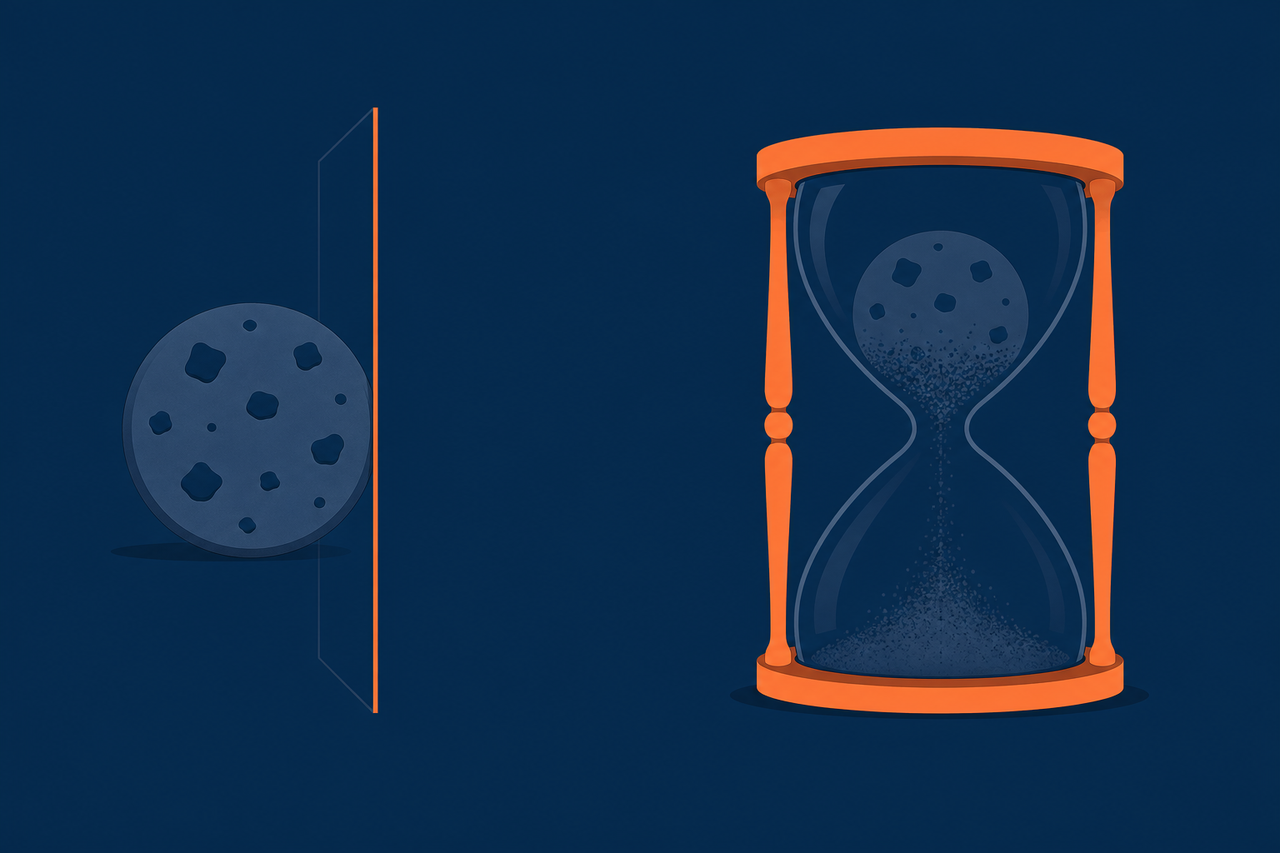
two things cookies can't do, cross a domain boundary, or survive more than 7 days on Safari.
Reject Consent, and Exactly How Much Shuts Off
With tracking this sophisticated, it's natural to wonder what's left once someone rejects consent. I planted a direct rejection of analytics and marketing in the consent cookie (anthropic-consent-preferences) and reloaded the page (2026-07-11).
| Feature | With consent rejected |
|---|---|
| tracking_params storage (sessionStorage) | Kept (unaffected by consent) |
| Same-domain link UTM decoration | Kept (unaffected by consent) |
| claude.ai link redirect anonymous ID | Removed (fully clean) |
| claude.ai link click ID attachment | Removed |
| Segment / Amplitude firing, beacons | 0 events |
The line was clear-cut. A campaign label (something like utm_source=google) is just a string with no identity attached, so it sits outside consent and stays intact. But the moment identity (the anonymous ID) and a click ID cross a domain boundary, that act makes a specific person trackable, so it falls inside consent, and rejecting consent cuts it off instantly.
If you're working through a consent-management design, this boundary is a useful reference. Campaign labels don't need gating, only the cross-domain movement of identity and click IDs does.
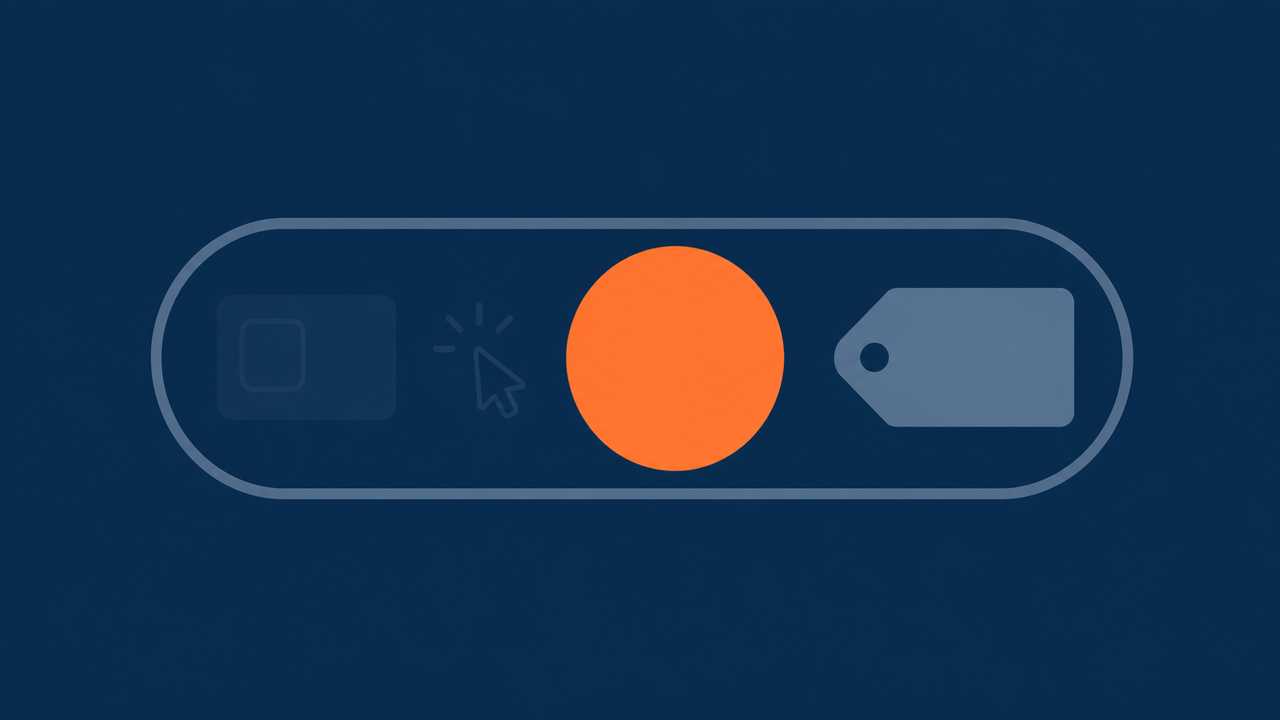
reject consent, and only the campaign label survives, identity, click IDs, and beacons all drop to zero.
OpenAI Was Doing the Exact Same Thing
To check whether this was a Claude-only quirk, I ran the same setup (a landing visit with UTM plus gclid attached) on four more sites (2026-07-11).
| Site | Internal link decoration | Cross-domain transport | Storage method | Google tag |
|---|---|---|---|---|
| claude.com | Full UTM set | Redirect path + click IDs to claude.ai | sessionStorage, 30 min | None (only on claude.ai) |
| openai.com | None | Attaches gclid + a device ID (openaicom-did) + a referral flag (openaicom_referred) to chatgpt.com links | Unconfirmed | None |
| vercel.com | None | Not applicable (single domain) | localStorage utmValues {currentUtm, prevUtm} | None |
| notion.com | None | Not applicable | localStorage adClick {type:"google", id:gclid} + _gcl_ls | Present |
| stripe.com | None | None (observed) | None (observed) | None |
One rule split the pattern every time. When the marketing domain and the conversion domain are separate, sites carry the data through a URL, whether that's Claude's path-based approach or OpenAI's query-based one. When it's a single domain, they just bury it in storage, as with Vercel's utmValues and Notion's adClick. The domain structure alone decided which fork a site took.
Vercel keeping both a current and a previous value (currentUtm/prevUtm), and Notion storing a {platform, click ID} structure, are both worth studying if you're going down the storage-based route.

when conversion domains diverge, carry data by URL. When it's one domain, store it.
Naver Has No gclid, But It Has NaPm
Everything up to this point has been about the Google ecosystem. What actually matters for marketers here is Naver. I directly clicked our own service's Naver branded-search ad on a flat-rate plan (a product where extra clicks don't cost more), a condition that let me test freely without worrying about the bill.
NaPm=ct={click timestamp}|ci={click ID}|tr={type}|hk={hash}|nacn={browser identifier}Clicking twice from the same browser and comparing the two landing URLs side by side, only the ci value changed while nacn stayed the same. ci is a value freshly issued on every single click, essentially Naver's version of gclid. nacn is a value fixed per browser (device).
tr=brnd marks it as a branded-search product. I didn't click Powerlink, the performance-based ad product, this time since it requires prepaid balance, but any advertiser can check it directly in their ad system dashboard.
That NaPm is a parameter tied into Premium Log Analysis is common knowledge in the industry, but Naver's official documentation (the search ads training page) was blocked, so I couldn't confirm it as a primary source. The structure written above, though, is a value I measured directly.
I also opened the same branded-search landing page from an industry peer (anonymized, an internet-plan comparison service). It had a fine-grained UTM setup, splitting utm_campaign by channel and device like bsa_naver_pc, and even giving each sub-link its own utm_content.
For storage, a single MMP (mobile measurement platform, a tool that tracks ad performance across app and web in one place) called Airbridge stored the entire landing URL (NaPm included) in localStorage with a 3-day expiry, and separately double-stored the utm values in sessionStorage too. It also used GA4 and a Google tag alongside this, but unlike Claude, it didn't decorate links, a real-world implementation of the storage camp.
If you capture NaPm (at least ci and tr) alongside UTM on the landing page and store it, it opens a path to joining offline revenue at the click level (using a click ID as the matching key in something like BigQuery), even on Naver, which has no conversion API. This was the single most practically useful finding from this whole exercise.
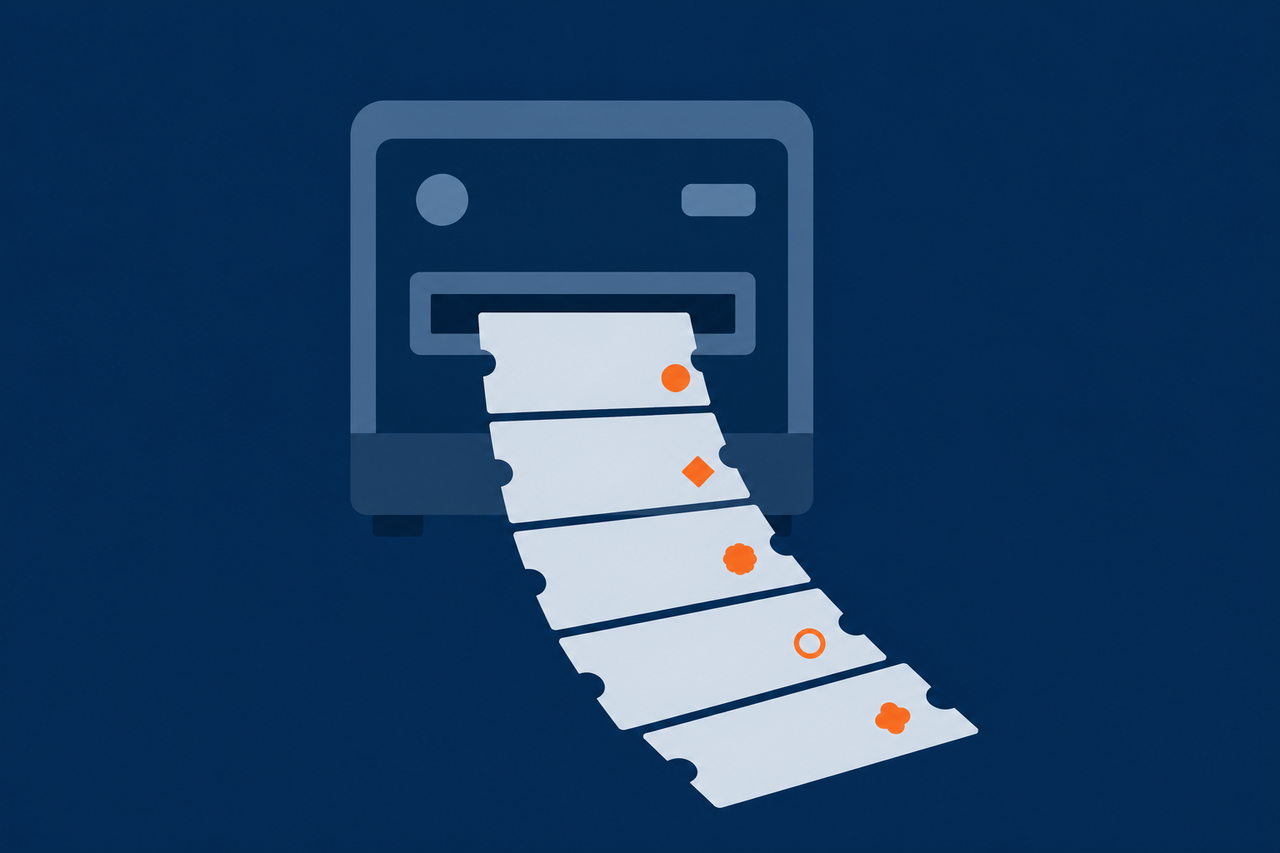
the ci value inside Naver's NaPm, a freshly stamped Naver-style gclid on every click.
Thirty Seconds Is Enough to Tell If Your Site Needs This
Having gone through Claude, OpenAI, and Naver, let's turn this around and point it at your own site.
Three questions decide it. Is the domain where conversion happens separate from the landing page? If so, you'll need URL-based transport. Do you need attribution down to the individual lead, not just the campaign? If so, you'll need to keep even a single click ID alive. Is the distance from landing to final submission long? If the journey crosses several pages, or a visitor comes back days later, session cookies alone won't be enough.
The implementation isn't as big as it sounds. Around 40 lines of code is enough to drop in as a GTM custom HTML tag. Start by defining the allowlist, then on page load pull only the values in that list from the address bar into sessionStorage with an expiry timestamp, walk same-domain non-static-file links without overwriting existing values, re-decorate with a MutationObserver if it's an SPA, and keep the canonical tag pointed at the parameter-free URL.
- Domain separation: does conversion happen on a different domain? Build the mechanism that carries click IDs by URL instead of cookie first.
- Lead-level attribution: do you need to trace down to the individual lead, not just the campaign? Make sure click IDs are in your allowlist, and back them up in a separate, non-expiring store.
- Naver click ID: running Naver ads too? Capture the ci value inside NaPm alongside your UTM values and secure it as your offline-join key.
If you only take one thing away, let it be this.
Where a pixel can't cross, a URL can, so the URL is the one thing that can't be allowed to disappear.
The foundational concepts behind this experiment are covered at a beginner level in the "Intro to Digital Marketing Analytics" series. See UTM Parameters, the Complete Basics, how conversion tracking actually works (pixels, click IDs, server-side), and for the areas tracking simply can't reach, the dark funnel tracking guide.
Once loss is prevented, value quality is next. The UTM convention and BigQuery audit piece covers writing conventions in two layers and the traps in dynamic parameters filled by ad platforms. Counting off-site clicks through a redirect domain is covered in the off-page measurement piece.
Sources
- claude.com live test (Playwright network analysis, sessionStorage and beacon checks, 2026-07-10): claude.com
- Link decoration logic source (Next.js bundle chunk 8c63d2c26586bdb1.js, 2026-07-10): claude.com
- claude.ai redirect tracing + consent-rejection experiment (headed Chromium, 2026-07-11): claude.ai
- 4-site benchmark (identical UTM+gclid landing conditions, 2026-07-11): openai.com, vercel.com, notion.com, stripe.com
- Naver branded-search click test (flat-rate, no extra charge, 2026-07-11): searchad.naver.com
Some examples have been anonymized (industry peer A). Google's server-side conversion upload isn't observable from outside, so it's left as an inference, and the link between NaPm and Premium Log Analysis is written based on common industry knowledge and directly measured structure, without official documentation to confirm it.
Found this useful? Share it
Latest posts
Kakao Share Thumbnail Not Showing? Here's the Fix (JavaScript SDK 2025)
Learn why Kakao Share thumbnails don't appear even with a valid imageUrl, and fix it using scrapImage to convert your URL into a KAGE CDN URL. Step-by-step guide.
How to Generate CRM User Manuals in 20 Minutes with Claude Code Sub-Agents
Learn how Claude Code sub-agents can analyze your CRM codebase and auto-generate user manuals and visual guidebooks in just 20 minutes. See the real-world results.
GEO Generative Engine Optimization: The Complete 2025 AI Marketing Strategy Guide
Learn what GEO (Generative Engine Optimization) is, how it differs from traditional SEO, and discover 5 proven AI marketing strategies to get cited by AI search engines in 2025.
Related projects
Get new posts by email
Insights on marketing, analytics, and dev, delivered to your inbox.