
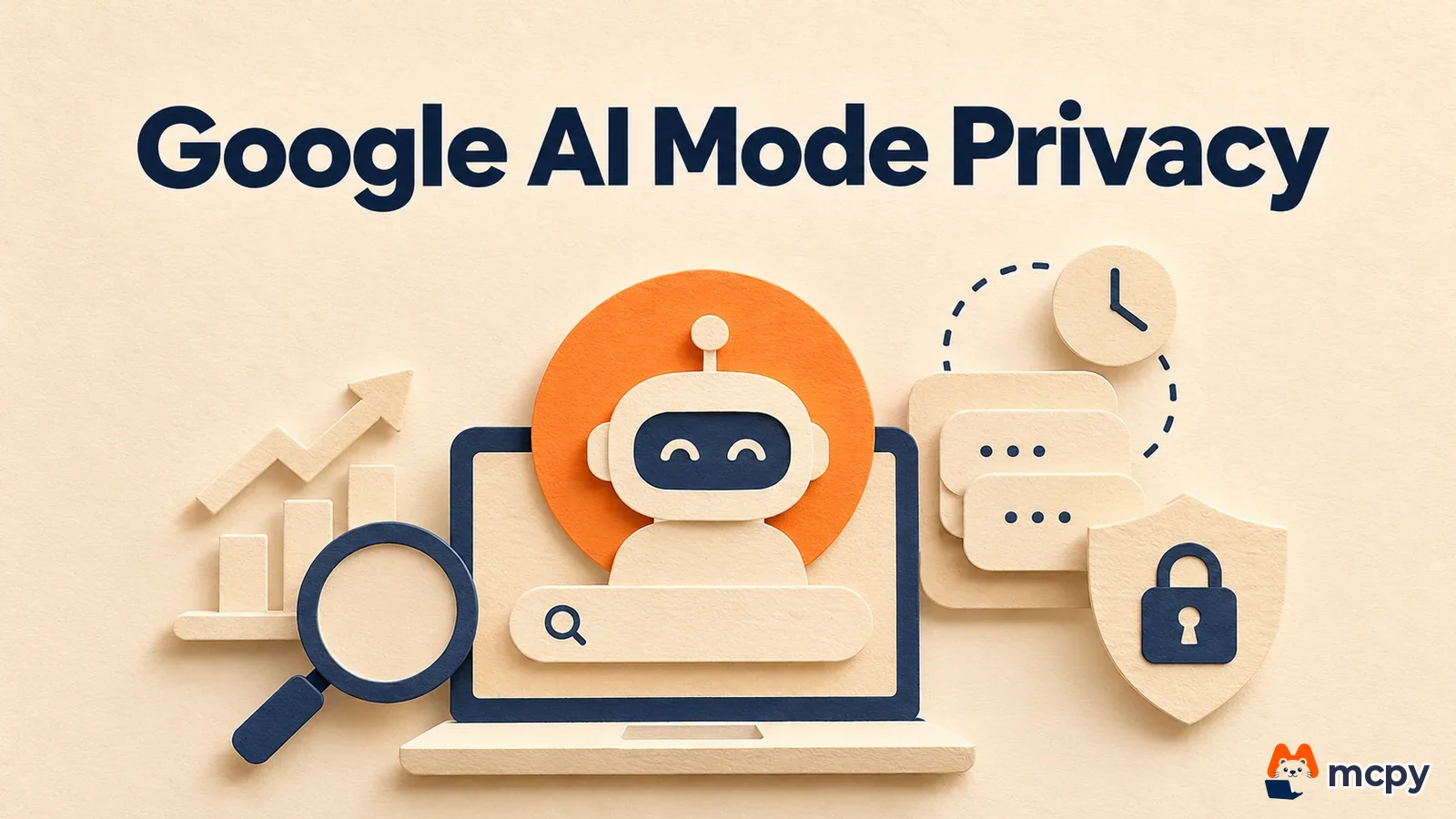
Google AI mode privacy now has a dedicated option: the temporary thread. It lets you chat with AI Mode without saving the chat to your search history and without using your past preferences. In its announcement on November 17, 2026, Google said it is rolling out gradually worldwide to AI Mode in desktop and mobile browsers. You do not need to change any settings. Tap the icon at the top right of AI Mode to start, and the conversation disappears when you close the thread.
Google added temporary threads to AI Mode, for questions you do not want saved.
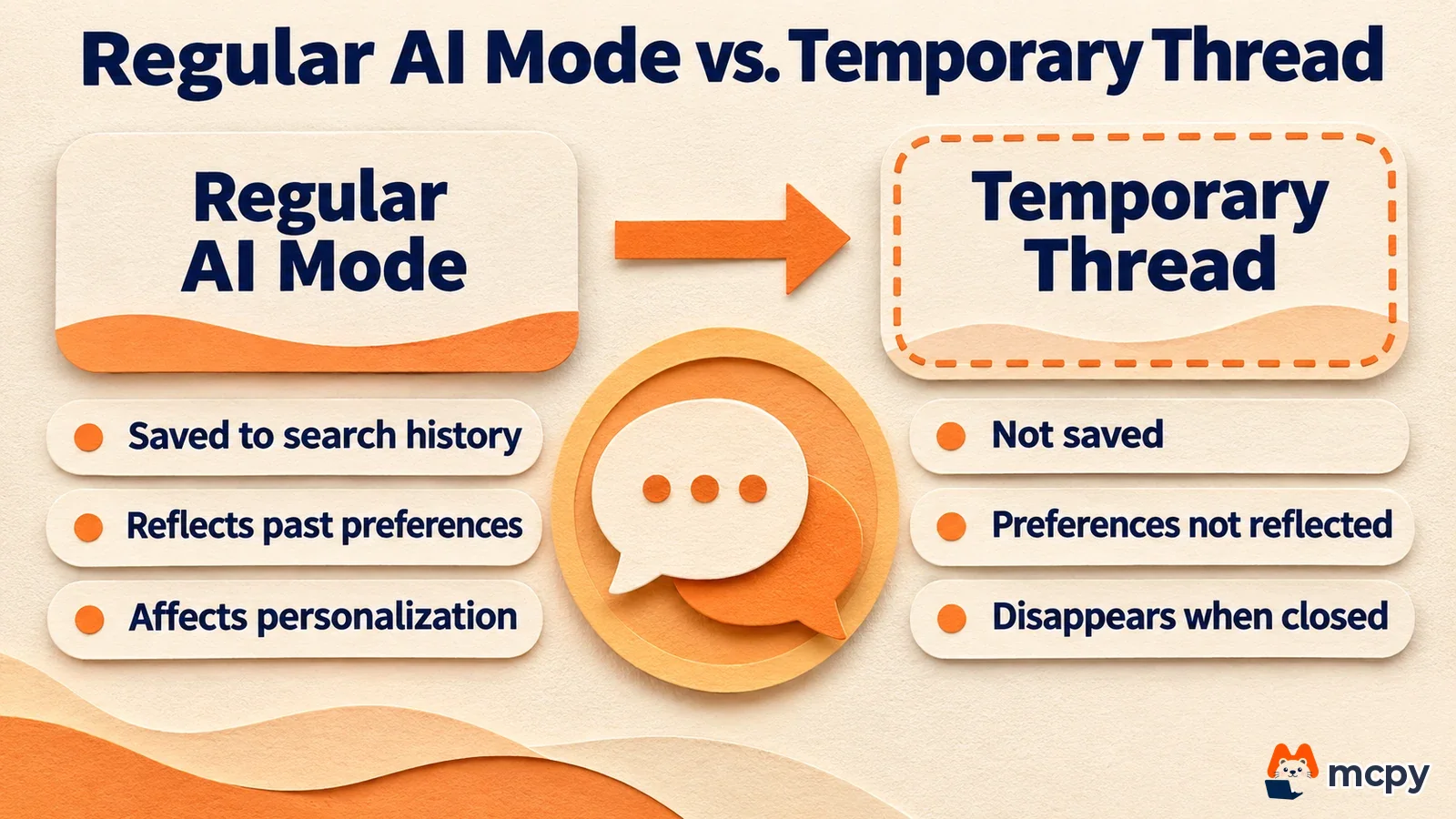
A temporary session is separated from your account, so past preferences do not shape the answer, the chat does not affect future personalization, and it is not saved to your search history.
It is rolling out gradually in every language AI Mode supports, on desktop and mobile browsers, so the icon may appear at different times for different accounts.
Google AI mode privacy: how to turn on and close a temporary thread
According to Google's announcement, you tap the temporary thread icon in the top right corner of the AI Mode screen and start asking. When you finish, close the thread and return to normal search. The image below is the demo from the announcement. The prompt "Try temporary thread" appears above the icon.

There are three steps. First, open Google AI Mode in your browser. Next, tap the temporary thread icon at the top right and ask your question. Finally, close the thread when you are done. Google calls it a gradual rollout, so the icon may not be visible yet. In that case, you can ask in regular AI Mode, but keep in mind that those chats are saved. The announcement does not say whether it is available in apps. A simple way to check: open a thread, ask a question, close it, and look at your Google search history to see whether the question was kept.
Regular AI Mode vs. temporary thread: what is different
A thread is one connected conversation of questions and answers in AI Mode. Personalization means using your past searches and tastes in the answer. The difference with a temporary thread is in saving and personalization. Google explained that because the session is fully separated from your account, the following things do not happen.
| Item | What happens in a temporary thread |
|---|---|
| Past preferences | Not used in the answer |
| Future personalization | This chat has no effect |
| Search history | Not saved |
| After you close the thread | The conversation disappears |
Google's own examples are brainstorming surprise gift ideas and looking up things you do not want to resurface later in your history or recommendations. In short, use it for topics that would be awkward to see again on a recommendation screen.
What marketers and site owners should watch
The announcement says nothing about site visibility, Search Console reporting and how AI Mode shows links, or how citations work. So nothing is known yet about how temporary threads affect your site's exposure in AI Mode. What is certain is that these chats are left out of user search history and personalization.
Here is one way to use it, and it is our own suggestion. Normal logged-in AI Mode answers can be mixed with your past search tastes. As part of an SEO, AEO and GEO check (in Korean) that builds reasons for AI search to cite you, you can also use a temporary thread when testing how AI Mode answers questions about your brand or products. That gives you a separate answer that is less affected by personalization. Ask the same question in regular AI Mode and in a temporary thread, then compare the cited sources and the order of mentions in a table. The announcement does not guarantee that a temporary thread answer is a fully identical, non-personalized result, so treat any differences as reference material only.
The way AI Mode shows site links changed separately last month. We covered the details in our post on the overhaul of link display in Google AI Mode and AI Overviews.
Common misunderstandings about temporary threads
If you treat a temporary thread as fully anonymous search, you expect more than it offers. What Google stated goes only as far as this: the session is separated from your account, is not saved to search history, and is not used for personalization. The announcement does not say what data remains on servers or how long it stays, or how the chat looks on the same device or network. Know this scope before you handle sensitive topics. Also, the conversation disappears when you close the thread, so copy any answer you need before closing.
Frequently asked questions
Does a temporary thread leave nothing at all in my Google account?
Google said the session is separated from your account and is not saved to search history. The announcement does not say what data remains on the server side or how much.
Can I use it in Korean?
Google said it is rolling out gradually in every language AI Mode supports. Korean AI Mode falls within that range. Because the rollout is gradual, the icon may appear at different times for different accounts.
Can I keep asking follow-up questions after closing a thread?
Google said the thread disappears when you close it. Copy anything you need before closing.
Found this useful? Share it
Related posts
Related projects
Get new posts by email
Insights on marketing, analytics, and dev, delivered to your inbox.