
Google AI Mode link changes: who should check what
Google announced on October 15, 2026 that it changed how links appear in AI Mode and AI Overviews. Site owners should re-check where their pages show up in AI answers and what that link looks like. Think of a restaurant. Before, the shop name was in small print at the bottom of the map. Now there are more big signs at the door and photo menus. Google Search is making links stand out more inside the screen that shows the answer. But the countries and start dates differ by feature, and most are not stated in the announcement.
What changed Google announced more inline links in AI answers, a test of a dedicated section for official webpage links, a wider news carousel, thumbnails for related links at the end of answers, and a test of creator and publisher name links in video results.
Who is affected Owners of news, blog and video sites, and service or brand sites that serve as the official destination.
What to do now Check changes in AI feature impressions in Search Console. Creators and publishers should check whether they are eligible for a Search profile.
5 changes to AI Mode links
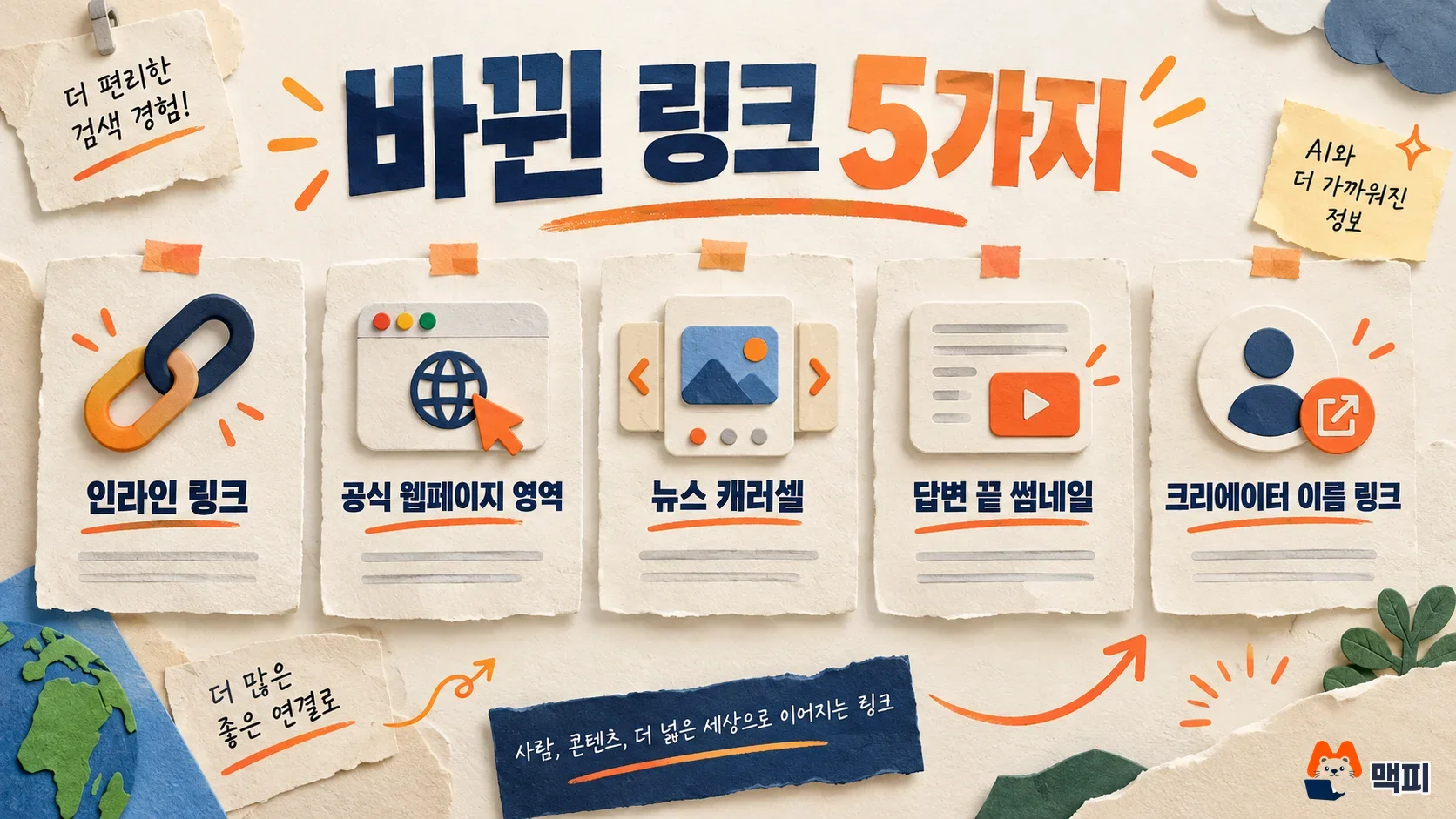
According to the official Google blog post by Hema Budaraju, a Google vice president of product, there are five changes. In the table, countries, languages and start dates are listed only where the original post states them.
| Change | Details | Status |
|---|---|---|
| More inline links | Keeps adding links on words and phrases in the answer, and shows key sources near the top of the answer more often | Described as live, no country or timing given |
| Dedicated official webpage section | Shows official site links needed for a specific task in a separate section at the top of the answer, with a note on why the link is useful | Test planned, no country or timing given |
| News carousel | Expands the carousel of timely articles to more regions and languages and highlights Preferred Sources | Rollout started, no country list given |
| Related links at the end of answers | Changes links at the end of some AI answers to a more prominent format with thumbnails | No country or timing given |
| Name links in video results | In AI Mode video results, tapping a creator or publisher name opens their Search profile | Test starts this week, no country given |
Google describes an inline link as "a link placed on a word or phrase in an AI answer." What this post newly promises is the position and look of links. It does not give the percentage increase in links or how much clicks grew.
Does this apply to your site: impact by type
News and magazine-style sites are affected most directly. The article carousel sits above the AI answer, and outlets that users have set as preferred sources get highlighted. For video creators and publishers, name links lead to a Search profile. You can check the eligibility conditions in the Search profile announcement and the Google help page.
The dedicated section matters when users look for an official site to complete a task, such as booking, applying or looking something up. Google said it will show why each link is useful in this section. General information blogs get no new dedicated section. Their exposure may change through inline links and end-of-answer links. The announcement does not say whether this applies in Korea, so check changes in local impressions yourself with the steps below.
What to do now: check AI feature impressions and clicks
- Open the Performance report in Search Console and export impressions and clicks by query for the last 28 days. Split the daily impression and click trend around the announcement date (October 15) and compare.
- Pick 5 to 10 core queries and search them on Google yourself. Note whether your site link appears inline in the AI answer or at the end of it. Check the same queries again a week later and compare whether the position changed.
- If your team makes video or other content, check the help page to see whether you are eligible for a Search profile, and prepare the profile information that the name link will point to.
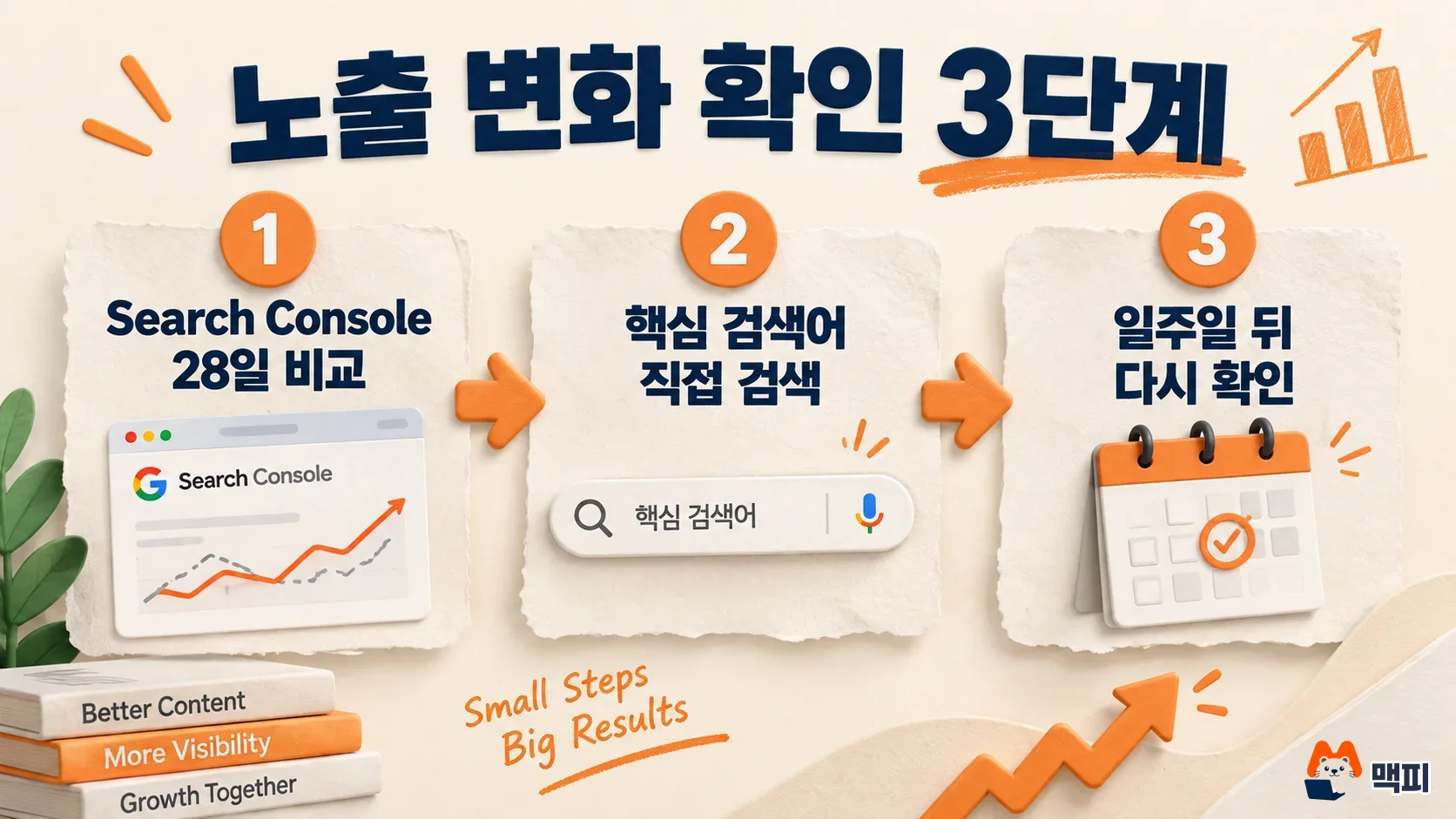
A good success criterion is to record, for 2 to 4 weeks after the announcement, the position of your links in AI answers together with the impression and click changes over the same period. If you see clicks fall while AI answer exposure rises, the link format change likely has a large effect. We also covered how AI features relate to site revenue in our summary of the Google AI contribution pilot.
What to watch next
The dedicated official link section is still in testing, so its look may change. When Google publishes the country and language scope, we will add an update to this post.
Frequently asked questions
Will more AI Mode links mean more clicks?
Google only said it is showing more links. It did not publish a click increase rate. Compare impressions and clicks in Search Console yourself.
How do I set Preferred Sources?
Preferred Sources is a feature where users pick the outlets they want to see more often in Google Search. The announcement only said the news carousel highlights them.
Found this useful? Share it
Related posts
Related projects
Get new posts by email
Insights on marketing, analytics, and dev, delivered to your inbox.