
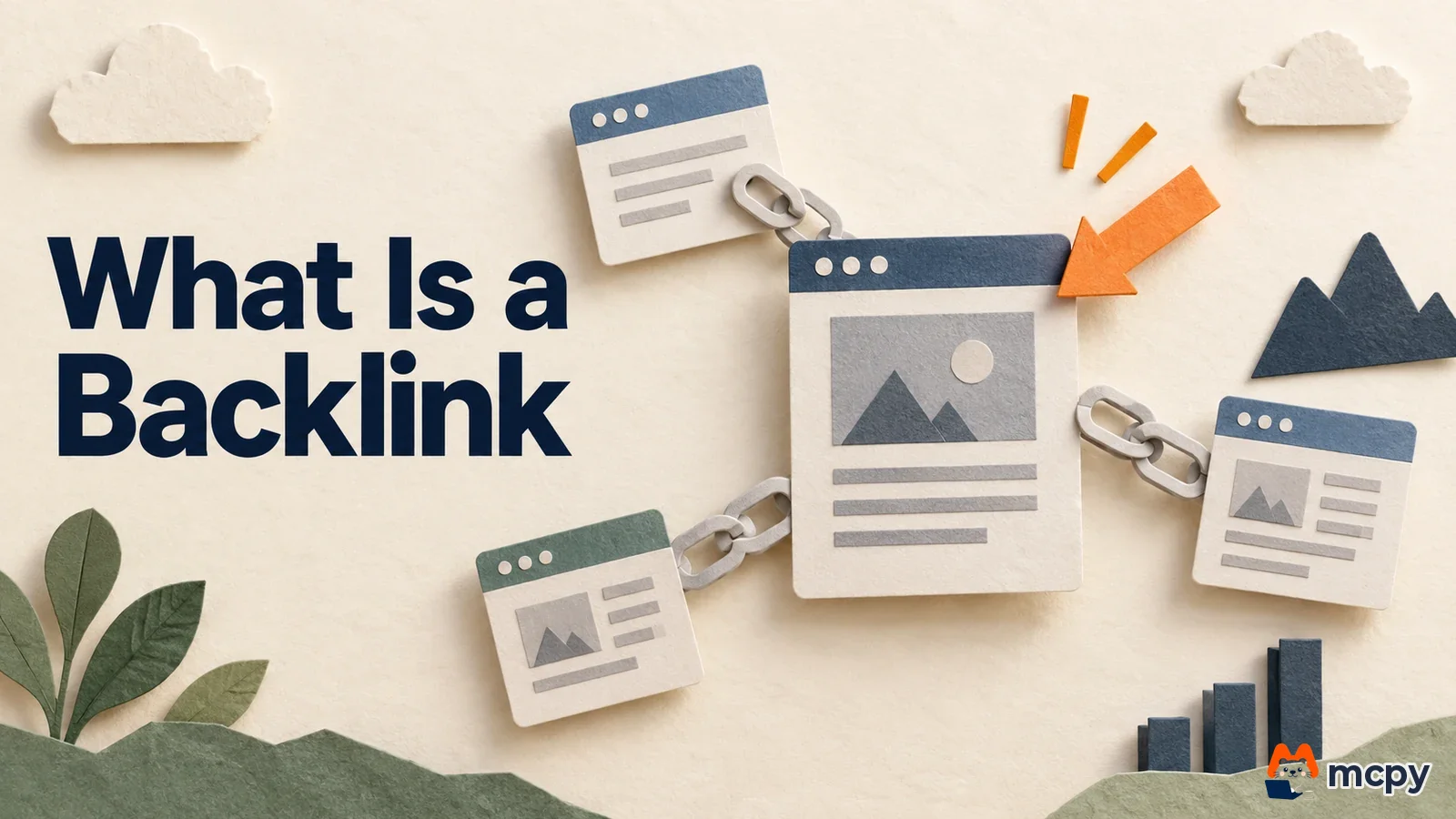
A backlink is a link that another site has placed pointing to your site. Google says it finds most new pages by following links, so backlinks are a path through which your pages get discovered in search. You can check your backlinks in the Search Console links report. Links that you buy or generate automatically to raise your rankings violate Google's spam policies (as of October 3, 2026). How links are handled in Naver, Korea's largest search engine, is covered separately in our article on why backlinks do not work the same way on Naver.
A backlink is a link from another site, and SEO treats it separately
In its search engine optimization (SEO) starter guide, Google explains that most of the new pages it finds each day are discovered through links. When an article on another site links to your page, the Google crawler can follow that link and arrive at your page. This is the most basic reason SEO deals with backlinks as a separate topic.
The words used in a link (anchor text) are also information. The same guide says link text tells users and Google what the linked page is about. So text that describes the target page, such as "how to check backlinks", is more useful than text like "click here".
On the other hand, links can be abused as a way to manipulate rankings. That is why Google defines links separately in its spam policies. When you build backlinks, how you earned them matters before how many you have.
Check backlinks in the Search Console links report
You can see the backlinks pointing to your site in the Search Console links report. Select your site property in Search Console, open the links report, and look at the external links section. If the menu looks different, follow the instructions in the help page above.
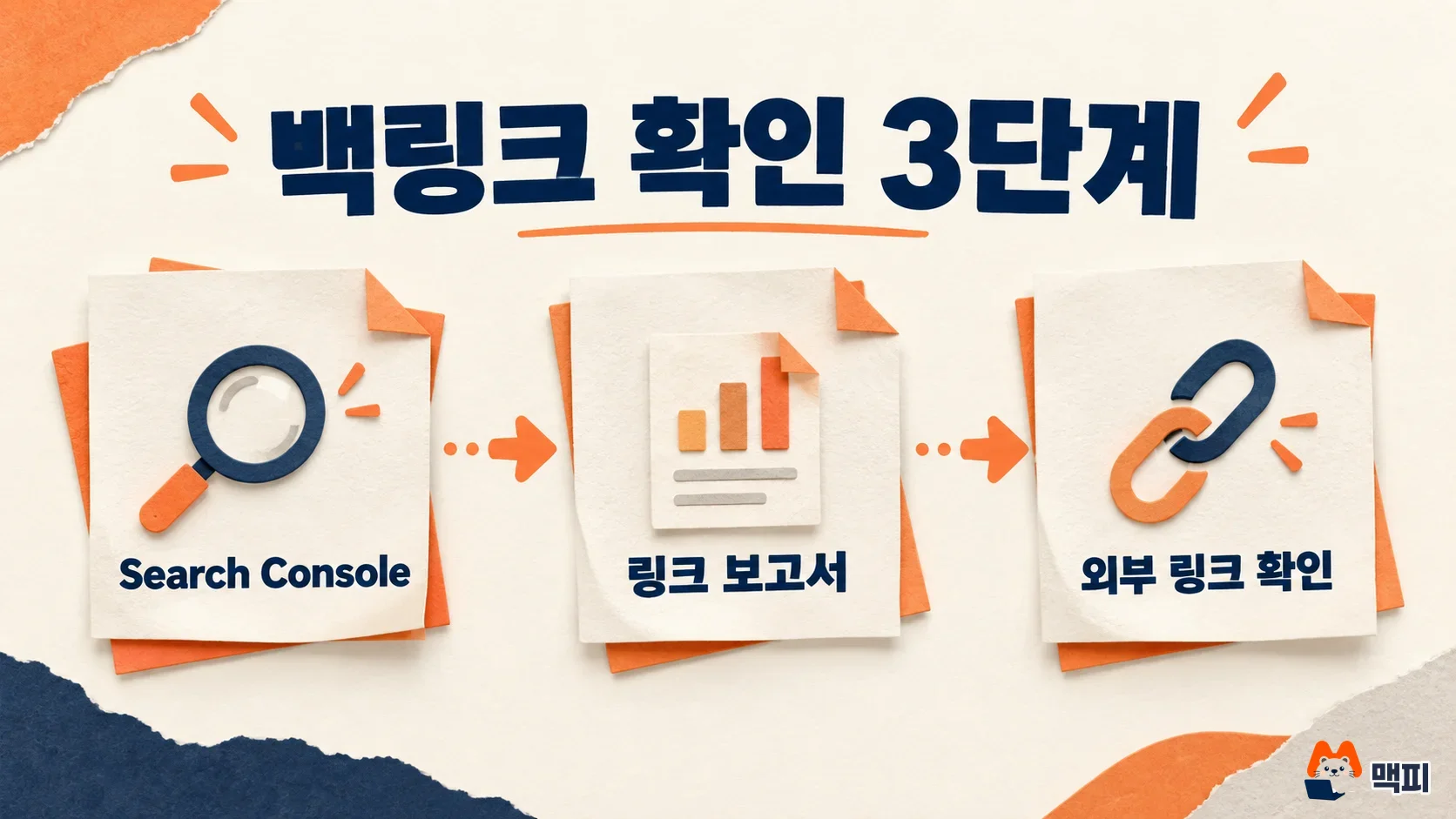
The external links section shows three things.
| Item | What it shows | How to use it |
|---|---|---|
| Top linked pages | Your pages that receive the most backlinks from other sites | See which articles get cited externally |
| Top linking sites | Sites that link to you the most (ordered by number of links) | Check whether any sites are unfamiliar |
| Top linking text | Anchor text used in backlinks ("(empty)" if there is none) | See how other sites describe your pages |
This report is not a complete list of every link. Google's help page says it shows a sample of internal and external links, and that tables are limited to 1,000 rows. It also includes links Google has found over time, so it may contain links that were already deleted or pages that no longer exist. If the link count does not exactly match reality, that does not mean the report is wrong.
After checking, look at the top linking sites list and see whether many of them are unrecognizable. If most are media outlets, partners, or communities you know, no action is needed. If a large number of sites you have never heard of appear, use the link spam section below to judge them.
Link attributes: nofollow, sponsored and ugc differ by link purpose
These are attributes added by the site that gives the link, not the site that receives the backlink. In its document on qualifying outbound links, Google tells site owners to use one of three values depending on the nature of the link, and explains that links with these values are generally not followed.
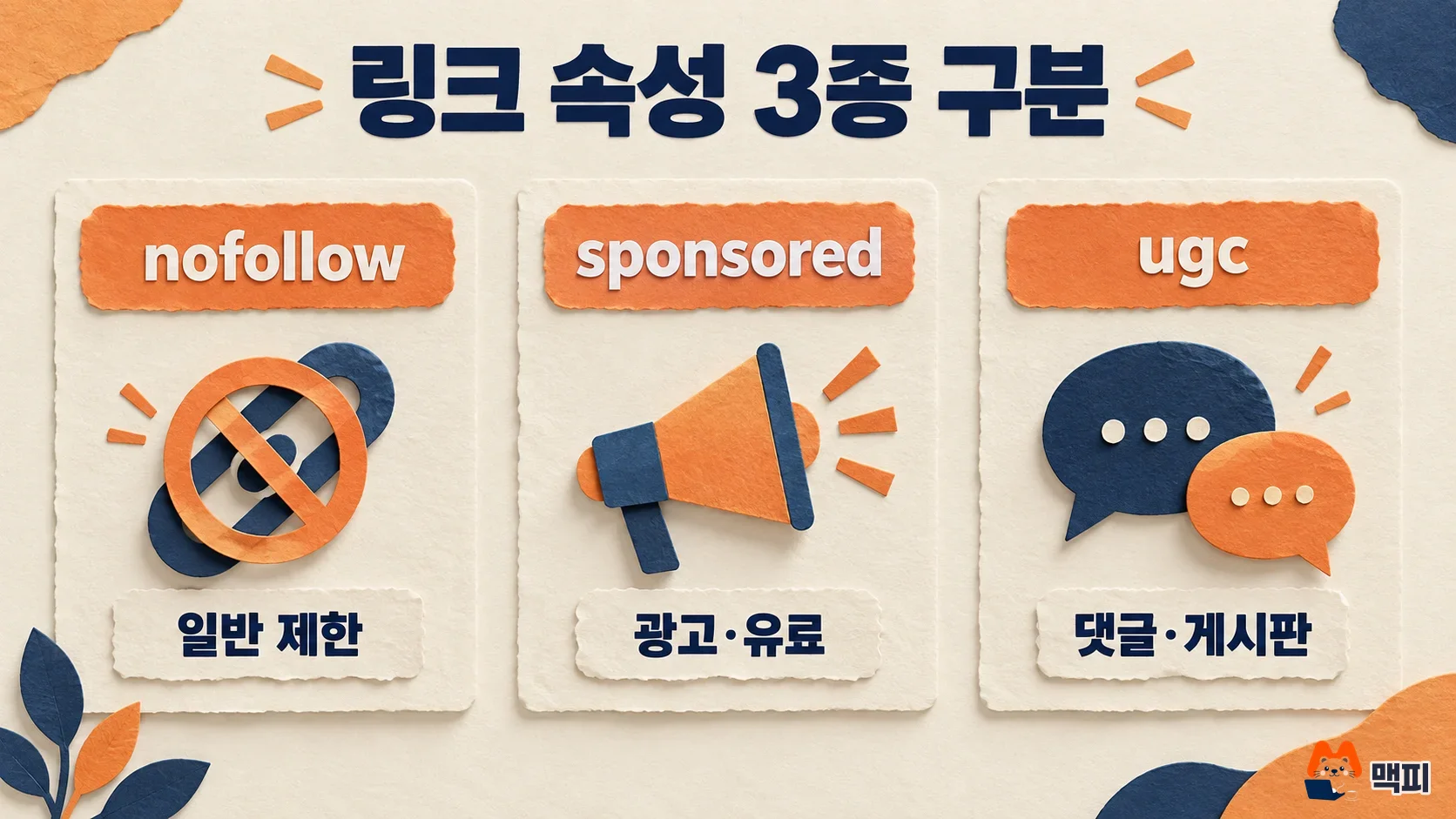
| Attribute | When to use it | Google's guidance |
|---|---|---|
| rel="sponsored" | Links placed as advertising or paid placement | Mark paid links as sponsored |
| rel="ugc" | Links inside user-generated content, such as comments and forum posts | The ugc value is recommended. It can be removed for contributors you trust |
| rel="nofollow" | Links that fit neither value above, but that you do not want associated with your site | Use it when you want Google not to follow that page from your site |
In the same document, Google adds that a page behind a link with these values can still be discovered through a sitemap or links from other sites. The attribute only limits following the page through that specific link. It is not a way to hide the page from search.
Link spam is the kind of backlink building Google prohibits
Google's spam policies define link spam as "the practice of creating links to or from a site with the primary purpose of manipulating search rankings." Below are typical examples from the same document.
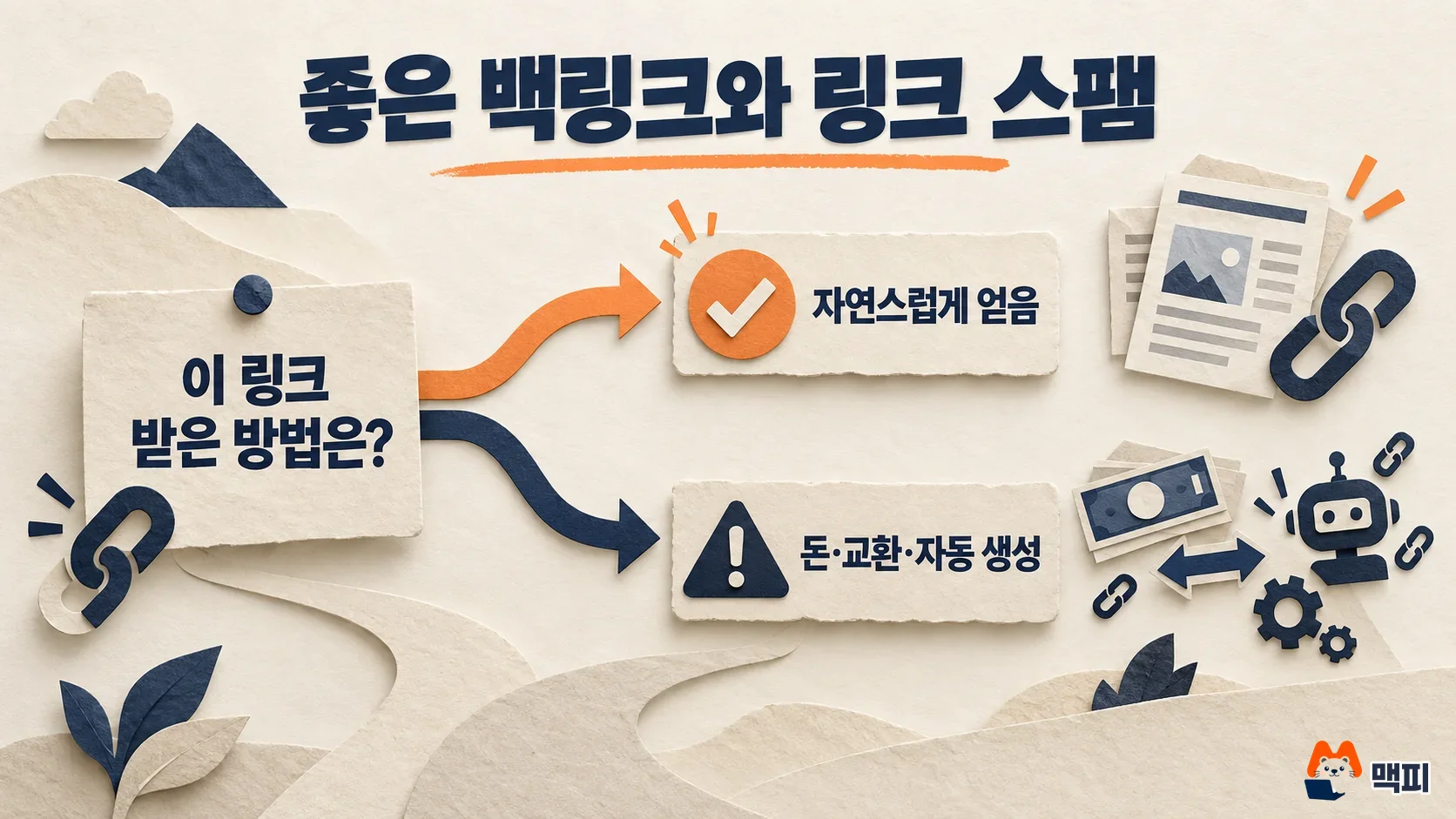
- Paid links: buying or selling links for ranking, or paying to publish an article that contains a link
- Excessive link exchanges: swaps like "link to me and I will link to you", or partner pages created only to link to each other
- Automatically generated links: using a program or service to create large numbers of links to your site
- Advertorials: articles or native ads published for payment that include links passing ranking signals
- Forum comment and signature links: planting optimized links in posts or signatures
The same spam policy document says that these links are not a policy violation if they are marked with rel="nofollow" or rel="sponsored". If you want to use sponsored articles or ad links, do not hide the links. Add the attribute and mark them. Applying this standard to backlink agency products, a setup where you pay for links and receive them without attribute marking counts as the paid links that the policy prohibits.
How to build backlinks: create pages worth linking to
The methods the policy does not block have one thing in common. They are links that other people place on their own. Google's SEO starter guide lists social media, community activity, advertising, and word of mouth as ways to promote a site, and says word of mouth is one of the most effective and lasting methods. The steps below are not a rule from Google's documents. They are a practical procedure based on this guidance.
- Create a page that gives others a reason to cite it. Examples include a table you compiled yourself, price or policy information with a clear as-of date, and explanations that unpack official documents.
- Let the people who should know about the page know about it. Targets are relevant communities, newsletters, industry media, and partners. Do not ask them to add a link. Just explain the context in which the page is helpful.
- Check the links you receive in Search Console. Seeing which pages get cited helps you decide which articles to strengthen next.
Also be careful about putting link conditions into contracts or terms in order to get links. Google's spam policies list as a link spam example the practice of requiring links without giving third-party content owners the choice of link attributes.
The disavow tool is for rare cases
You do not need to file a disavow request with Google just because you see unwanted links. Google's disavow tool help page says Google can mostly work out which links to trust without further guidance, so most sites do not need this tool. It warns that this is an advanced feature that can harm your search performance if used incorrectly.
Use the tool when a substantial number of spammy or artificial links has caused, or seems likely to cause, ranking problems, especially if you received a manual action for unnatural links. Otherwise, a few unrecognizable links in the list are not a reason to do anything.
Frequently asked questions
Do more backlinks always raise rankings?
Google's official documents do not give a numeric relationship between backlink count and rankings. What the documents say clearly is that links are a path for page discovery, and that links made to manipulate rankings are spam.
Can I see a competitor's backlinks in Search Console?
No. The links report only shows links for site properties you manage. For other sites' backlinks, you can only see values estimated by external analysis tools, so you cannot assume they match what Google sees.
Are internal links also backlinks?
No. A backlink is a link that comes from another site. Links that connect pages within your own site are internal links, and they appear separately in the internal links section of the links report.
Found this useful? Share it
Related posts
Related projects
Get new posts by email
Insights on marketing, analytics, and dev, delivered to your inbox.