
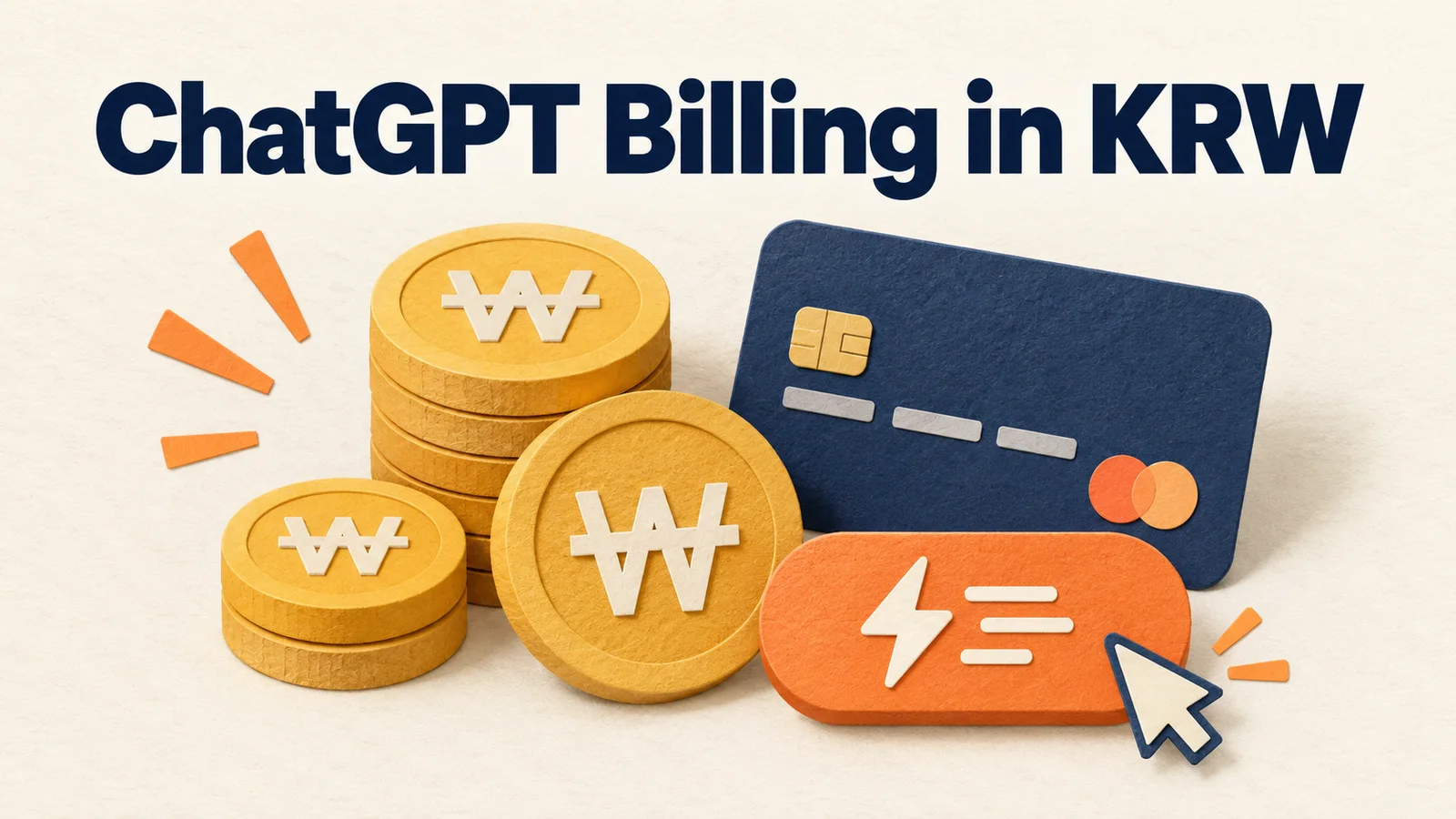
As of September 29, 2026, OpenAI's official help page says ChatGPT web subscriptions in Korea support the Korean won, KakaoPay, Naver Pay and domestic Korean cards. We found no separate launch announcement, so we cannot pin down the announcement date. The exact start date is also unconfirmed. We have not yet tested whether the checkout screen appears at the same time for every Korean account.
The short version in three lines
- OpenAI's help page lists the Korean won (KRW) as the supported currency for Korea.
- It names KakaoPay, Naver Pay and domestic Korean cards as payment methods on the Korean subscription checkout page.
- Existing subscribers are not switched automatically. You must cancel, and once your current billing period ends, you can subscribe again in the new currency.

The official announcement date and start date are still unknown
We could not confirm any date on which OpenAI announced this change. On September 29, 2026 at 5:04 PM, we reopened the official help page. It showed "Updated 8 hours ago." That label is the page's last-edit marker. Do not read it as a launch date or a service start date.
What is confirmed for Korean web subscriptions
OpenAI's multicurrency billing help page links South Korea to KRW in its table of supported currencies. The Korea entry in the same document says KakaoPay, Naver Pay and domestic cards are supported on the ChatGPT subscription checkout page. KakaoPay and Naver Pay are popular Korean mobile payment services run by Kakao and Naver, Korea's largest search engine.
The confirmed scope is standard paid plans bought on chatgpt.com. The document lists currencies and payment methods by region, but it does not state any KRW prices. Check the currency and amount on the final confirmation screen before you pay.
App, business plan and API billing follow different rules
Subscriptions started in the iPhone and Android apps are managed by the Apple App Store and Google Play. Do not apply the web billing guidance on currency and payment methods to app subscriptions.
Enterprise and Education plans are also outside the scope of this help page. API credits can currently be bought only in US dollars. ChatGPT web subscriptions and API usage fees use separate billing systems.
Existing subscribers are not switched to KRW automatically
If you already have an active subscription, you keep being billed in your current currency. To move to a newly supported currency, you must first cancel the existing subscription. After the current billing period ends, you can subscribe again and choose the new currency. OpenAI also notes that while a new ChatGPT Pro $200 (Pro 20X) subscription is paused, you cannot rejoin that plan after the subscription ends.
This is not a cancel-and-resubscribe-instantly process. Check your remaining access period and next billing date first. Before resubscribing, it is also safer to confirm on the checkout screen that the plan you want is still available.
What is still unconfirmed
What the official help page confirms is the wording on KRW and Korean payment methods. We did not find a separate launch notice, the exact support start date or KRW prices by plan. We also have not verified whether it appears for all Korean accounts at once.
This article is not a payment test or a generated screen
We did not make a real payment or try to reproduce a successful one. We also did not use mock checkout screens or results from dummy accounts. The checklist in this article is an editorial suggestion that reorganizes the official conditions into a working order. It is not the result of testing payment success rates or per-account visibility. Any images added later will be labeled as generated illustrations of the concept, not real product screens or payment proof. If an official announcement or price list appears, this article should be updated.
Check these items in this order before you pay
- Confirm the purchase route. First tell apart a web subscription from an app store subscription.
- Confirm the billing currency and amount. Check that the final checkout screen shows KRW.
- Confirm the payment method. Look at which of KakaoPay, Naver Pay and domestic cards actually appear.
- Confirm your current subscription status. If you want to change currency, note your next billing date and end date.
- Do not mix it up with API costs. API credits are still paid in USD.
Frequently asked questions
Can I pay for ChatGPT in Korean won in Korea?
The official help page lists KRW as the supported currency for Korea. Still, check the currency and amount again on the final checkout screen of your own account.
Can I use both KakaoPay and Naver Pay?
The official document names both, along with domestic cards, as supported options on the Korean subscription checkout page. We did not test differences in visibility between accounts.
Does my existing USD subscription switch to KRW automatically?
No. You keep being billed in your existing currency. You need to cancel, wait until the current billing period ends, and then subscribe again.
A checklist sentence you can reuse
Did this account subscribe on the web, does the final checkout screen show won, is the payment method I want actually visible, and when does the existing subscription end?
Write these four answers down before you pay. It helps you avoid the mistake of mixing up web, app and API billing.
Official document checked: September 29, 2026. The official announcement date, start date and KRW prices are unconfirmed.
Found this useful? Share it
Latest posts
Kakao Share Thumbnail Not Showing? Here's the Fix (JavaScript SDK 2025)
Learn why Kakao Share thumbnails don't appear even with a valid imageUrl, and fix it using scrapImage to convert your URL into a KAGE CDN URL. Step-by-step guide.
How to Generate CRM User Manuals in 20 Minutes with Claude Code Sub-Agents
Learn how Claude Code sub-agents can analyze your CRM codebase and auto-generate user manuals and visual guidebooks in just 20 minutes. See the real-world results.
GEO Generative Engine Optimization: The Complete 2025 AI Marketing Strategy Guide
Learn what GEO (Generative Engine Optimization) is, how it differs from traditional SEO, and discover 5 proven AI marketing strategies to get cited by AI search engines in 2025.
Related projects
Get new posts by email
Insights on marketing, analytics, and dev, delivered to your inbox.