
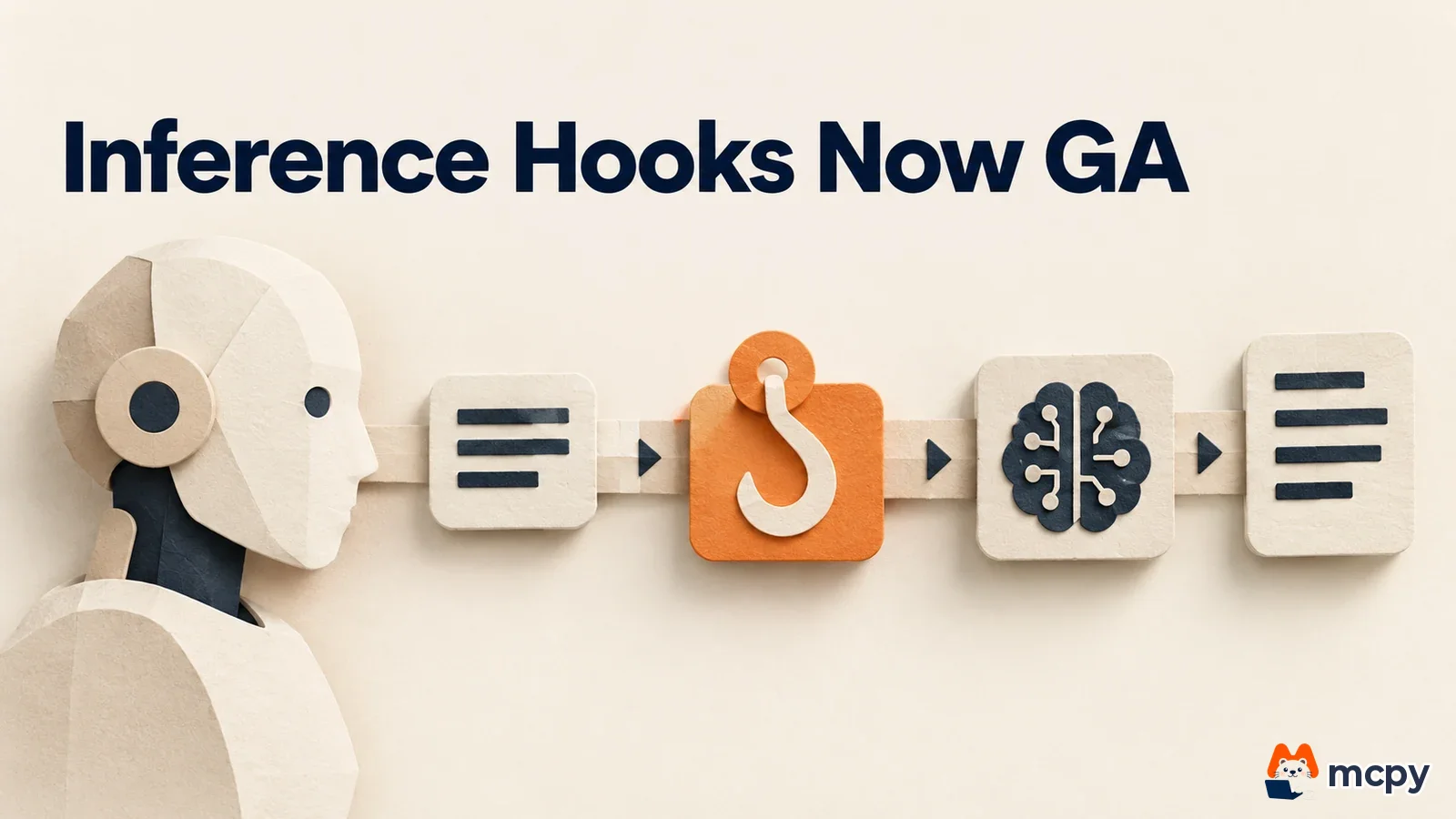
Claude inference hooks left beta on October 20, 2026 and are now a generally available feature for Claude Enterprise organizations. The feature lets your organization's security server inspect employee prompts before they reach the model, then allow or block them. If you only tested it during the beta, you now need to decide on production settings. It is like a security checkpoint at a company entrance moving from a trial run to permanent operation.
What changed Inference hooks launched in beta on August 5, 2026. On October 20, they lost the beta label.
Who is affected Admins with the Owner or Primary owner role in Claude Enterprise organizations, plus security and compliance teams. Claude Platform organizations that use Claude through the API are not covered.
What to do now If you turned the feature on during the beta, recheck the failure handling mode and the timeout against production needs. If you are new to it, start in shadow mode.
What changed with Claude inference hooks
In its October 20 entry in the Claude Platform release notes, Anthropic said that inference hooks for Claude Enterprise organizations have left beta. The release notes contain only this one line and do not describe any new functionality. The August 5 beta announcement said the feature holds each outgoing prompt from claude.ai, Cowork, and Claude Code until the security server returns an allow or block verdict.
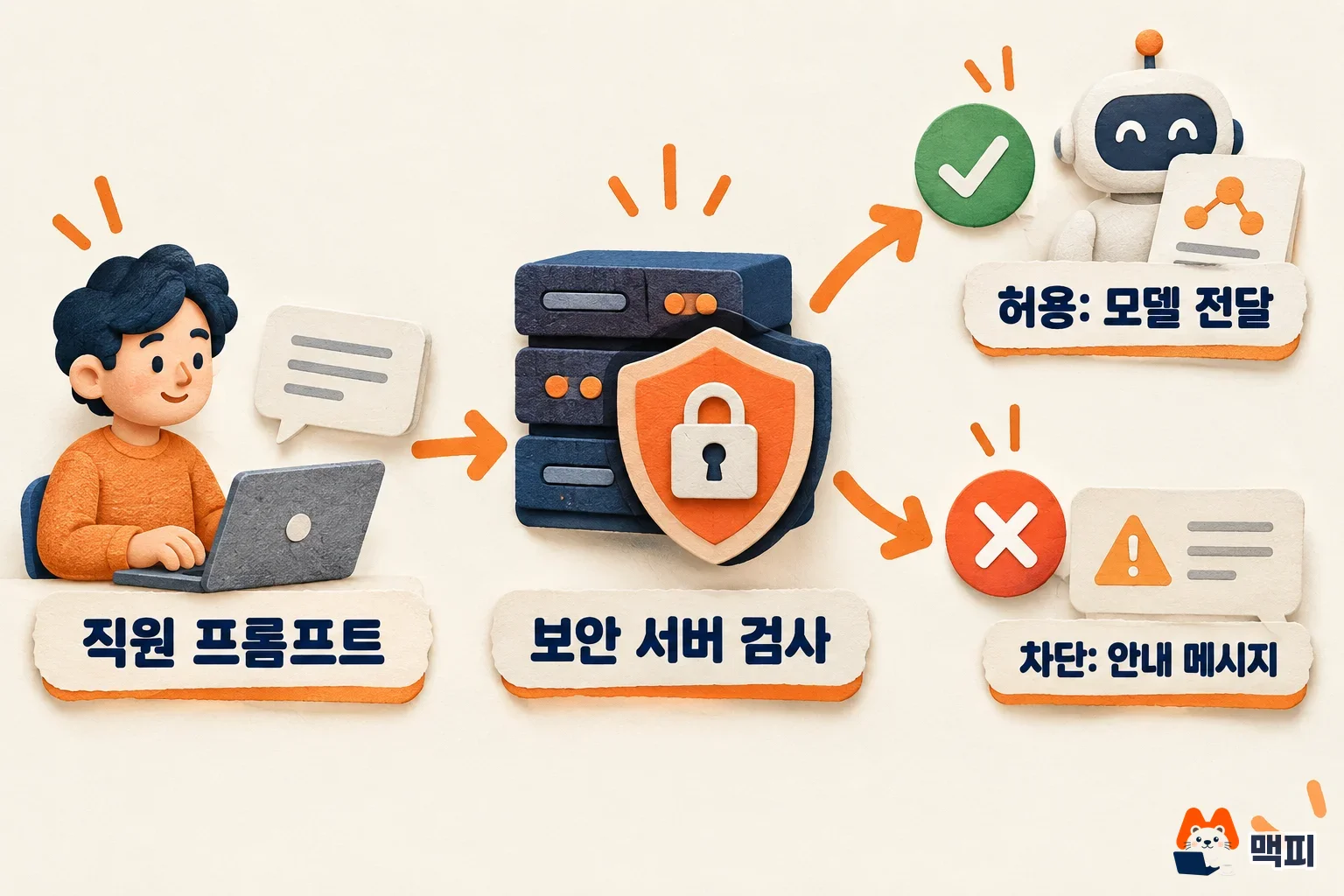
Here is how it works. When a user sends a prompt, Anthropic sends the conversation history by HTTPS POST to the address your organization set, then waits for a verdict. If the verdict is allow, the model answers as usual. If it is block, the request never reaches the model, and the user sees both the reason from the security server and the guidance message set by the admin. Every block is recorded in the organization's Activity Feed.
Hooks run on Anthropic's servers, not on the client, so nothing needs to be installed on employee computers. The official docs say a single setup applies to all of your organization's Claude products, including claude.ai, Cowork, Claude Code, Claude for Microsoft 365, Claude Tag, and Claude in Chrome. They are not available on Amazon Bedrock or Google Cloud.
Does your organization qualify: scope and limits
The feature is for Claude Enterprise organizations. Setting it up requires the organization:manage permission in claude.ai. Only the Owner and Primary owner roles have this permission. The Admin role does not. Team plans, personal accounts, and Claude Platform organizations that use Claude through the API are out of scope.
| Item | Inference hooks | Compliance API |
|---|---|---|
| When it works | Before the model runs, in real time | After the fact, by query |
| What it does | Allows or blocks each request | Pulls and audits activity, conversations, files, and user records |
| Call direction | Anthropic calls your security server | You call the Anthropic API |
There are also limits stated in the official docs. For attachments, only metadata and extracted text are sent, so content that exists only as an image, such as a screenshot of a document, is not inspected. A verdict is only allow or block, so there is no way to rewrite a prompt or mask part of it. In voice mode, some tool calls skip inspection, so do not rely on hooks as your only control for voice.
How to set up inference hooks and what to do now
Setup starts in your organization settings in claude.ai. According to the configuration docs, turning the hook on does not start inspection at first. You must enable it yourself in the last step.

- Sign in to claude.ai with an Owner or Primary owner account, go to Data and privacy in organization settings, and turn on Allow for your organization under Inference hooks.
- Click Configure and enter the https address of your security server in Endpoint URL. It must be a public address on port 443. Tunnel addresses such as ngrok and redirects are not allowed.
- Copy the signing secret, which is shown only once when you first save, and store it somewhere safe. Your security server uses this value to verify that a request came from Anthropic.
- If needed, add up to 16 authentication headers and send a test request with Test connection. The result shows whether allow or block came back, so you can tell in advance whether a default that blocks every request is still in place.
- Choose the Mode under Failure handling. Block the request blocks when no verdict is received, and Allow the request lets the request through without inspection. Prompt verdict timeout is 1 to 10,000ms, and the default is 5,000ms.
- Turn on Enforce verdicts. It takes about one minute to reach all servers.
For organizations new to the feature, the safe order is to pick Shadow mode in step 5 and then do step 6. In shadow mode, the security server returns verdicts on real traffic but nothing is blocked, so you can tune your policy to actual usage patterns. When you are ready to block, switch to Block the request or Allow the request. You can also inspect only part of the traffic with Requests inspected(%), or exclude specific custom roles with Exclusions.
If you already turned the feature on during the beta, recheck two things. First, the default failure handling is Allow the request, so if the security server goes down, requests pass without inspection. If your goal is to prevent personal data leaks, Block the request is the right choice, but then all employees lose access to Claude during a server outage. Second, if server failures continue, the circuit breaker trips. Anthropic then stops calling your server and applies only the failure handling setting. The trip time is recorded in the Activity Feed as inference_hooks_circuit_breaker_tripped.
To check that everything is working, look at whether Endpoint status on the settings page is Healthy and whether Failures per minute is low. Also use a test account to send text that your security server should block, and confirm that the block message appears and a record shows up in the Activity Feed. This panel can show 0 when it cannot read errors, so do not assume the server is fine just because it looks healthy.
How blocked employees can continue
The whole conversation is resent every time, so a blocked message is attached to every later request. If the security server inspects the full history, it keeps blocking for the same reason. That is why the blocked content has to be removed from the conversation. In claude.ai, edit the blocked message or the one before it instead of resending it. Starting a new conversation also works. In Claude Code, use /rewind to go back to the prompt where the content first entered, or use /clear to start from scratch. Adding these steps to your employee guidance reduces support requests.
What to watch next
The release notes list no new features, so what differs from the beta has not been made public. Setting screen names and limits follow the docs and may change, so reopen the official docs before you apply them. If a company in Korea entrusts a security server to a foreign vendor, conversation history may leave the country. Check with your internal legal team before rollout whether this counts as outsourced processing or cross-border transfer of personal data.
Frequently asked questions
How are inference hooks different from the Compliance API?
Hooks block a request before the model answers. The Compliance API pulls past activity later for auditing. Some organizations use both.
Does a blocked prompt stay in the conversation?
Yes. According to the official docs, a message blocked by a hook stays in the conversation in claude.ai. The rules for how products retain prompts apply separately from hooks.
Do I have to build the security server myself?
You need an HTTPS service run by your organization or a security vendor. The official docs name integration with DLP (data loss prevention) tools as the most common use.
Found this useful? Share it
Latest posts
Kakao Share Thumbnail Not Showing? Here's the Fix (JavaScript SDK 2025)
Learn why Kakao Share thumbnails don't appear even with a valid imageUrl, and fix it using scrapImage to convert your URL into a KAGE CDN URL. Step-by-step guide.
How to Generate CRM User Manuals in 20 Minutes with Claude Code Sub-Agents
Learn how Claude Code sub-agents can analyze your CRM codebase and auto-generate user manuals and visual guidebooks in just 20 minutes. See the real-world results.
GEO Generative Engine Optimization: The Complete 2025 AI Marketing Strategy Guide
Learn what GEO (Generative Engine Optimization) is, how it differs from traditional SEO, and discover 5 proven AI marketing strategies to get cited by AI search engines in 2025.
Related projects
Get new posts by email
Insights on marketing, analytics, and dev, delivered to your inbox.