
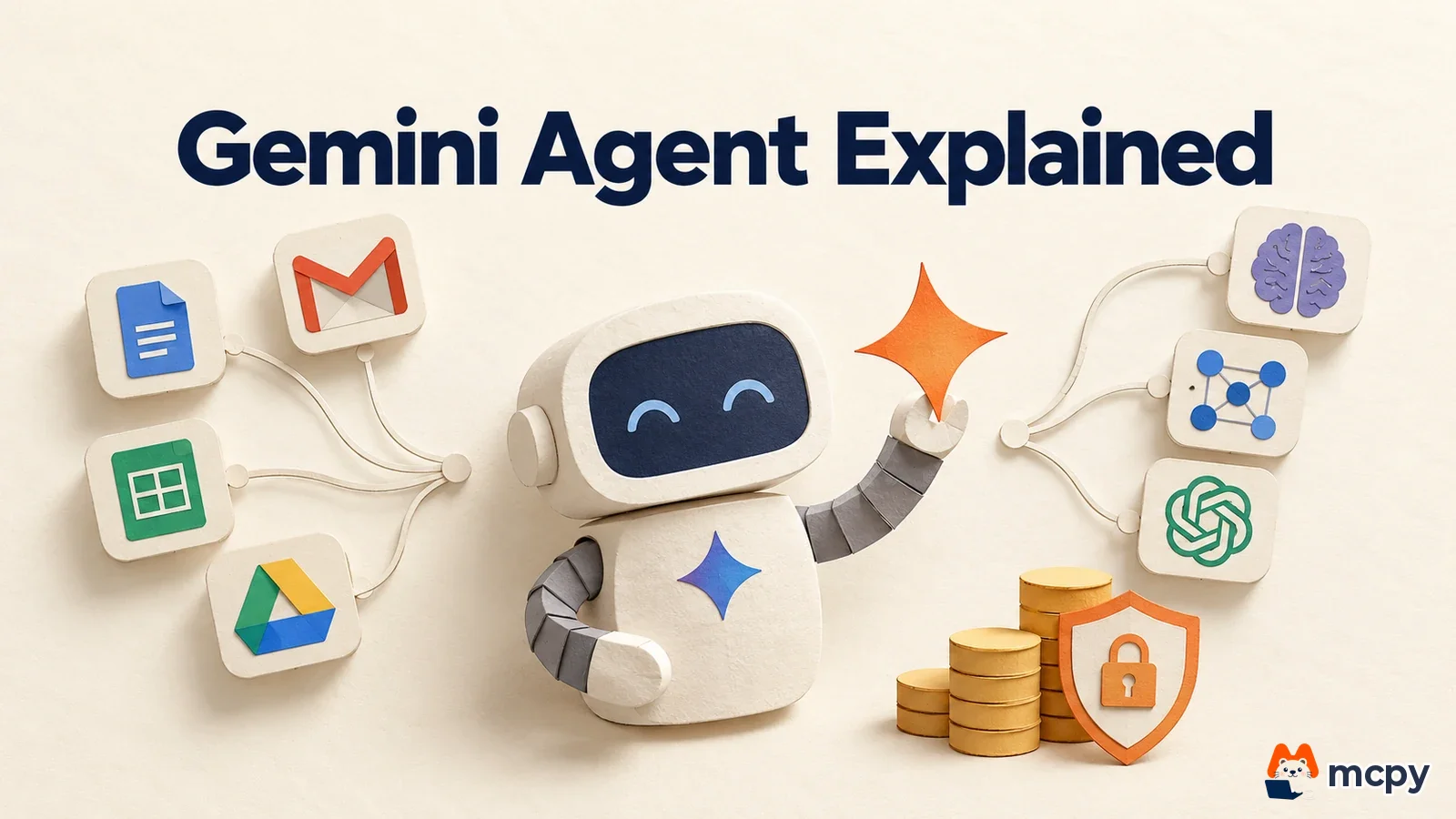
Gemini Agent is a general-purpose AI agent for work that Google Cloud unveiled on October 8, 2026 at Gemini at Work 2026. You type a goal into one input box. The agent makes a plan, then uses tools and business systems to produce the result. Pricing and the general availability date have not been announced. Business customers get it first, and the consumer version comes later.
Gemini Agent is a work agent that plans and finishes tasks
According to the Google Cloud blog, Gemini Agent handles Q&A, document work, image and media creation, and code writing and execution from a single input box. You give it a goal. The agent plans the work, picks skills and tools, and returns a finished result inside the email, document, and developer tools you already use.
Google explains in its announcement post that you can use this agent in three ways: as a personal assistant, as a team colleague, and across the whole organization.

| Usage mode | What it does |
|---|---|
| Personal | Answers questions and handles tasks like a personal assistant |
| Team | Works as a colleague agent on behalf of a team or role, with its own email address, storage, and calendar |
| Organization | Admins apply identity, permission, audit, and policy controls |
The Google Cloud blog says a team colleague agent is created by describing the role you need. It gets its own email address in the format @agents.yourcompanydomain, plus storage and a calendar. VentureBeat also reported that this is a long-running agent with its own Gmail, calendar, and Drive storage.
Gemini Agent works in Workspace, Microsoft 365, and Slack
You can call Gemini Agent inside Google Workspace, Microsoft 365, and Slack. You can reach it on the web, on iOS and Android, on Windows and Mac desktops, and from the command line. In Workspace, it leaves results directly in the email thread or document across Gmail, Drive, Docs, Slides, Sheets, Chat, and Calendar. TechCrunch also listed ServiceNow as an access point.

| Category | Connected to |
|---|---|
| Google Workspace | Gmail, Drive, Docs, Slides, Sheets, Chat, Calendar |
| Collaboration and dev tools | Confluence, Teams, Git, Jira, Slack |
| Business systems | Salesforce, ServiceNow |
| Data | BigQuery, Databricks, Postgres, Snowflake, files on your own PC |
The Google Cloud blog says any Model Context Protocol (MCP, a shared standard that lets AI call external tools) server can be connected. According to TechCrunch, it can connect to MCP servers both inside and outside the company network.
By default, the agent picks a suitable model for each task, and users can also choose one themselves. At launch, Google Gemini and Anthropic Claude are supported. Open-source and in-house private models will be added later.
Gemini Agent has spend caps and permission controls
When an agent calls tools on its own, costs can grow beyond what you expect, so Google shipped spend controls alongside it. Google Cloud introduced multi-model orchestration, smart routing, and real-time spend caps as "new flexible spending options." When a project-level cap is reached, the agent stops. You can resume it from the console.

The Google Cloud blog says permissions are managed in a policy layer called the agent gateway, and the organization mode includes identity, permission, audit, and policy controls. The agent gets an email address just like a human employee. So it is safer to decide which documents and systems to open up before you roll it out.
Gemini Agent pricing and launch timing are not announced yet
The price list and general availability date for Gemini Agent were not released at the time of the announcement. Google launched industry versions for financial services and legal work as previews. It said versions for the public sector, healthcare, and retail are in preparation. According to TechCrunch, Google is targeting business customers first and will release it to general consumers later. On, Shopify, and PayPal were mentioned as early testers.
Teams in Korea can do two things to prepare now. If your organization already uses Gemini Enterprise or Workspace, set the scope in the admin console for which data the agent can connect to. Then pick candidate tasks from your recurring work, especially ones that span several apps over a few days. For the Korean launch date and pricing, check the Google Cloud blog after the official announcement.
Common mistakes to avoid before adopting Gemini Agent
The most common mistake is opening all your data to the agent without setting a connection scope. The agent has email and storage like a human employee. The wider its permissions, the greater the risk that it reads or writes the wrong documents. Start by connecting just one recurring task for one team, along with only the folders and apps it needs. Expand the scope after a person reviews the results.
The second mistake is assigning long-running work without a spend cap. If you set a real-time spend cap per project first, the agent stops when it hits the cap. You can then check the results and resume from the console.
Frequently asked questions
Is Gemini Agent free to use?
Whether it is free has not been announced. Google has not released pricing. It only said it will launch first for business customers.
Does Gemini Agent also use models from other companies, like Claude?
Yes. At launch you can choose Gemini and Anthropic Claude. Open-source and private models will be added later.
Can individuals use Gemini Agent?
A personal assistant mode is described, but Google said it will offer the agent to businesses first and to consumers later. No consumer launch date has been announced.
Found this useful? Share it
Latest posts
Kakao Share Thumbnail Not Showing? Here's the Fix (JavaScript SDK 2025)
Learn why Kakao Share thumbnails don't appear even with a valid imageUrl, and fix it using scrapImage to convert your URL into a KAGE CDN URL. Step-by-step guide.
How to Generate CRM User Manuals in 20 Minutes with Claude Code Sub-Agents
Learn how Claude Code sub-agents can analyze your CRM codebase and auto-generate user manuals and visual guidebooks in just 20 minutes. See the real-world results.
GEO Generative Engine Optimization: The Complete 2025 AI Marketing Strategy Guide
Learn what GEO (Generative Engine Optimization) is, how it differs from traditional SEO, and discover 5 proven AI marketing strategies to get cited by AI search engines in 2025.
Related projects
Get new posts by email
Insights on marketing, analytics, and dev, delivered to your inbox.