

Google Calendar secondary calendars are now deleted or suspended when their owner's account is deleted or suspended. The Google Workspace Updates blog says the rule has been rolling out to Workspace accounts, not personal accounts, since October 5, 2026. If you transfer ownership of a secondary calendar to someone else before you delete a departing employee's account, you can keep the calendar (as of October 11, 2026).

What changed when a secondary calendar's owner is deleted
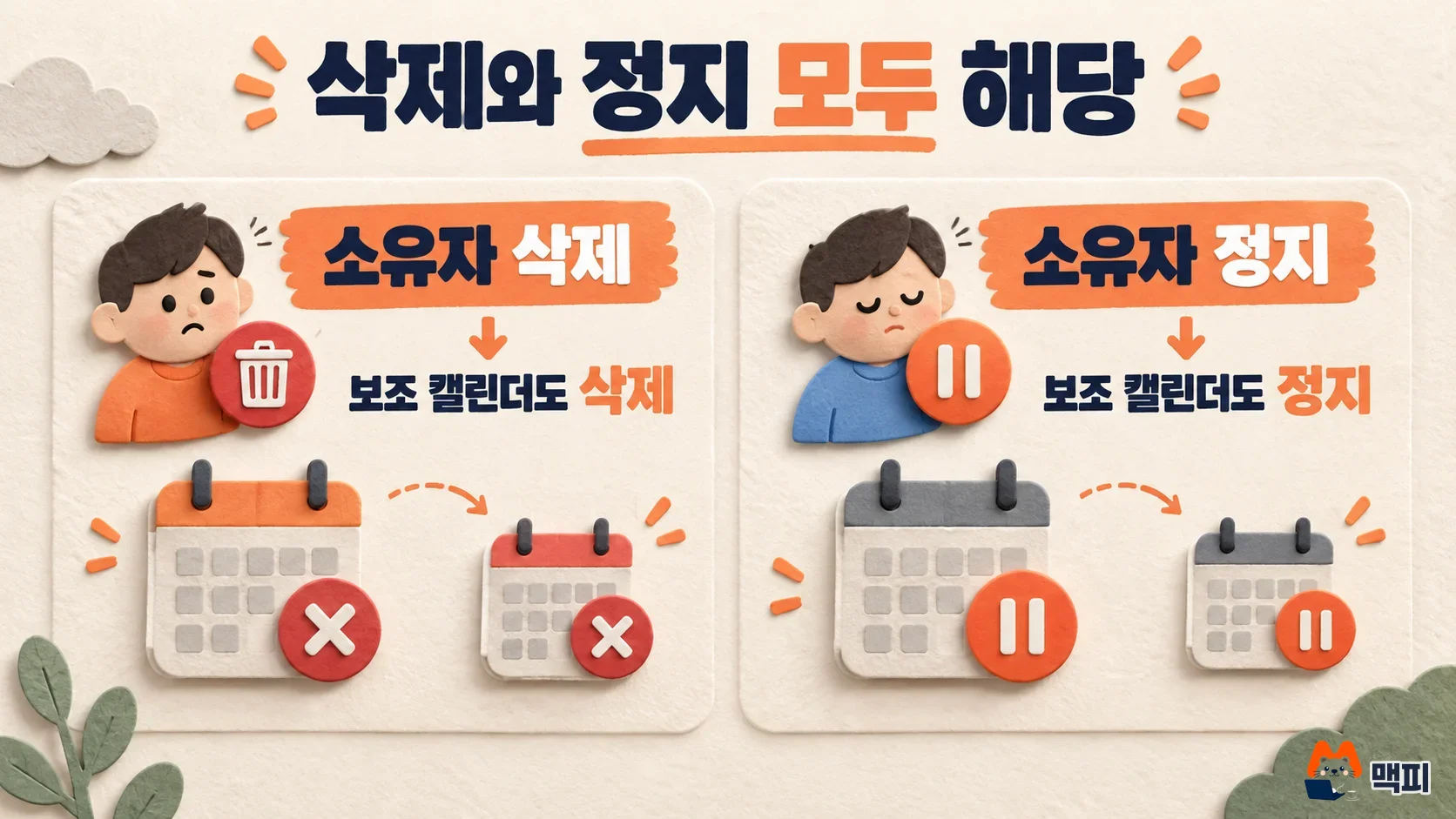
A secondary calendar is any calendar you create besides your primary one, such as a team schedule, a meeting room, or a project calendar. In its official announcement, Google says that when an owner's account is deleted, the secondary calendars that user owns are deleted too. When the owner is suspended, the secondary calendars are suspended. Google says this matches how primary calendars already behave. Its stated goal is to tie every secondary calendar to a valid owner who determines organization settings and policies.
| Item | Details |
|---|---|
| Scope | Google Workspace accounts, not personal accounts (available to all Workspace customers and Workspace individual subscribers) |
| Owner deleted | Owned secondary calendars are also deleted |
| Owner suspended | Owned secondary calendars are also suspended |
| Rollout start | Gradual rollout from October 5, 2026 for Rapid Release and Scheduled Release domains (the feature may take more than 15 days to become visible) |
| Advance notice | First announced in March 2026 |
Transfer ownership before deleting to keep a secondary calendar
According to the announcement, you must move ownership to a new owner before the original owner's account is deleted or suspended if you want to keep the calendar. Once the account is already deleted, you cannot transfer it. The admin help page also says that when an owner is deleted, their secondary calendars are deleted along with the events, and no further transfer is possible after deletion.
The new owner must be a user in the same organization. You cannot transfer to someone outside it. Primary calendar events follow separate rules. Only future, non-private events that have guests or resources are moved. Past events and secondary calendar events are not moved.
Admins can transfer ownership in the Admin console
- In the Admin console, go to Menu > Apps > Google Workspace > Calendar. This task requires the "Manage Calendar" admin privilege.
- Open "Manage events and secondary calendars" > "Transfer secondary calendars".
- Enter the departing user under "From user" and the person taking over under "To user".
- Click "Transfer secondary calendars". Calendars are transferred one at a time, so a large number can take a long time.
When the transfer finishes, the receiving user becomes the owner. To confirm, check the receiving user's calendar settings and see whether the owner of that calendar has changed. Organizations that automate this with scripts can use the calendars.transferOwnership method of the Calendar API.

Users can transfer ownership themselves
Owners can hand over a calendar themselves by following the steps in the Google Calendar Help.
- Open Google Calendar on a computer. Under "My calendars" on the left, click the options next to the calendar and choose "Settings and sharing".
- Under "Share with specific people or groups", open the dropdown next to the person you want to hand it to, choose "Transfer ownership", then click "Transfer ownership" once more to confirm.
The new owner gets a link by email and must accept within 60 days. Until they accept, the current owner stays the owner. After acceptance, the previous owner's permission changes to "Make changes and manage sharing". Workspace accounts can transfer only to users in the same organization.
Check these things before deleting or suspending an account
The announcement covers both deletion and suspension. Suspending an account, not only removing a departing employee, also suspends the secondary calendars that user owns. So put ownership transfer first in your account cleanup process. The check is done once you confirm, in the receiving user's calendar settings, that the owner has changed. This order is MCPY's recommendation based on the announcement and help pages. The announcement does not say which account should hold a team calendar.
Frequently asked questions
Are secondary calendars on personal Google accounts deleted too?
This announcement covers Workspace accounts, not personal accounts. However, the Calendar Help page says that when you delete a Google account, all calendars that account owns are deleted too, so transfer ownership first if you want to keep them.
Can I recover a secondary calendar from an account that is already deleted?
The admin help page says ownership cannot be transferred after deletion. The only way the official guidance confirms to preserve a calendar is to transfer it before deletion.
Found this useful? Share it
Latest posts
Kakao Share Thumbnail Not Showing? Here's the Fix (JavaScript SDK 2025)
Learn why Kakao Share thumbnails don't appear even with a valid imageUrl, and fix it using scrapImage to convert your URL into a KAGE CDN URL. Step-by-step guide.
How to Generate CRM User Manuals in 20 Minutes with Claude Code Sub-Agents
Learn how Claude Code sub-agents can analyze your CRM codebase and auto-generate user manuals and visual guidebooks in just 20 minutes. See the real-world results.
GEO Generative Engine Optimization: The Complete 2025 AI Marketing Strategy Guide
Learn what GEO (Generative Engine Optimization) is, how it differs from traditional SEO, and discover 5 proven AI marketing strategies to get cited by AI search engines in 2025.
Related projects
Get new posts by email
Insights on marketing, analytics, and dev, delivered to your inbox.