
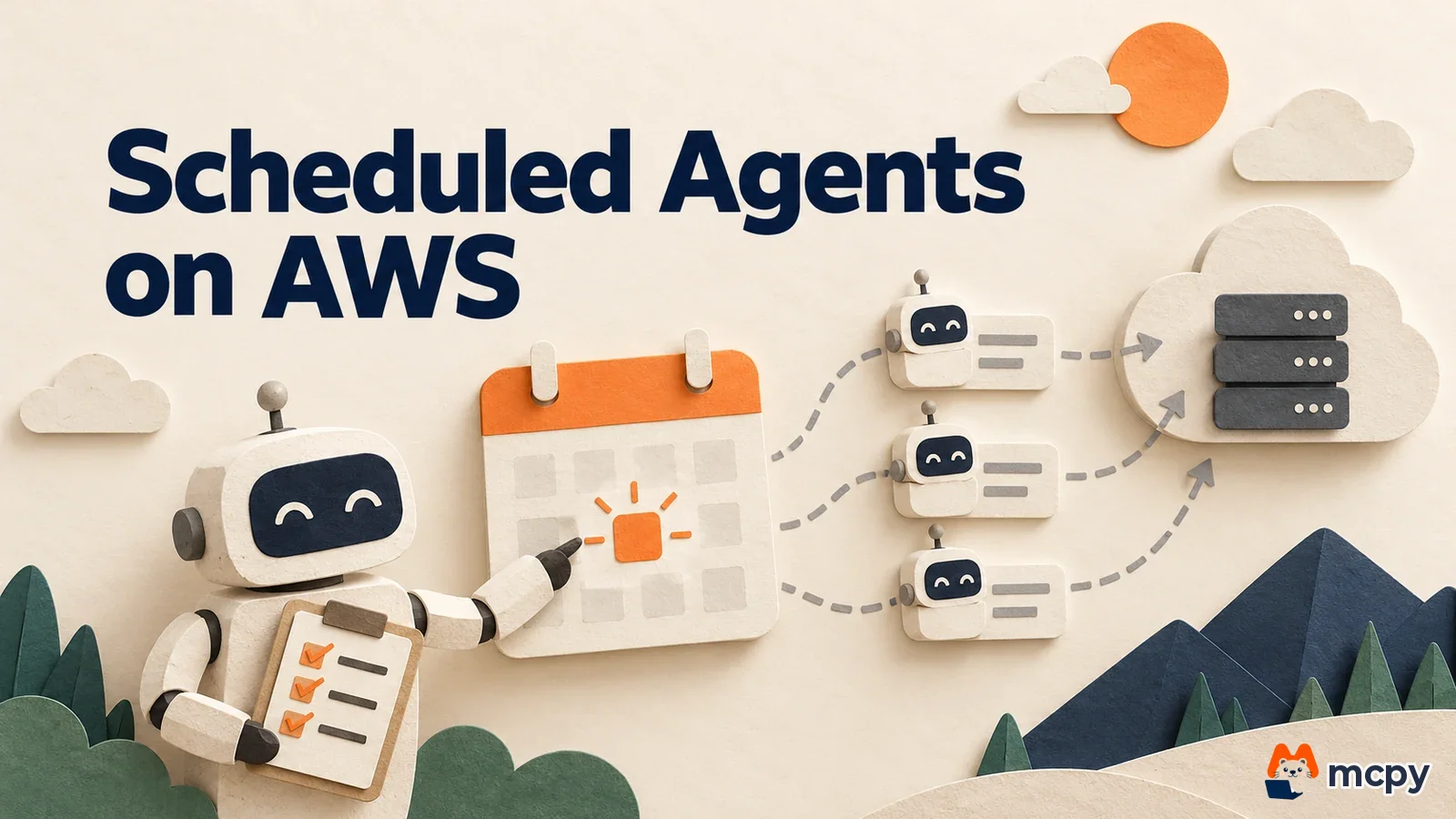
Claude Managed Agents scheduled deployment is a feature that lets an agent start its own session on a cron schedule you define. In its release notes, Anthropic announced on October 14, 2026 that the feature is also available on Claude Platform on AWS, which you use through an AWS account. What changed is that AWS users can now use the same scheduled deployments.
What changed Scheduled deployments are supported on Claude Platform on AWS. The feature is in beta, and every request needs the managed-agents-2026-04-01 beta header.
Who is affected Developers and operators who use Claude through an AWS account and want an agent to handle recurring work such as weekly checks or regular reports.
What to do now Set an IAM role as the agent's execution_identity, set a per-run budget, and test with a manual run first.
Claude Managed Agents scheduled deployment lets agents run on a schedule
According to the official docs, a scheduled deployment is a setting that makes an agent start a session on schedule without anyone prompting it. A deployment holds an agent, an environment, a first event (user.message or user.define_outcome) and a schedule. When the time comes, a new session opens with that first event. If you are new to managed agents, start with the Managed Agents overview to learn the agent, environment and session concepts.
You write the schedule as a standard POSIX cron expression with an IANA time zone, and the smallest unit is one minute. The time zone is applied as local time. For example, 0 20 * * * in America/New_York runs at 8 PM local time, whether or not daylight saving time is in effect.

Scheduled deployments on AWS work differently in one way
Claude Platform on AWS is a service where Anthropic operates inference while authentication and billing go through your AWS account. Here, each scheduled run creates its session under an IAM role in your AWS account. So before you create a deployment, you must set execution_identity on the agent in the form {"type": "aws_role", "role_arn": "..."}. If you skip it, you get a 400 error. The role needs the permissions below, as described in the scheduled deployment docs.
| Item | Required setting |
|---|---|
| Trust policy | Allow sts:AssumeRole and sts:SetSourceIdentity for the aws-external-anthropic.amazonaws.com service principal |
| Role permissions | Allow aws-external-anthropic:CreateSession, sts:GetWebIdentityToken and sts:TagGetWebIdentityToken |
| Person configuring | The IAM principal that assigns the role to the agent needs iam:PassRole on that role (the role must be in the same AWS account) |
AWS has one more constraint. A session that runs autonomously without user input lasts at most 6 hours, and then it needs re-authentication. Managed agents that use the Claude API directly do not have this limit. For billing, the same documentation says usage is metered hourly in Claude Consumption Units (CCU) through AWS Marketplace and billed monthly in arrears.
How to create a scheduled deployment and verify it
You create a deployment with the Deployments API. The official example sets up a compliance scan every Friday at 8 PM.
curl "https://api.anthropic.com/v1/deployments?beta=true" \
  -H "anthropic-beta: managed-agents-2026-04-01" \
  -d '{
    "name": "Weekly compliance scan",
    "agent": "$AGENT_ID",
    "environment_id": "$ENVIRONMENT_ID",
    "initial_events": [{"type": "user.message",
      "content": [{"type": "text", "text": "Run the weekly compliance scan."}]}],
    "schedule": {"type": "cron", "expression": "0 20 * * 5",
      "timezone": "America/New_York"}
  }'
To manage deployments as files in a repository, the official docs also describe writing the same content as Markdown with frontmatter and uploading it with ant apply deployment.md. After creating a deployment, check that schedule.upcoming_runs_at in the response lists the next run times. If the times appear in the time zone you intended, the schedule is correct. To spread load, an actual run can start late by up to 15% of the run interval (minimum 5 seconds, maximum 9 minutes).
To test without waiting for the schedule, trigger a manual run with the run endpoint (ant beta:deployments run). Manual runs work even while the deployment is paused. Check run history by querying deployment_runs. Successful records contain a session_id, and failed records contain an error.type. You can filter to failures only with has_error=true.
Set a budget and plan for failures
You can attach a budget to a scheduled deployment to cap cost per run. This cap is not a cumulative limit for the whole deployment. It is copied to each individual session. The official docs explain that a cap of "2000" allows about 20 dollars per run. So it helps to calculate the monthly maximum separately by multiplying by the number of runs.
- Deployment limit: per the official docs, up to 1,000 deployments per organization. Contact Anthropic support if you need more.
- If session creation hits a rate limit (failure behavior), only a failure record is left with no retry, and the next schedule tries again.
- If an environment or vault is archived, the run is recorded as failed and the deployment is paused automatically. You must resume it yourself after fixing the problem, and missed runs are not backfilled.
- Archiving an agent also archives its deployments, and archiving cannot be undone.
Time zones can also cause missed runs. A time that does not exist because of daylight saving time (such as 2 AM) does not run, and a time that occurs twice runs twice. The official docs advise avoiding 1 to 3 AM or using UTC.
Pair scheduled deployments with dynamic workflows
A scheduled deployment decides when to start. Splitting work inside the started session is a separate feature. We covered how an agent runs multiple agents in our guide to Claude Managed Agents dynamic workflow setup and limits. If you want to run a large job every night, attach both features to the same agent and use the per-run budget above to prevent runaway costs.
What to watch next
The official docs classify scheduled deployments as a beta feature, so the request format and limits may change. Check the Managed Agents entries in the release notes for changes. According to the official docs, Claude Platform on AWS supports all AWS commercial regions, and a workspace is tied to a single region. Users in Korea can write the schedule in the Asia/Seoul time zone to set run times in Korean local time.
What to do now
If your team uses an AWS account, there are three steps. First, create an IAM role with the permissions in the table above and set it as the agent's execution_identity. Next, set a budget, create the deployment, trigger a manual run with run, and confirm in deployment_runs that a session opens. Finally, check that the times in upcoming_runs_at match the time zone you intended, then leave it to the schedule.

Frequently asked questions
Can I pause a scheduled deployment?
Yes. Pausing a deployment stops only scheduled runs, and sessions that are already running continue. When you unpause, it runs again from the next schedule, and runs missed while paused are not filled in.
Where can I see whether a scheduled run failed?
Query the deployment_runs list with has_error=true to see the error.type and message of failed runs. You can see the deployment state and pause reason in paused_reason on the deployment object.
Found this useful? Share it
Latest posts
Kakao Share Thumbnail Not Showing? Here's the Fix (JavaScript SDK 2025)
Learn why Kakao Share thumbnails don't appear even with a valid imageUrl, and fix it using scrapImage to convert your URL into a KAGE CDN URL. Step-by-step guide.
How to Generate CRM User Manuals in 20 Minutes with Claude Code Sub-Agents
Learn how Claude Code sub-agents can analyze your CRM codebase and auto-generate user manuals and visual guidebooks in just 20 minutes. See the real-world results.
GEO Generative Engine Optimization: The Complete 2025 AI Marketing Strategy Guide
Learn what GEO (Generative Engine Optimization) is, how it differs from traditional SEO, and discover 5 proven AI marketing strategies to get cited by AI search engines in 2025.
Related projects
Get new posts by email
Insights on marketing, analytics, and dev, delivered to your inbox.