
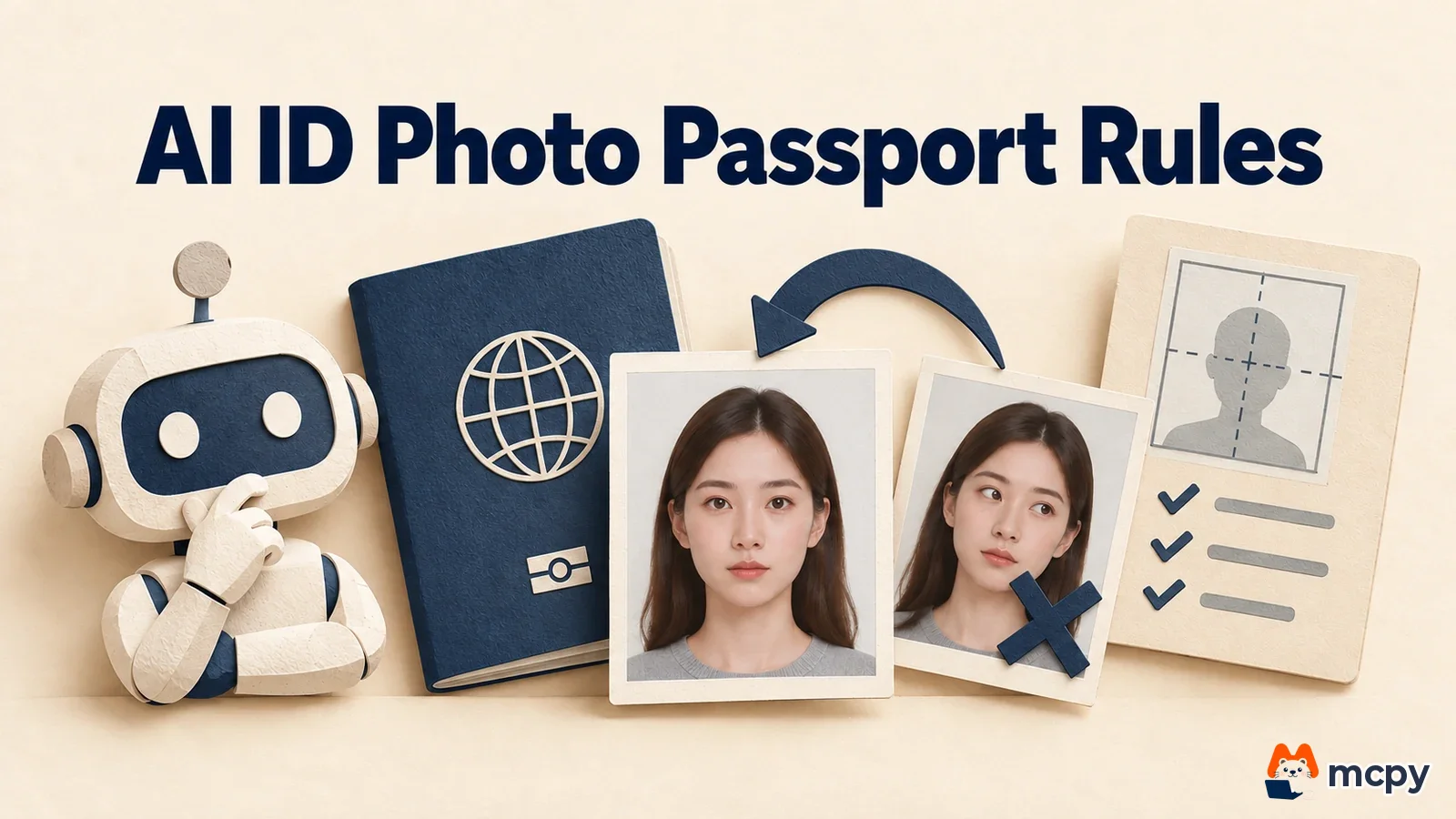
An AI ID photo is a picture made with a tool like ChatGPT by changing the background and clothes of a casual photo. You can use it for a resume or a social media profile, but not for a passport (as of October 20, 2026). The guidance from Korea's Ministry of Foreign Affairs (MOFA) overseas missions says photos edited, processed or composited with AI are not accepted, so decide the purpose first and then make the photo.
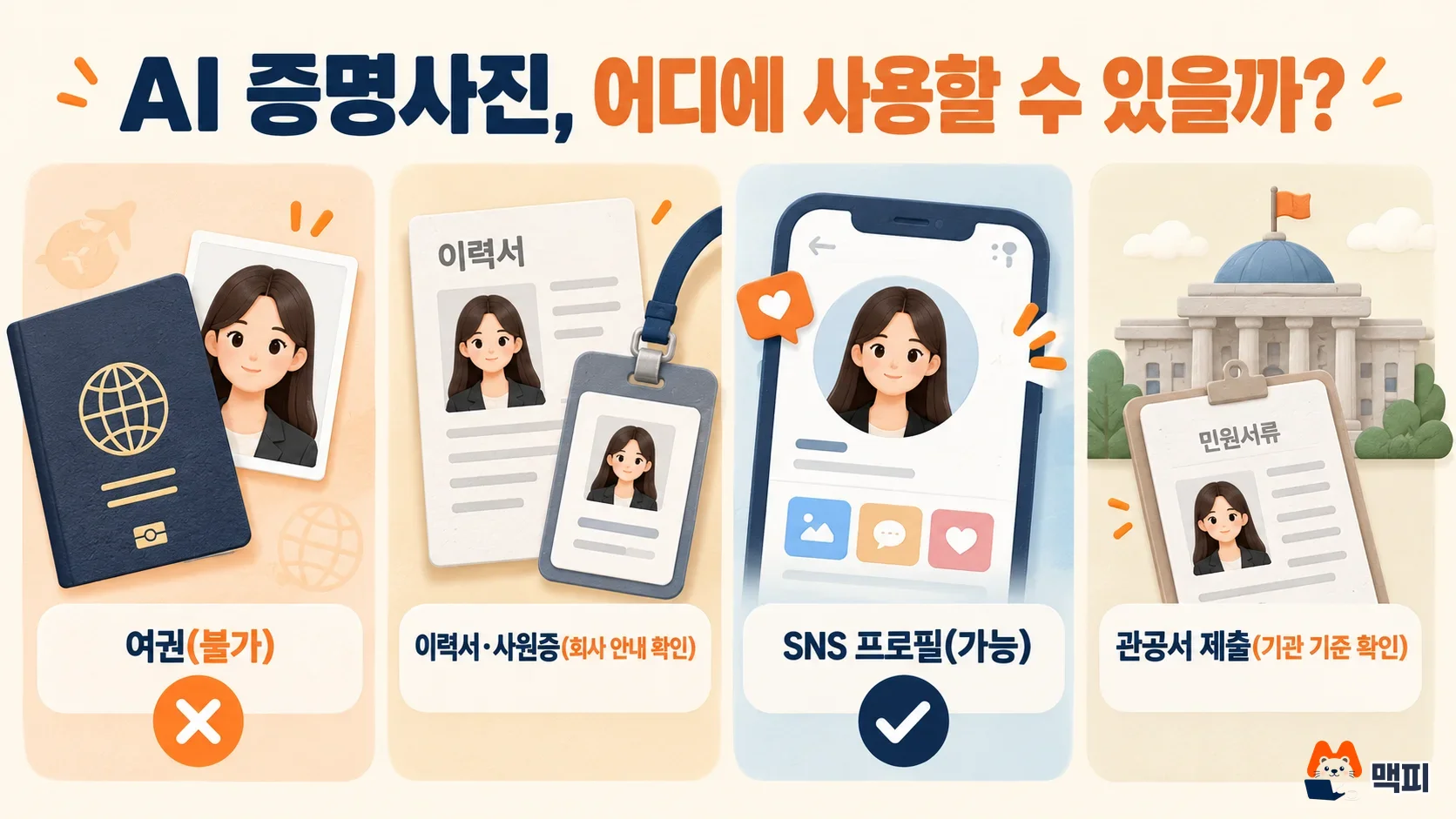
Where you can use an AI ID photo
Some people have no time to visit a photo studio, so they turn a smartphone selfie into an ID-style photo with AI. Then the passport counter rejects it. Retouching a food photo to post it on social media is one thing. Attaching the same photo to a food labeling document is another. The same photo can pass or fail depending on whether the receiving side wants "the photo as originally taken" or just "a photo that looks good." Even for uses marked as allowed in the table below, the rule of the receiving organization comes first if it has its own standard.
| Use | AI ID photo | Reason |
|---|---|---|
| Passport | Not allowed | The MOFA overseas mission photo guidance says works edited, processed, composited or created with AI are not accepted |
| Resume and job application documents | Check the company guidance first | If the job posting sets photo conditions, those come first. The practical test is whether you look different from the photo at the interview |
| Social media and messenger profiles | Allowed | It is not an identity document, so it is fine as long as your face does not change a lot |
| Government offices, schools and exam registration | Check the receiving organization's rules | Each organization differs on whether it requires an unedited original photo |
Why an AI ID photo fails for a passport
The passport photo guidance posted by the Korean Embassy in Germany (revised October 2022) does not accept photos arbitrarily retouched with editing programs or filters. It states that works edited, processed, composited or created with AI are included in this. Photos with the background removed or with a person composited onto a white background cannot be submitted either. If you change the background and clothes of a casual photo with ChatGPT, you break both rules.
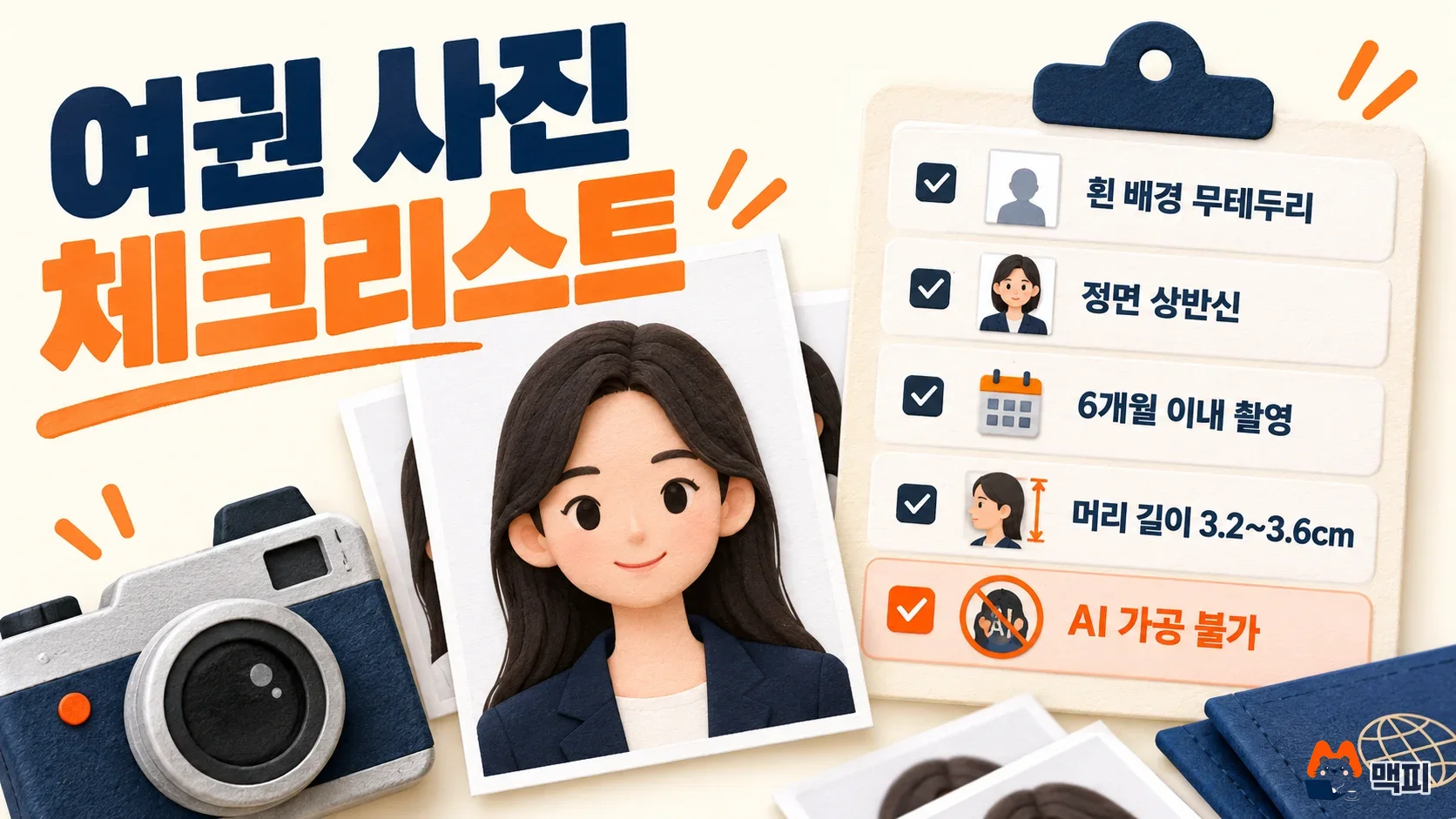
The same guidance sets the basic passport photo requirements below. It also lists a non-white background and heavy retouching as reasons for rejection.
| Item | Standard |
|---|---|
| Photo size | 3.5cm wide, 4.5cm tall |
| Head length (top of head to chin) | 3.2~3.6cm |
| When taken | Within 6 months before the passport application date |
| Background | Uniform white, no border and no shadow |
| Retouching | No editing, processing or compositing (including AI) |
The guidance from the Korean Embassy in Lebanon also says copied photos and photos modified in Photoshop cannot be used. The wording differs by mission, but the direction is the same: modified photos are not accepted. Some mission notices list the head length as 3.2~3.5cm. It is safer to check the latest guidance of the office where you apply. If you need a passport photo, have a new one taken at a photo studio and use AI only for other purposes. If you already have a photo file, you can check the specifications with the online passport photo verification and resizing tool in the Passport Basics > Passport Photo menu of the MOFA passport information website.
Steps to make an AI ID photo with ChatGPT
According to the OpenAI announcement, ChatGPT Images 2.5 has been available to all ChatGPT users since September 8, 2026. It improves editing that keeps the person in the reference photo and changes only the parts you ask for. The basic way to upload and transform a photo is covered in how to use ChatGPT image generation. For an ID photo, follow the steps below.
- Upload an upper-body photo taken in bright light, facing the camera, to the ChatGPT chat window. The face must not be covered, or the result will not look like you.
- Ask it to keep the face as is and change only the background and clothes. The tip of separating what to change from what not to change is the same as in how to write ChatGPT prompts. You can paste the sentence below as it is.
- If you do not like the result, ask for one fix at a time. If you change several things at once, it is hard to compare what changed.
- Save the image and crop it to the ratio you need (for example 3.5:4.5).
올린 사진의 얼굴, 얼굴 비율, 피부 질감은 바꾸지 말고 배경만 균일한 흰색으로, 옷만 단정한 네이비 재킷으로 바꿔 줘. 정면 상반신, 가로 3.5 세로 4.5 비율로 만들어 줘.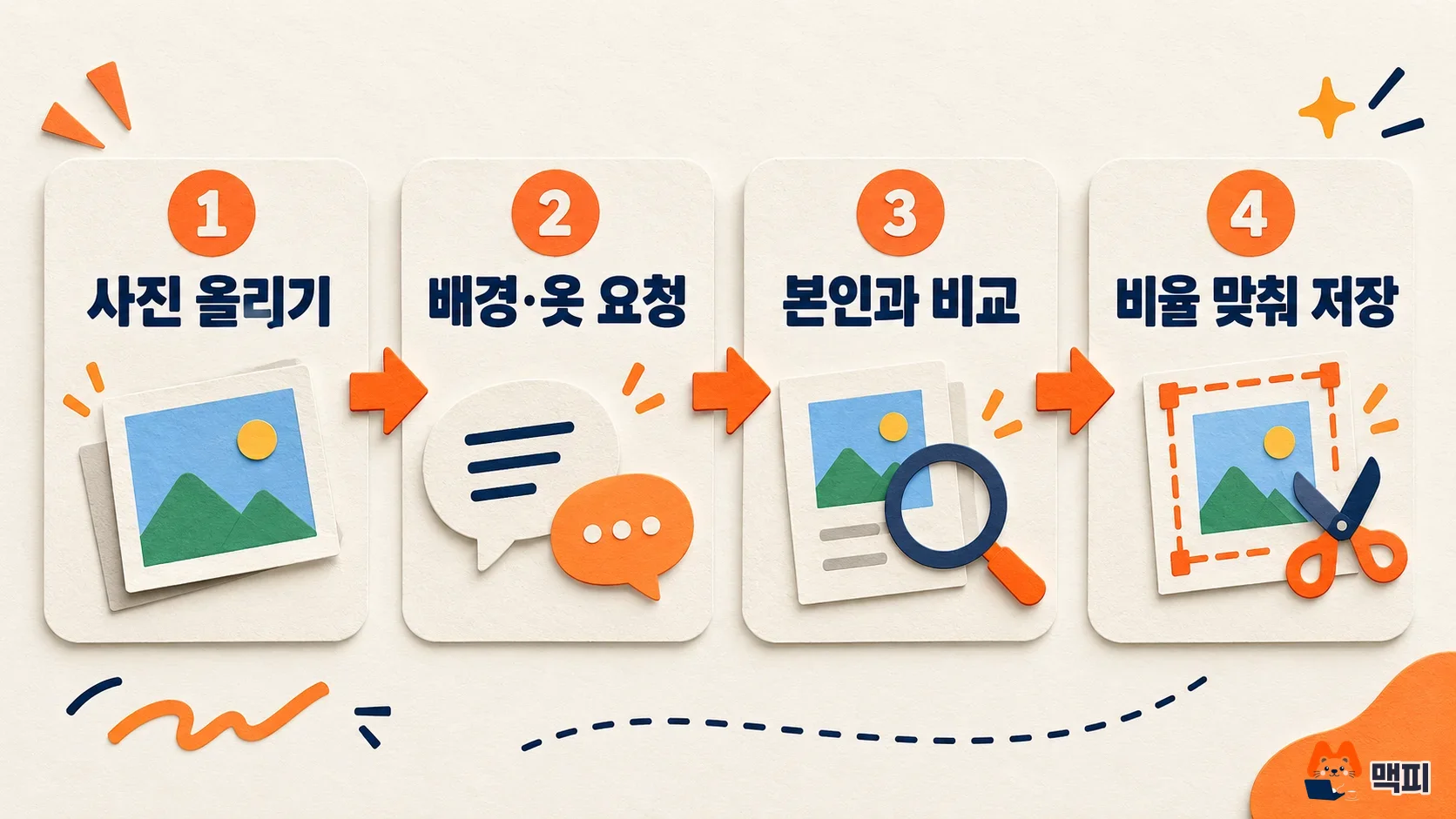
How to check the AI ID photo you made
OpenAI says editing of only the requested parts has improved, but the result differs a little each time you ask. Before saving, place the result next to the original photo and compare eye size, jawline, moles or scars, and the hair edge. For a surer check, show both photos to two or three people close to you and ask whether they recognize the same person right away. A photo that makes people say you look different in person can hurt you at the hiring stage for a resume or interview.
If you will print the photo, print it at 3.5×4.5cm and measure the head length with a ruler. If the top of the head to the chin is far from 3.2~3.6cm, ask again for a different face ratio. Even for uses other than a passport, matching this ratio gives the photo a proper ID look. You can also send the request twice with the same photo, compare both results with the original, and pick the one closer to you.
Frequently asked questions
What pixel size should a passport photo file for online application be?
The Embassy in Germany guidance recommends 413 pixels wide and 531 pixels tall. The requirement that the head length be 3.2~3.6cm when printed also applies to file submission.
Can I use an AI ID photo for a visa or overseas documents?
Photo standards differ by country, so the guidance of the receiving organization is the standard. If a document requires an unedited original photo, it is safer to avoid a photo changed by AI, as with a passport.
Is a lightly retouched photo okay for a passport?
The same mission guidance lists arbitrarily retouched photos and heavily retouched photos as reasons for rejection. Filters and AI retouching are included, so submit the passport photo exactly as taken, without retouching.
Found this useful? Share it
Latest posts
Kakao Share Thumbnail Not Showing? Here's the Fix (JavaScript SDK 2025)
Learn why Kakao Share thumbnails don't appear even with a valid imageUrl, and fix it using scrapImage to convert your URL into a KAGE CDN URL. Step-by-step guide.
How to Generate CRM User Manuals in 20 Minutes with Claude Code Sub-Agents
Learn how Claude Code sub-agents can analyze your CRM codebase and auto-generate user manuals and visual guidebooks in just 20 minutes. See the real-world results.
GEO Generative Engine Optimization: The Complete 2025 AI Marketing Strategy Guide
Learn what GEO (Generative Engine Optimization) is, how it differs from traditional SEO, and discover 5 proven AI marketing strategies to get cited by AI search engines in 2025.
Related projects
Get new posts by email
Insights on marketing, analytics, and dev, delivered to your inbox.