
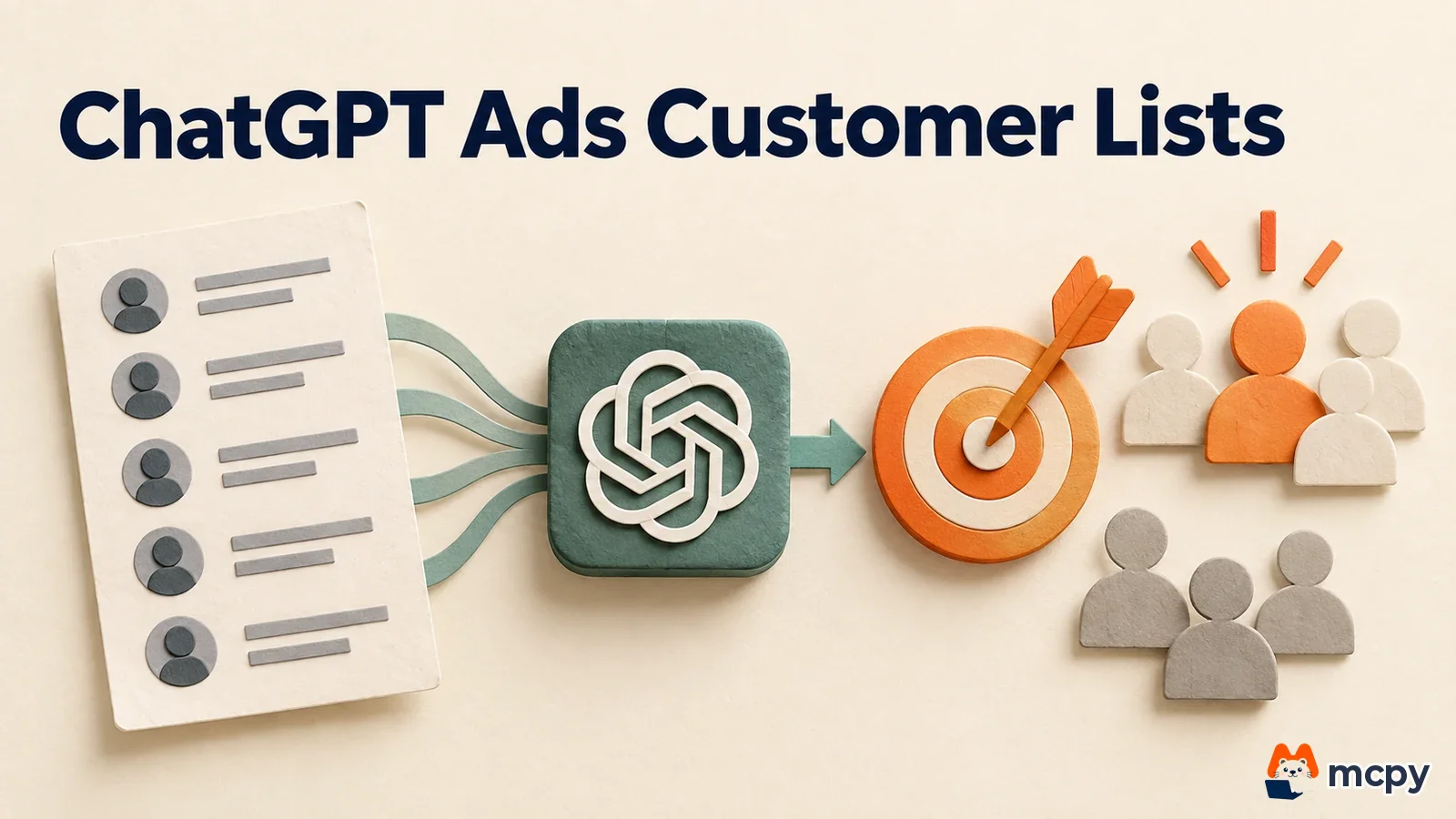
To show ChatGPT ads only to your customers, or to leave existing customers out, upload a customer list and build a custom audience. Inclusion and bid adjustments plan around 25,000 matched users, while exclusion has no minimum (as of October 1, 2026). On September 28, the data connectivity company LiveRamp joined as a technology partner for this feature and began offering RampID-based custom audiences in 11 markets.
This article covers what custom audiences can do, the upload steps, how LiveRamp changes the process, and what Korean advertisers should check first. The rules follow the custom audiences page in the OpenAI ads developer docs. The LiveRamp news follows the official LiveRamp blog, Search Engine Journal, and PPC Land. The OpenAI docs list no separate effective date, so we treat what we read on October 1 as current. The LiveRamp integration launched with the September 28 announcement in 11 markets, and the plan is to expand it to every market where ChatGPT ads are available.
What the LiveRamp partnership changes
LiveRamp is a company that connects advertisers' customer data to many ad platforms. On September 28 it became a technology partner for ChatGPT ads. Advertisers can match their CRM data, membership data, and website and app data to RampID, LiveRamp's identifier, and use it as a custom audience in ChatGPT ads.
The custom audience feature itself is not new. OpenAI already lets you upload an email or phone number file directly in Ads Manager. The news means there is now one more route: going through LiveRamp instead of a file.
LiveRamp's announcement did not name the 11 markets. You need to ask your LiveRamp contact directly whether Korea is included. Korean ad accounts are open on a self-serve basis. The sign-up requirements are covered separately in our ChatGPT Ads Korea self-serve article.
Three things you can do with a customer list
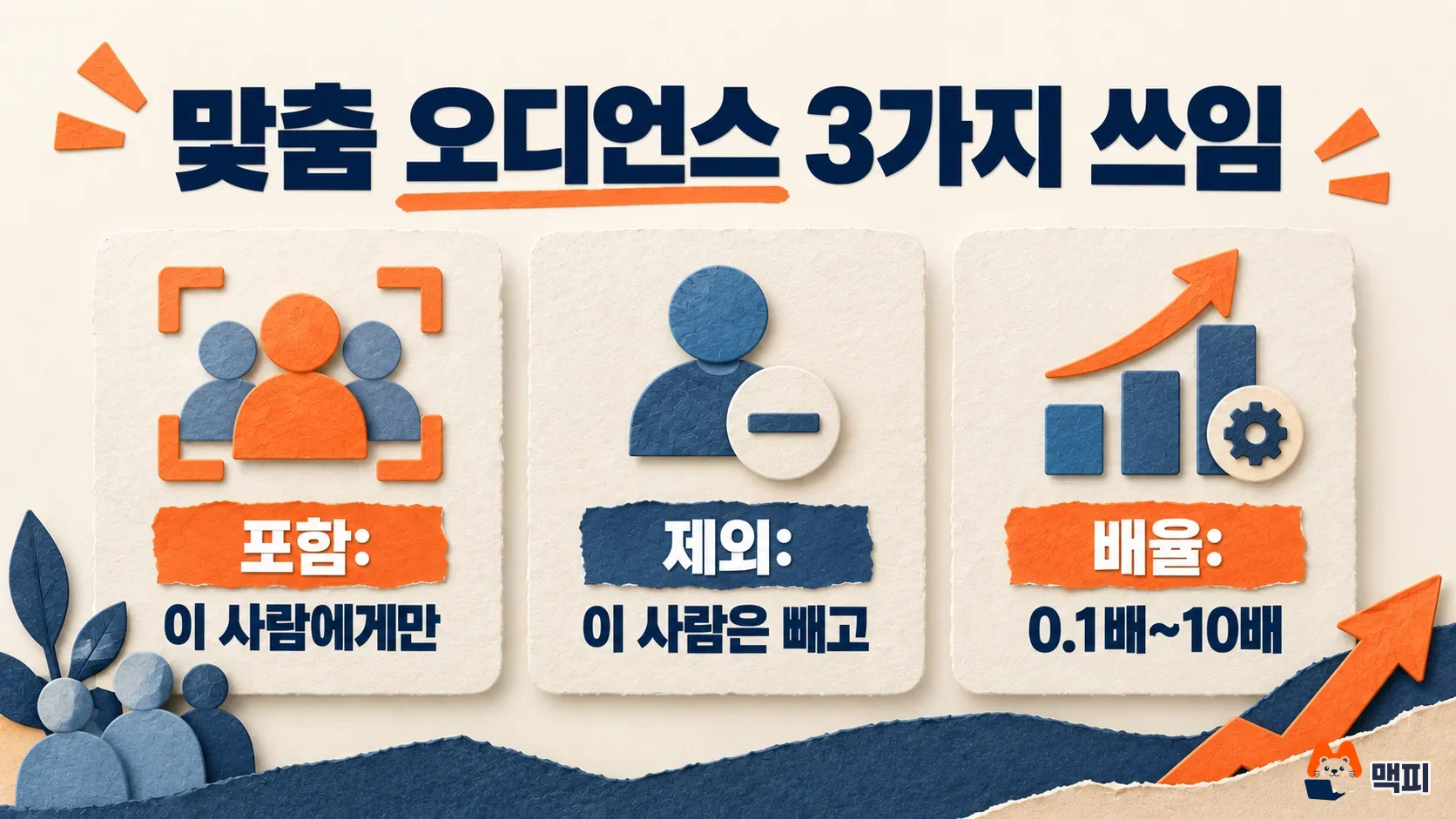
A custom audience is a customer list built from emails or phone numbers. OpenAI matches this list against ChatGPT users and applies only the matched people to your ad conditions. There are three uses.
| Use | What it does | Minimum size | Example |
|---|---|---|---|
| Include | Shows ads only to people in the selected audience | 25,000 matched users (planning figure) | Repurchase ads to existing customers |
| Exclude | Does not show ads to people in the selected audience | None | Turn off sign-up ads for people who already signed up |
| Bid multiplier | Adjusts the ad group's maximum bid from 0.1x to 10x for people in the audience | 25,000 matched users (planning figure) | 2x for top customers, 0.5x for lower-priority customers |
The examples in the table are assumptions to aid understanding, not real campaign results. You cannot use the same audience for both inclusion and exclusion in one campaign. Exclusion works with small lists, so it is the lowest-risk way to try the feature first.
The steps to upload a customer list
Uploading a file takes four steps. The step where people get stuck most often is the second one, matching the format.
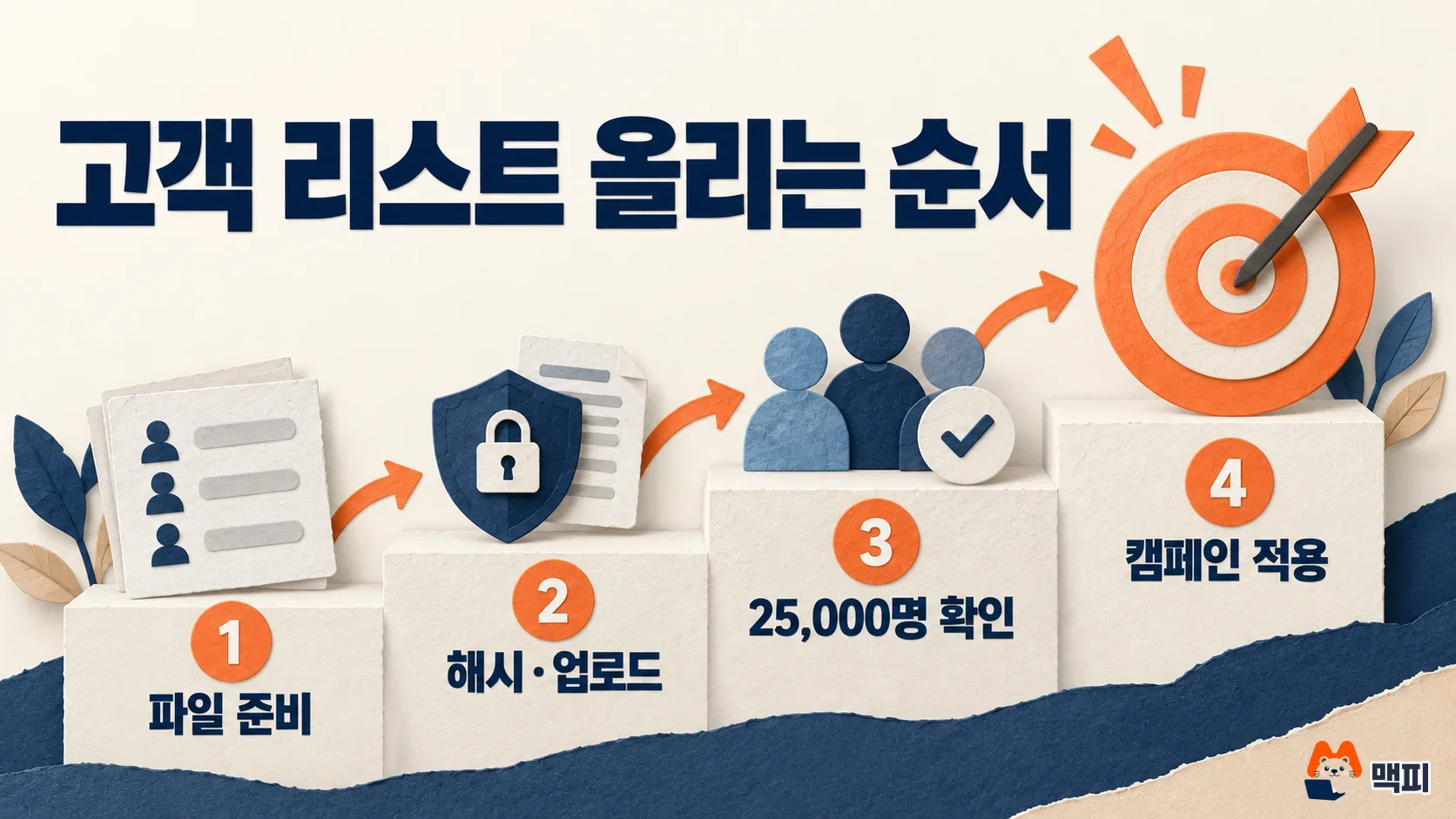
- Prepare the file. It must be a UTF-8 CSV or TXT file, up to 500MB, with up to 5 million identifiers per upload. In a TXT file, write one value per line and add no header. A CSV needs an identifier header.
- Match the format. For emails, trim leading and trailing spaces and convert to lowercase. For phone numbers, use the international format with country code (E.164, for example +821012345678). If you upload hashed values, clean the data first, then convert with SHA-256 and use the 64-character hexadecimal value as is.
- Upload. Per the OpenAI help article, you upload only one type of identifier at a time. Do not mix emails and phone numbers in one file.
- Wait for processing, then attach the audience to a campaign. Processing usually takes 20 to 30 minutes (per PPC Land), and the result is shown as a range, not an exact count. For inclusion or bid multipliers, plan around 25,000 matched users. OpenAI recommends 100,000 or more.
The number of rows you upload is not the audience size. Duplicates, invalid values, and values that do not match a ChatGPT user are dropped. Uploading 30,000 records does not create an audience of 30,000 people. OpenAI does not disclose its match rate.
Upload directly or use LiveRamp
If your data is already in LiveRamp, going through LiveRamp is easier. You use the same audience you already use on other platforms, so you do not need to manage a separate file. In its official announcement, LiveRamp said these audiences can improve targeting precision and also support exclusion and performance measurement.
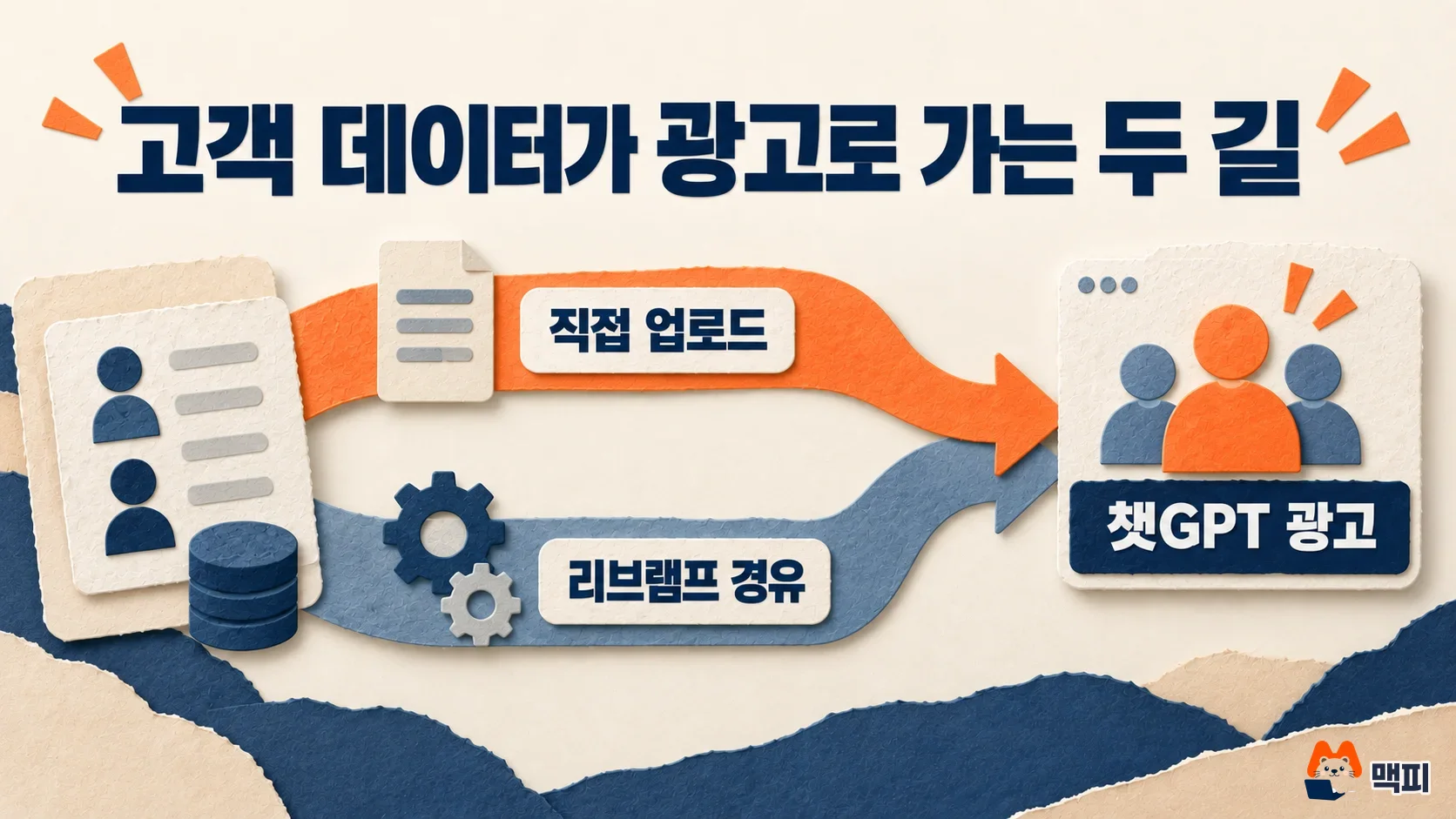
Advertisers without a LiveRamp contract are fine with direct upload. Maekpi's view is that small and mid-size advertisers with tens of thousands of customers should test direct upload first.
What Korean advertisers should check first
First, privacy consent. OpenAI only allows first-party customer data that the advertiser has rights to, and it prohibits lists bought from data brokers. Before uploading, confirm that your privacy policy covers ad use and sharing with third parties, and that you have marketing consent. Maekpi's view is that hashed emails are safest treated as personal data, because matching them against the original values can identify the same person.
Second, whether the menu is open on your Korean account. The only regions the developer docs say are unsupported are Europe and Switzerland, and Korea is not mentioned. Even so, the fastest check is to see whether the custom audiences menu appears in Ads Manager.
Third, campaigns targeting Europe. Custom audiences are not supported in campaigns that target the European Economic Area (EEA) and Switzerland. If you run an online store with overseas customers too, split your campaigns by target region first.
Fourth, phone number format. Korean mobile numbers that start with 010 will not match if uploaded in the domestic format. Drop the leading 0 and add +82 to convert to the international format.
Common mistakes
- Not cleaning data before hashing: if an email with uppercase letters or spaces is hashed, even the same person will not match.
- Sending the hash as Base64: it must be a 64-character hexadecimal value.
- Trying inclusion targeting with a small list: you cannot use it if you fall short of 25,000 matched users.
- Using the same audience for inclusion and exclusion: one campaign does not allow it.
- Not budgeting for processing time: uploading on the morning of launch day delays the campaign.
Frequently asked questions
Can ChatGPT ads target by interest like Google?
The targeting that the OpenAI docs describe is inclusion, exclusion, and bid multipliers for customer list audiences. There is no interest targeting menu in this documentation.
Can I not use a list under 25,000?
You can use it for exclusion. For inclusion and bid multipliers, it is safer to reach the planning figure of 25,000. OpenAI said the threshold may differ slightly because of privacy safeguards.
How does this relate to the pixel and the Conversions API?
Custom audiences decide who sees your ads, while the pixel and the Conversions API measure actions after the ad. We covered measurement setup in our ChatGPT Ads pixel and Conversions API article.
Before uploading, check the consent scope of your customer list, then test with a single exclusion audience first.
Found this useful? Share it
Latest posts
Kakao Share Thumbnail Not Showing? Here's the Fix (JavaScript SDK 2025)
Learn why Kakao Share thumbnails don't appear even with a valid imageUrl, and fix it using scrapImage to convert your URL into a KAGE CDN URL. Step-by-step guide.
How to Generate CRM User Manuals in 20 Minutes with Claude Code Sub-Agents
Learn how Claude Code sub-agents can analyze your CRM codebase and auto-generate user manuals and visual guidebooks in just 20 minutes. See the real-world results.
GEO Generative Engine Optimization: The Complete 2025 AI Marketing Strategy Guide
Learn what GEO (Generative Engine Optimization) is, how it differs from traditional SEO, and discover 5 proven AI marketing strategies to get cited by AI search engines in 2025.
Related projects
Get new posts by email
Insights on marketing, analytics, and dev, delivered to your inbox.