
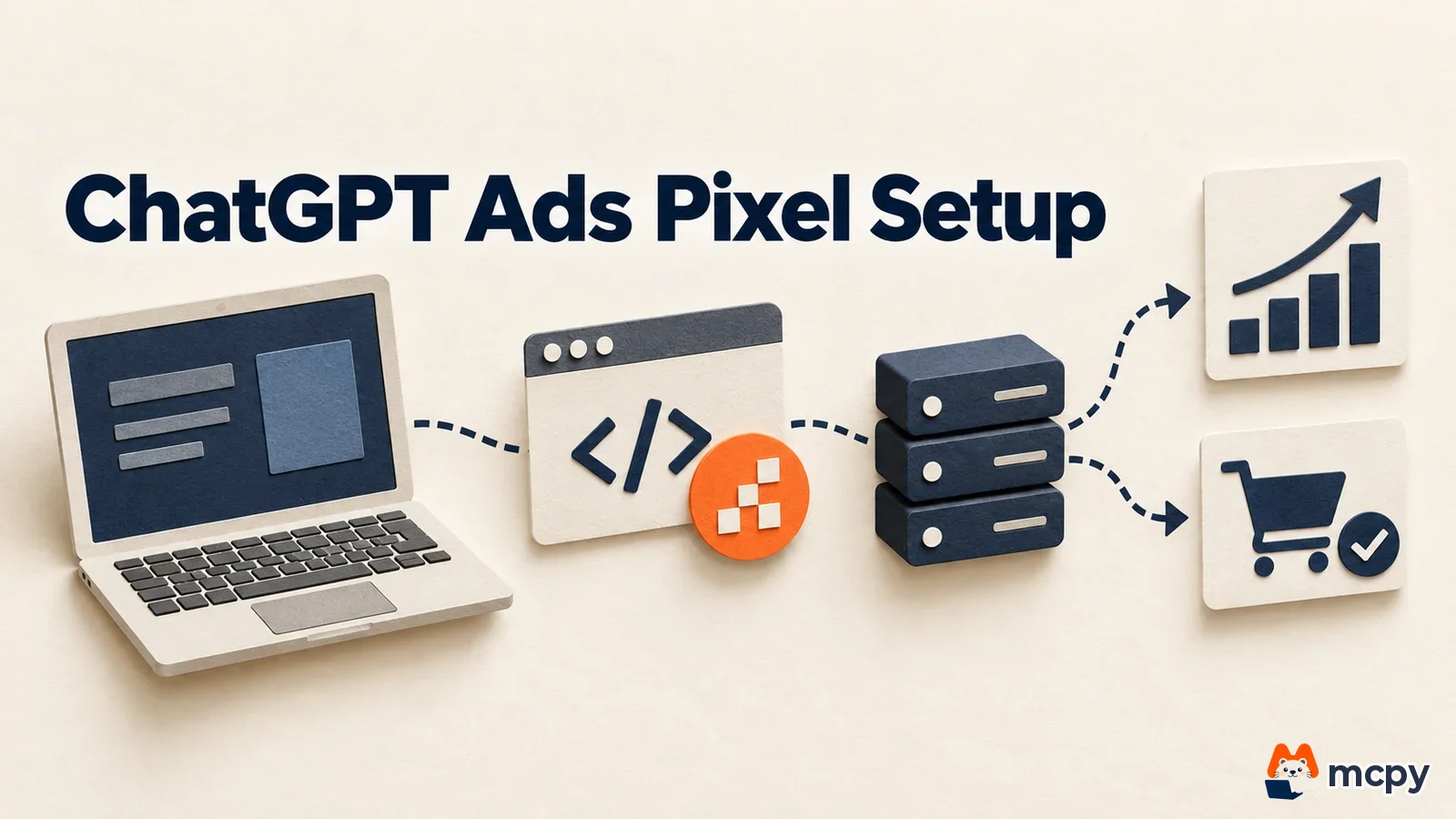
To measure conversions in ChatGPT Ads, install the measurement pixel on your website, connect the Conversions API on your server, and send the same event ID from both. A conversion-optimized campaign can target only one standard event, and billing is based on valid clicks, not conversions (as of September 30, 2026). Advertisers in Korea also need to align consent management and hashing rules.
This article covers the difference between the pixel and the Conversions API, the setup order, the fields to include in server events, and the limits of conversion optimization and custom audiences. The sources are the OpenAI ads developer docs pages on the measurement pixel, Conversions API, conversion tracking, conversion-optimized campaigns, and custom audiences. MCPY read and verified them directly on September 30. The docs give no separate effective date, so we treat the content as of September 30 as current. Account requirements, meaning availability in Korea and the account review process, are covered separately in ChatGPT Ads self-service in Korea: what to prepare before signing up.
The short version in three lines
- Connection: the pixel sends events from the browser, and the Conversions API sends them from the server. If you use both, the same event ID removes duplicates.
- Optimization: a conversion-optimized campaign targets only one standard event, and you cannot change the event after creation. You also cannot convert an existing campaign.
- Audiences: custom audiences use 25,000 matched users as the planning threshold. They are not available for campaigns targeting the European Economic Area (EEA) and Switzerland.
How the pixel and Conversions API differ, and why you use both
The pixel is JavaScript code that the visitor's browser uses to send events. An event is an action you want to count as ad performance, such as a purchase or a lead form submission. The Conversions API is a method where your own server sends events directly. The conversion tracking doc describes the pixel as "Measure actions that happen on your website" and the Conversions API as "Send actions recorded by your server, such as confirmed orders". The same doc says "Use the same event name and event ID through both integrations", which tells you to keep the event name and event ID identical across both methods.

| Item | Measurement pixel | Conversions API |
|---|---|---|
| Sent from | Visitor's browser | Your server |
| Role in the docs | Actions that happen on your website | Actions recorded by your server (for example, confirmed orders) |
| Source label | pixel_sdk | server_to_server |
| Request address | Script bzrcdn.openai.com/sdk/oaiq.min.js | POST bzr.openai.com/v1/events?pid=PIXEL_ID |
According to the Conversions API doc, the deduplication key is the pixel ID, event name, and event ID. When keys match, only the first event to arrive is used and later ones are ignored. If the browser and server each generate their own event ID, the keys differ and the same order can be counted twice. Use a value both sides know, such as the order number.
The setup order
The recommended order in the official conversion tracking doc comes down to five steps from an ad manager's point of view. The measurement pixel doc says to create the pixel ID in the conversions tab of Ads Manager, and the Conversions API key is created in the same tab.

- Create a data source and get the pixel ID.
- Add the pixel code to the
<head>of every page on your site and initialize it. - Send test events and confirm that data arrives.
- Create a conversion event setting that defines which events count as conversions.
- Connect that setting to a campaign.
Here is what the pixel install code looks like. The code below is the install snippet from the official measurement pixel doc, and the pixel ID is a placeholder. The script loads asynchronously, and a global function named oaiq receives commands.
<script>
  (function (w, d, s, u) {
    if (w.oaiq) return;
    var q = function () { q.q.push(arguments); };
    q.q = [];
    w.oaiq = q;
    var js = d.createElement(s);
    js.async = true;
    js.src = u;
    var f = d.getElementsByTagName(s)[0];
    f.parentNode.insertBefore(js, f);
  })(window, document, "script", "https://bzrcdn.openai.com/sdk/oaiq.min.js");
  oaiq("init", { pixelId: "픽셀-ID" });
</script>
Events are sent in the form oaiq("measure", eventName, data, options). If you put event_id in the fourth argument, the options, you can link the same event sent from the browser and the server. On an order confirmation page, it looks like the example below. The order number and amount are made-up values for illustration, and the amount and currency follow the format of the doc example (amount: 2599, currency: "USD").
oaiq("measure", "order_created",
  { type: "contents", amount: 2599, currency: "USD" },
  { event_id: "order-10293" });
The supported events doc lists 13 standard events. Purchase is order_created, lead submission is lead_created, sign-up is registration_completed, checkout start is checkout_started, add to cart is items_added, paid subscription start is subscription_created, free trial start is trial_started, consultation or demo booking is appointment_scheduled, content view is contents_viewed, and key page view is page_viewed. These are the events used on web and server. The rest are the user-defined custom, app install app_installed, and app open app_opened. The doc says the app install and open events are "available through the Conversions API only" and tells you to send action_source as mobile_app. The JavaScript pixel does not support these two. When you send an amount, you must always send the currency code with it.
Test by querying recent events. The troubleshooting doc describes an endpoint that returns a sample of roughly the last 15 minutes, and tells you to check that the event type, source, and integration channel match what you intended. Browser events appear as pixel_sdk and server events as server_to_server.
How to send server events with the Conversions API
According to the Conversions API doc, one request can hold up to 1,000 events. If even one fails, the whole batch fails. Put the API key in the Authorization: Bearer header and send an events array in the body. At first, it is better to use validate_only: true to validate without saving.
Four values are required in every event. id is a string used for retries and deduplication. type is the event type above. timestamp_ms is the time in milliseconds. It must fall within the last 7 days, and the future is allowed only up to 10 minutes. data is the conversion content. For web events, also include source_url and action_source: "web". If you run a batch job that uploads orders late, including last week's, set its schedule so it does not hit the 7-day limit.
The user information used for conversion matching is all optional. Email, phone number, external ID, and name are normalized and then sent as a SHA-256 hash, 64 lowercase hexadecimal characters. City, region, postal code, country code, IP, and user agent are not hashed. The normalization rules before hashing are as follows.
- Email: trim leading and trailing spaces and convert to lowercase.
- Phone number: remove spaces, parentheses, periods, hyphens, and the leading + and 0. The result must be 8 to 15 digits.
- Name: convert to lowercase and remove spaces and ASCII punctuation. Leave non-ASCII characters, such as Korean letters, as they are.
Korean phone numbers are easy to get wrong here. A number starting with 010 becomes a value without a country code if you remove the leading 0 as the rule says. The Conversions API doc has no Korean number example, so we could not confirm from the docs which form matches. Check first with test events.
Know the cookies too. The pixel stores the ad click identifier in the __oppref cookie for 30 days, and the __obref cookie for browser identification lasts 365 days. When you send events from the server, pass the oppref and obref values through unchanged. If these values are lost by the time of payment completion, the server event will not connect to the ad click.
Consent management and attribution windows
By default, the pixel starts as if consent has been given. If your site uses a consent banner, call oaiq("consent", false) before initialization, then call oaiq("consent", true) after the visitor consents. The measurement pixel doc gives this order as an example. While consent is false, the pixel does not send measurement events. You can add opt_out: true to events from people who declined per-user personalization.
The setup example in the conversion tracking doc uses a 30-day post-click attribution window. View-through conversions, which capture conversions after an ad was seen without a click, use a fixed one-day window after impression according to the measurement pixel doc. When a click overlaps, the click takes priority. When you compare numbers side by side with other channels, align the difference in these windows first.
If your site enforces a Content Security Policy (CSP), you need to open three directives as in the table of the measurement pixel doc. These are https://bzrcdn.openai.com in script-src, https://bzr.openai.com and https://bzrcdn.openai.com in connect-src, and https://bzr.openai.com in img-src.
Constraints of conversion-optimized campaigns
Conversion optimization is a bidding method that shifts ad delivery toward people more likely to convert. The official doc calls it oCPC (optimized cost per click) and states "oCPC is in open beta". The rules are clear.

- Goal event: the original wording in the doc is "exactly one active standard conversion event". You can pick only one active standard event. A custom event cannot be the goal.
- Changes: after you create the campaign, you cannot change the goal event ("You cannot change the goal or event after campaign creation"). You also cannot change an existing CPM or CPC campaign to conversion optimization ("You cannot change an existing CPM or CPC campaign to oCPC"). You must create a new campaign.
- Billing: delivery is optimized toward conversions, but the doc says it "charges you only when a valid click occurs". You are billed only for valid clicks, and billing does not switch to cost per conversion.
- Bidding: in the API,
max_bid_microsacts as the target cost per conversion (CPA bidding). In the doc example, 100000000 equals 100 dollars for a US dollar account.
The doc gives no number for how many events conversion optimization needs. It only advises making big changes to bids, budget, and creative after enough events have accumulated to judge performance. The doc has no criteria for which event is better as the goal, so MCPY does not commit to an answer either.
We could not confirm whether conversion optimization is actually open on Korean accounts. We could not find a Korea launch date in official materials. Check the campaign creation screen yourself to see whether the goal options appear.
Conditions for using custom audiences
Custom audiences let you use your own customer list as an ad target or an exclusion. For inclusion or bid adjustment, the official doc says to use "25,000 matched users as the public planning threshold". Uploading 25,000 records does not mean 25,000 users match. The doc says the exact boundary can vary because of privacy safeguards. For exclusion, on the other hand, even a small list can be used once it is ready.

You can upload five identifier types: email, phone number (E.164), hashed email, hashed phone number, and Google Advertising ID (GAID). Send hashes as 64 hexadecimal characters (a string of 0 to 9 and a to f), and Base64 is not allowed. Upload GAID as the original value, without hashing. Files can be CSV or TXT, up to 500MB. Upload only first-party data that you have the right to use for advertising. The doc says "Don't upload broker-sourced data", which prohibits lists bought from data brokers.
What to check in Korea
- Ad account: Korea is on the official list of supported countries, but ad delivery and feature access depend on account review and separate feature-level conditions. Check yourself whether conversion optimization and custom audiences appear in your account.
- Consent: Korean sites usually use a consent banner or a consent management platform (CMP). Ask your development team whether this consent state is connected to
oaiq("consent"). The legal basis and notice wording are for your legal team to confirm, so this article does not judge them. - Customer lists: check whether your privacy policy covers uploading emails and phone numbers to an ad platform. Whether it counts as outsourcing or third-party provision differs by company.
- Amounts: the docs have no example of how to handle integers when you send Korean won amounts. Send a first order as a test, then match it to your internal revenue basis, including whether VAT is included.
- Existing measurement: conversion counts may differ from Google Analytics 4 or other channels. Different attribution windows and deduplication rules make numbers diverge, so start by aligning the windows above.
Cautions: six common mistakes
The most common mistake is installing only the pixel and not creating a conversion event setting. Even if events arrive, you cannot connect them to a campaign until you define which events count as conversions. The second is creating event IDs separately in the browser and on the server. The same order is counted twice. The third is trying to pick a custom event as the optimization goal, when only standard events work. The fourth is turning on conversion optimization and leaving the existing campaign as it is. You must create a new campaign, and you should compare performance based on the new campaign. The fifth is not cleaning up spaces and letter case before hashing an email. The hash values differ and matching fails. The sixth is uploading orders older than 7 days through the Conversions API. They hit the timestamp limit.
What to check today, in order
- Get the pixel ID and API key from the conversions tab in Ads Manager.
- Add the pixel to a test page, check that events go out with
debug: true, then confirm they show up aspixel_sdkin the recent events query. - Use the order number as the event ID, and test one Conversions API request from the server with
validate_only: true. - Pick one conversion event, such as purchase or lead, create a conversion event setting, and connect it to a new campaign.
- If you plan to upload a customer list, check the hashing rules and your privacy basis first.
Developer docs change often, so check the constraints on the conversion optimization page once more right before you launch a campaign.
Sources
- OpenAI ads developer docs, Measurement Pixel (checked September 30, 2026)
- OpenAI ads developer docs, Conversions API (checked September 30, 2026)
- OpenAI ads developer docs, Conversion Tracking
- OpenAI ads developer docs, Conversion-Optimized Campaigns
- OpenAI ads developer docs, Supported Events
- OpenAI ads developer docs, Custom Audiences
- OpenAI ads developer docs, Troubleshooting
Found this useful? Share it
Latest posts
Kakao Share Thumbnail Not Showing? Here's the Fix (JavaScript SDK 2025)
Learn why Kakao Share thumbnails don't appear even with a valid imageUrl, and fix it using scrapImage to convert your URL into a KAGE CDN URL. Step-by-step guide.
How to Generate CRM User Manuals in 20 Minutes with Claude Code Sub-Agents
Learn how Claude Code sub-agents can analyze your CRM codebase and auto-generate user manuals and visual guidebooks in just 20 minutes. See the real-world results.
GEO Generative Engine Optimization: The Complete 2025 AI Marketing Strategy Guide
Learn what GEO (Generative Engine Optimization) is, how it differs from traditional SEO, and discover 5 proven AI marketing strategies to get cited by AI search engines in 2025.
Related projects
Get new posts by email
Insights on marketing, analytics, and dev, delivered to your inbox.