
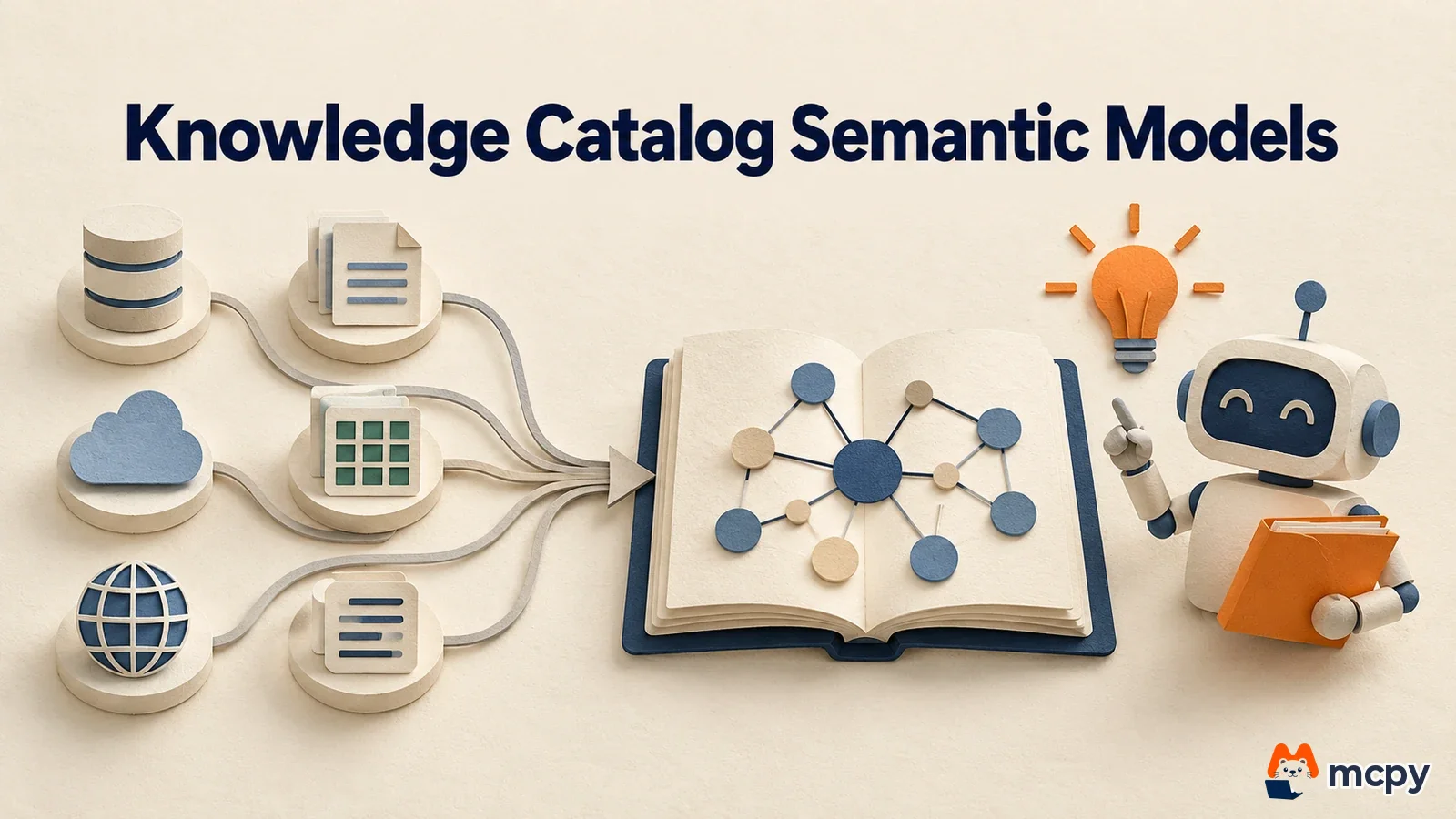
Knowledge Catalog semantic model support pulls metric definitions scattered across many tools into one place, so AI agents see the same definitions. On October 30, 2026, Google Cloud announced on its official blog that support for semantic models (definitions of metrics and business terms) from Looker, BigQuery, dbt, Snowflake, Databricks, and SAP is now generally available (GA).
What changed Knowledge Catalog pulls metric definitions scattered across BI and data tools into one graph, and AI agents refer to the same definitions.
Who is affected Data and analytics owners who manage metrics in two or more of the six tools above and want to add AI agents or natural language analysis.
What to do now First check whether metric definitions differ between tools. Then connect your sources and review the conflict list.
Knowledge Catalog semantic model support: what changed
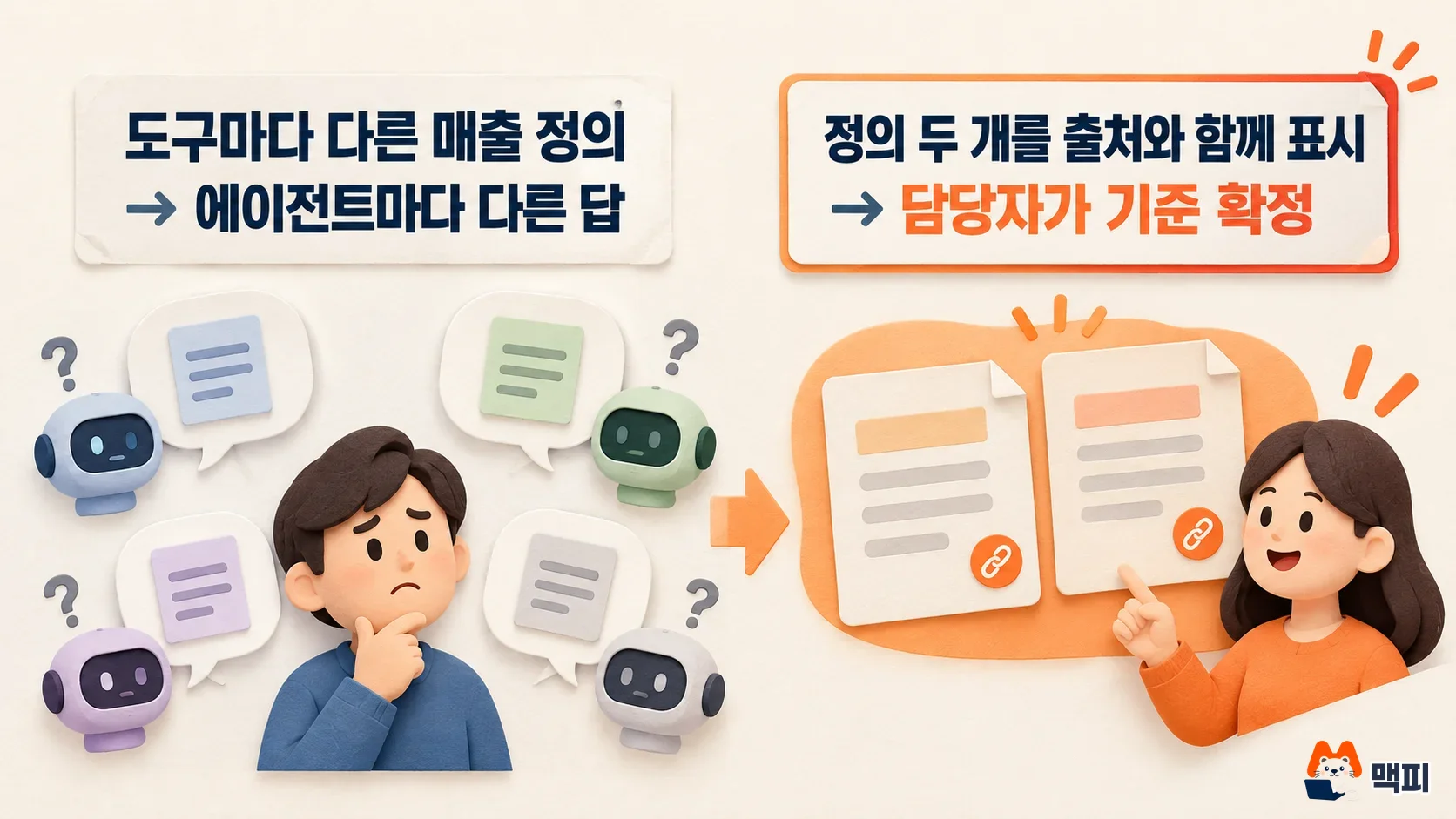
The same "revenue" can exclude refunds on a dashboard and include refunds in an analysis query. Then the numbers differ in every meeting. It is like shops that each use a different weight for one "geun" (a traditional Korean unit of weight for meat), so the same cut of meat costs a different amount. An AI agent that does not know which shop's "geun" applies will also pick any number and answer. So this announcement has the agent look up a "verified definition" first, before it writes SQL. But if the definitions the agent uses differ between tools, this connection alone does not make the numbers match automatically.
According to the official blog, the supported sources and the information imported from each are as follows.
| Source | Main information imported |
|---|---|
| Looker LookML | Models, Explores, views, dashboards, compiled metric SQL, required filters, join conditions |
| BigQuery Graph | Property graph definitions, node and edge tables, graph metrics, business synonyms |
| dbt MetricFlow | Metrics, source and model links, data quality test results, Saved Queries, freshness SLAs |
| Snowflake Semantic Views | Dimensions, facts, metric formulas, relationships, synonyms, quality metrics, PII masking tags (via Horizon Catalog) |
| Databricks Metric Views | Metric view definitions, measure formulas, join cardinality, certification badges (via Unity Catalog) |
| SAP CSN | Business labels, dimension and cube modeling, currency and unit bindings, sensitivity flags (via SAP Business Data Cloud) |
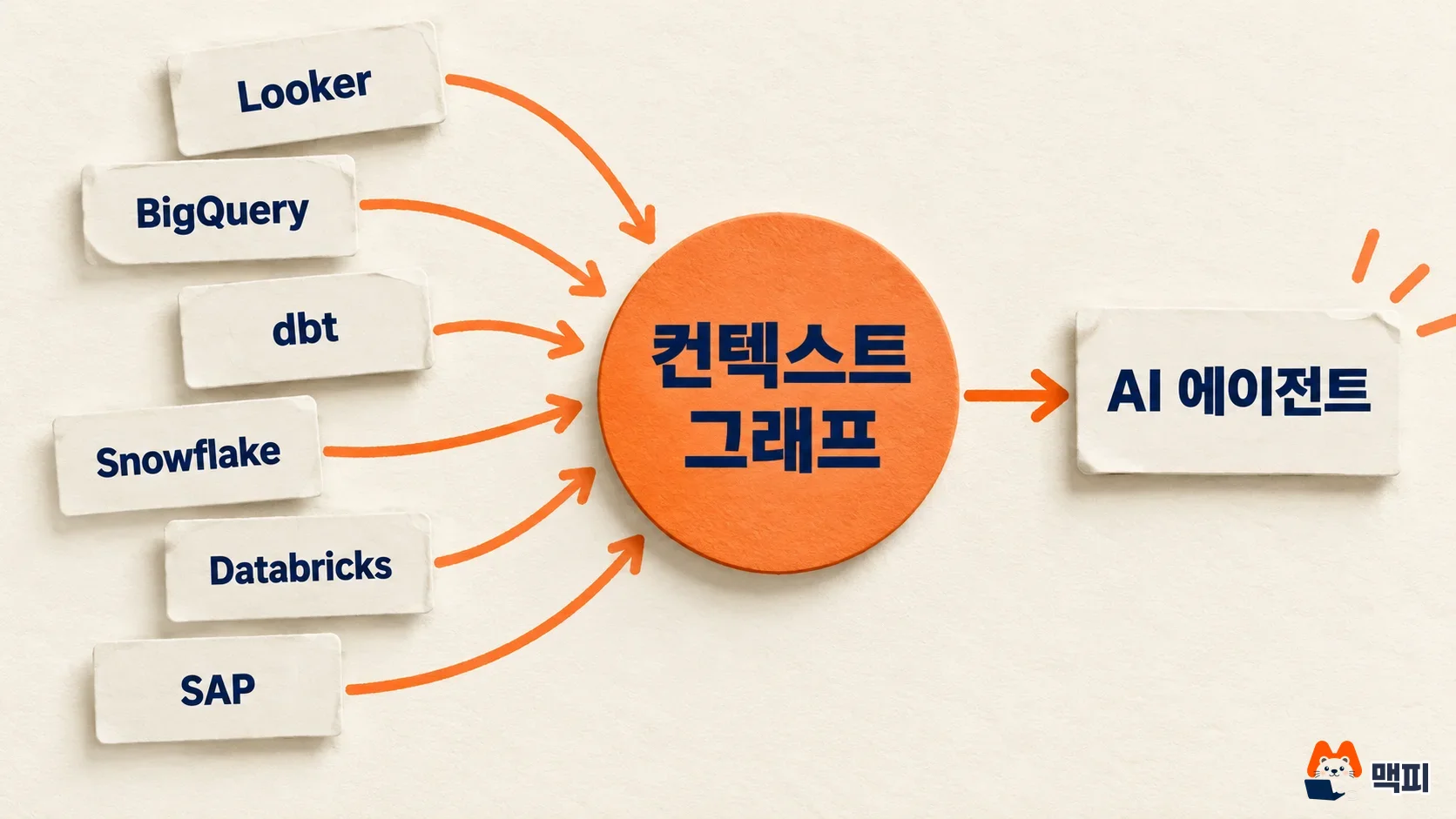
Google's blog says you do not need to move data or rewrite metric logic. You connect your existing definitions to Gemini Enterprise agents, BigQuery Conversational Analytics, and agents you build yourself. Looker connects through Live sync in Looker Core. For agents aimed at general users, see our post on Gemini agent supported apps and cost limits. For BigQuery metric definitions, start with our explainer on BigQuery measures.
Does your environment apply: what a definition conflict looks like
According to Google's official blog, when the same metric is defined differently across tools, Knowledge Catalog shows both definitions with their sources. It does not overwrite existing definitions automatically. A data steward (the person who manages data) decides which one is correct. In other words, this feature reveals hidden conflicts more than it removes them.
The same blog says it also provides data quality scores, freshness, and lineage (the path the data has traveled) alongside the semantic definitions. This helps agents judge whether a table is trustworthy. It also describes an enrichment feature where Gemini finds and organizes missing or outdated context from operations documents, meeting notes, chats, and code. Google says this setup raises accuracy by about 4 times, cuts latency by up to 33%, and cuts token usage by up to 75%. These are Google's internal benchmark figures, so results in your environment may differ.
The order for connecting Knowledge Catalog semantic models
The blog describes a four-step flow. First, connect your sources by following the Knowledge Catalog documentation. Snowflake, Databricks, and SAP go through Horizon Catalog, Unity Catalog, and SAP Business Data Cloud respectively, so setup on those platforms must be finished first.
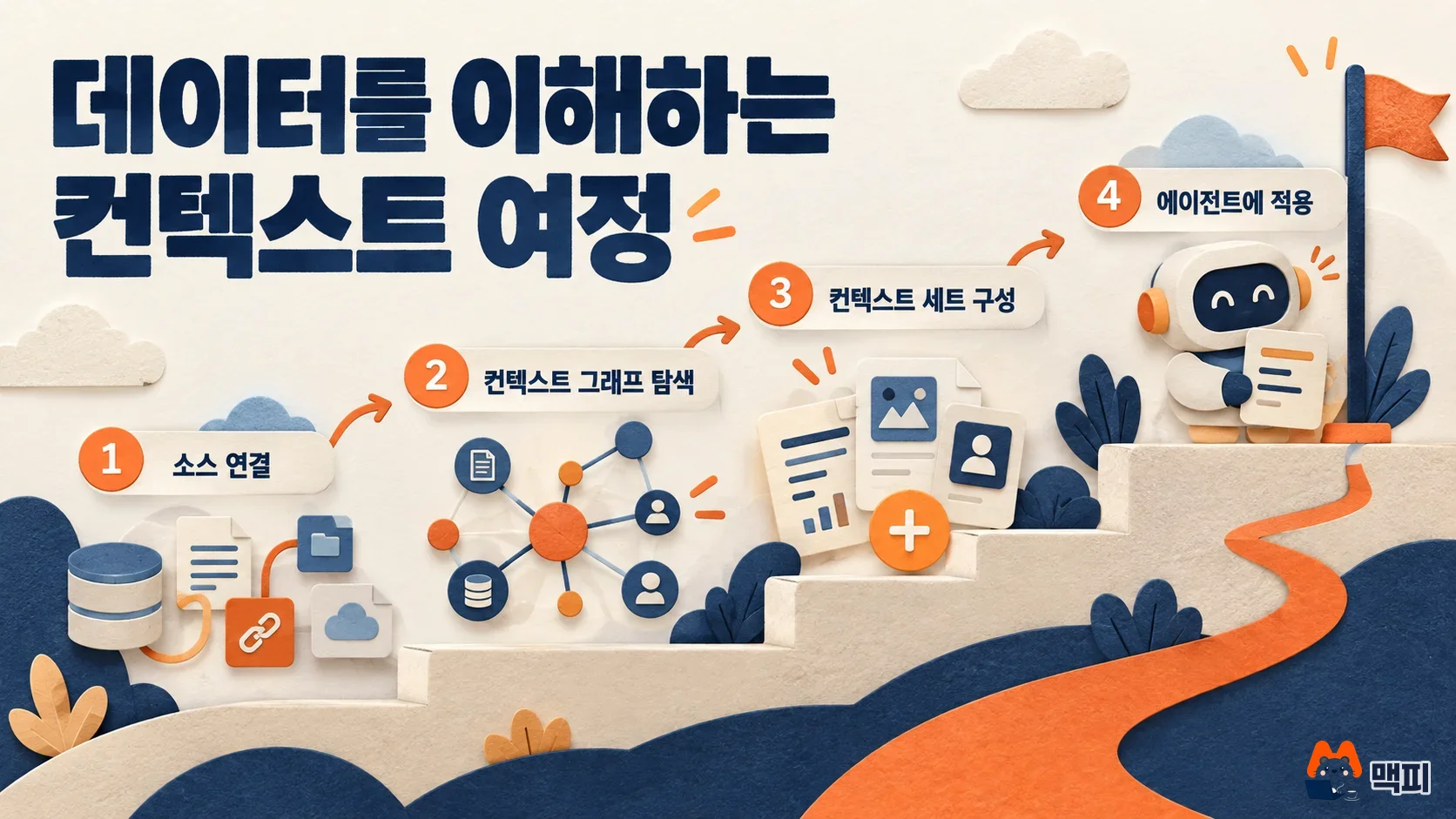
Next, explore the context graph in natural language in Knowledge Studio. The documentation says Knowledge Studio is still in preview, that your organization must request access, and that it does not support CMEK, VPC Service Controls, and similar features. In a strictly regulated environment, judge the generally available semantic model connection and the preview tool separately.
Third is the context set. It groups verified definitions, documents, and query templates by use case or business area. Agents look for evidence within this scope instead of the whole catalog. To create one you need permissions such as Dataplex Catalog Admin. Access to a context set alone does not let you read the actual BigQuery tables, so you need separate data permissions. Finally, assign the context set to your agent.
What to do now
The official blog's flow ends at connecting and exploring. The steps below fill in the work before and after that. If you already manage metrics in one or more of the tools above, it is safest to start in this order.
- Pick 5 frequently used metrics (revenue, order count, active users, and so on) and list each tool's definition in one table.
- Connect your sources to Knowledge Catalog and check whether any metric shows two or more definitions.
- For each conflicting metric, name an owner and have them approve one standard definition.
- Put only the metrics with an agreed standard into a context set, connect it to the agent, and check that the answer to the same question matches the dashboard number.
For a small test, ask the agent and the existing dashboard the same question, such as "What was last month's revenue?" If the two numbers match and the answer cites which definition it used, the connection works. If the numbers differ, go back to step 3 and recheck the conflicting definitions.
What to check next
Before adopting, check whether synonyms and Korean metric names link well in Korean-language queries. Also check whether the region constraint (a global context set cannot be attached to regional assets) fits where your data lives. Once Knowledge Studio reaches GA, its supported scope may change, so watch the documentation for updates.
Frequently asked questions
How is a semantic layer different from a context graph?
A semantic layer is the definitions of metrics and terms themselves. A context graph is a structure that links definitions from many tools together with quality and lineage information, so an agent can follow it.
Can I not use it if I do not use Looker?
No, you can. You can connect any of dbt, Snowflake, Databricks, SAP, or BigQuery Graph as a source.
Found this useful? Share it
Latest posts
Kakao Share Thumbnail Not Showing? Here's the Fix (JavaScript SDK 2025)
Learn why Kakao Share thumbnails don't appear even with a valid imageUrl, and fix it using scrapImage to convert your URL into a KAGE CDN URL. Step-by-step guide.
How to Generate CRM User Manuals in 20 Minutes with Claude Code Sub-Agents
Learn how Claude Code sub-agents can analyze your CRM codebase and auto-generate user manuals and visual guidebooks in just 20 minutes. See the real-world results.
GEO Generative Engine Optimization: The Complete 2025 AI Marketing Strategy Guide
Learn what GEO (Generative Engine Optimization) is, how it differs from traditional SEO, and discover 5 proven AI marketing strategies to get cited by AI search engines in 2025.
Related projects
Get new posts by email
Insights on marketing, analytics, and dev, delivered to your inbox.