
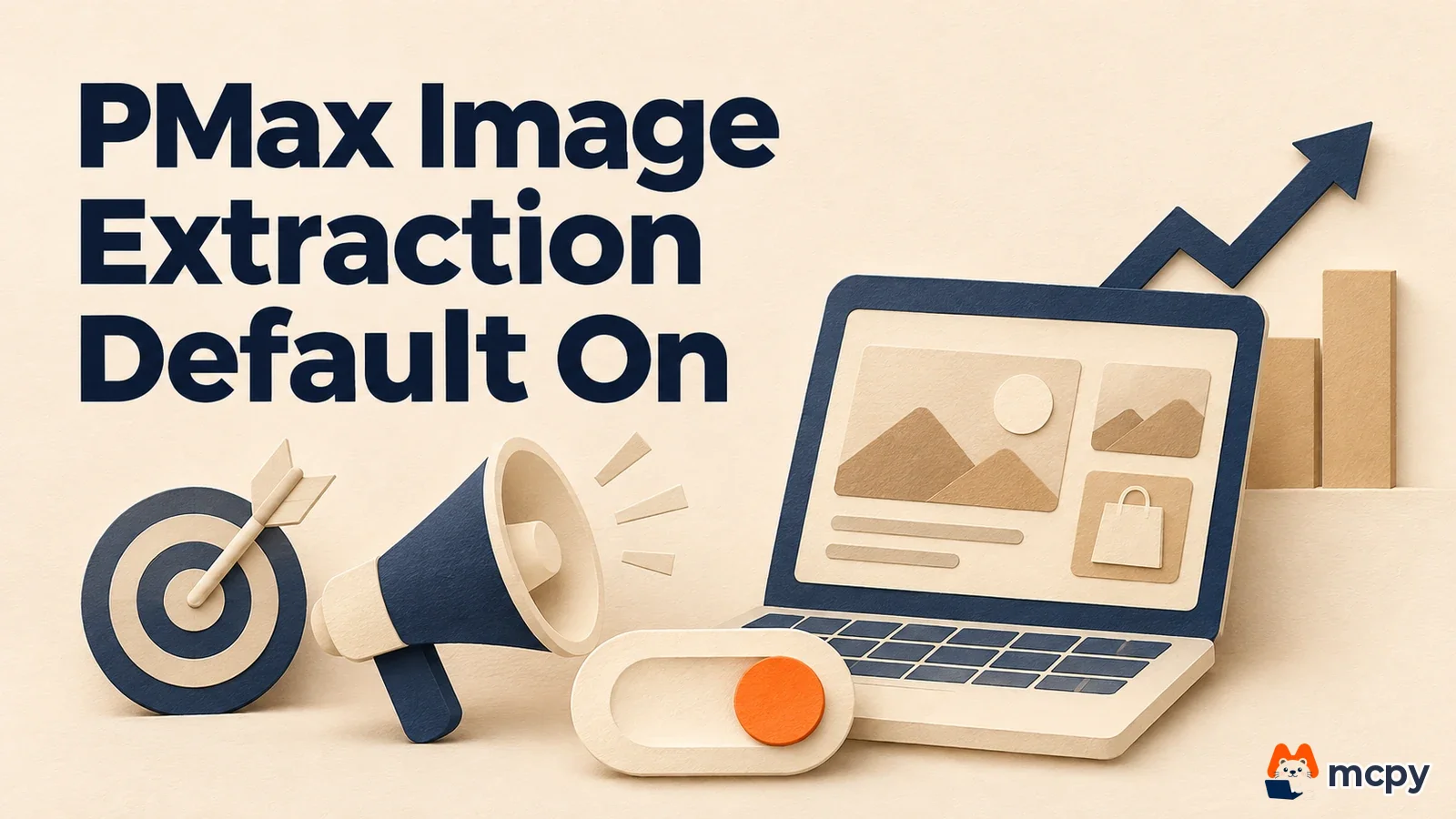
Starting December 4, 2026, Google Ads turns image extraction on by default for newly created Performance Max campaigns. Image extraction lets Google's AI find high-resolution images on your landing page and use them as ad assets. Even if your account-level dynamic image setting is off, it still applies to new campaigns. To turn it off, you must opt out when you create the campaign.
What changed From December 4, image extraction for new Performance Max campaigns defaults to ON (OPTED_IN).
Who is affected Advertisers and agencies who create new campaigns through the Google Ads UI, the API, or Google Ads Editor. Existing campaigns keep their settings.
What to do now If you do not want it on, add OPTED_OUT to your campaign creation requests before December 4. Also review the usage rights for your landing page images.
What changed in Performance Max image extraction
This announcement is worth a pause before you launch your next campaign. Ask yourself: what if my landing page photos are used in ads without my say? It is like a store clerk photographing your shelves and pasting the pictures onto a flyer. Nice photos make the flyer richer, but a stranger's brand visible on the shelf is a problem. Google works the same way. It reads your landing page and picks images it finds useful. Google's AI decides which images to take, so check any image with rights issues at the landing page stage.
According to an announcement the Google Ads API team posted on its official blog on October 21, new Performance Max campaigns will have image extraction (GENERATE_IMAGE_EXTRACTION) on by default from December 4. This holds whether you create them in the Google Ads UI, the Google Ads API, or Google Ads Editor. Google's AI finds high-resolution images on your landing page and uses them to enrich assets across Search, YouTube, Display, Discover, Gmail, and Maps.
The change is in how the campaign relates to the account setting. Until now, if a campaign had no value, it followed the account-level dynamic image extension setting (isImageExtractionAdExtensionEnabled). For campaigns created after December 4, the campaign-level default is ON, even if the account setting is off.

Is my campaign affected? New vs. existing campaigns
| Type | After December 4 |
|---|---|
| Performance Max campaigns created after December 4 | Image extraction on by default. Applies even if the account setting is off |
| Performance Max campaigns already created | Current settings stay |
| Existing campaigns with no image extraction value | Still follow the account-level setting (per the original post) |
Google's original post says existing Performance Max campaigns keep their current settings. So there is nothing urgent to change on existing campaigns. The biggest impact is on teams that bulk-create campaigns through automation, or agencies that stamp out new campaigns from templates. If the request has no image extraction value, the campaign will be created with it turned on from December 4.
How to turn off Performance Max image extraction
Set the opt-out value in the asset_automation_settings field of the Google Ads API Campaign resource. Google's example sets the automation type to GENERATE_IMAGE_EXTRACTION and the status to OPTED_OUT. Write the REST JSON for the campaign creation request like this.
{
  "name": "My Performance Max Campaign",
  "advertisingChannelType": "PERFORMANCE_MAX",
  "status": "PAUSED",
  "assetAutomationSettings": [
    {
      "assetAutomationType": "GENERATE_IMAGE_EXTRACTION",
      "assetAutomationStatus": "OPTED_OUT"
    }
  ]
}
To change the setting on an existing campaign, specify campaign.asset_automation_settings in a CampaignOperation update. This is a repeated field, so sending a new value replaces the entire existing array. If other items exist, such as text automation (TEXT_ASSET_AUTOMATION), query them first and send them together so they are not erased.
Where to check your account settings
Check the current per-campaign settings with Google Ads Query Language (GAQL). The query below shows the automation settings for all Performance Max campaigns.
SELECT campaign.id, campaign.name, campaign.asset_automation_settings
FROM campaign
WHERE campaign.advertising_channel_type = 'PERFORMANCE_MAX'
If a campaign has no GENERATE_IMAGE_EXTRACTION entry in the results, it follows the account-level setting. To see the account-level setting in the Google Ads UI, go to Campaigns > Assets > More (three dots) > Account-level automated assets > More again > Advanced settings. There you can see whether dynamic images are on or off. Menu names may differ slightly depending on your account language.
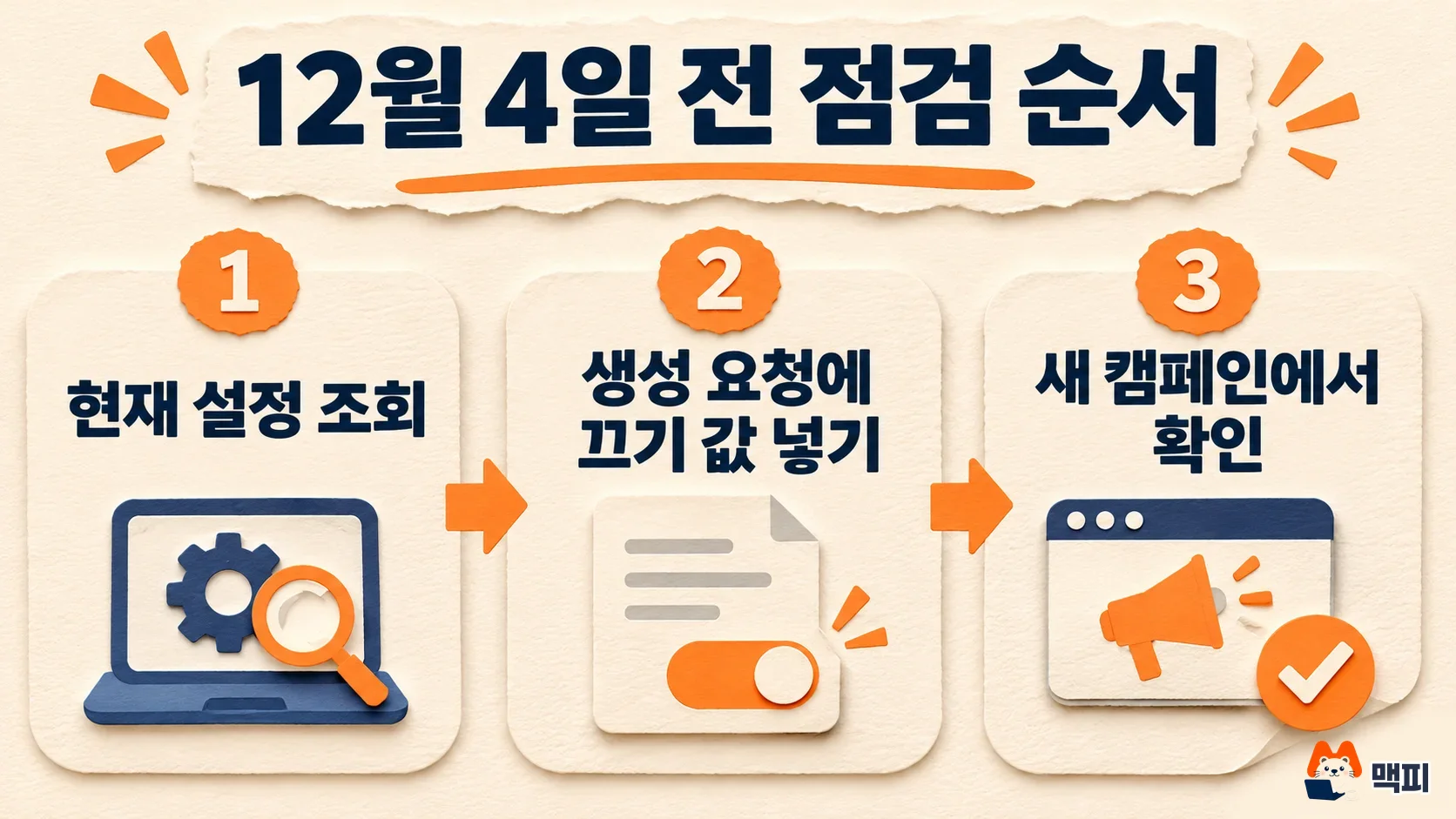
What to do now: 3 checks before December 4
- If you are fine with image extraction being on, do nothing. New campaigns will have it on automatically.
- If you want it off, add GENERATE_IMAGE_EXTRACTION and OPTED_OUT to your campaign creation request templates before December 4.
- Review the usage rights for images on your landing pages. As with all automated asset features, Google advises you to confirm that you have the legal rights or permission to use landing page images in ads.
You can verify this right away by creating one new campaign after December 4. Judge success by querying the first campaign you create after December 4 with GAQL, and checking that the campaign you meant to opt out has an OPTED_OUT entry.
What to watch next
This announcement appeared on the Google Ads API team's developer blog. Google has not said separately what screen this setting will show when you create a new campaign in the Google Ads UI, so follow any official Google Ads guidance that is added later. Other updates that affect Performance Max operations, such as the change to Google Ads channel prioritization, are covered in Google Ads channel prioritization and budget allocation added. For more checks on other Performance Max automatic settings, continue with how to review Performance Max language targeting.
Frequently asked questions
If I turn off the account-level dynamic image setting, does it still apply to new campaigns?
Yes. From December 4, new Performance Max campaigns default to ON at the campaign level, regardless of the account setting.
Will image extraction also turn on for Performance Max campaigns that are already running?
Google said existing Performance Max campaigns keep their current settings.
Found this useful? Share it
Latest posts
Kakao Share Thumbnail Not Showing? Here's the Fix (JavaScript SDK 2025)
Learn why Kakao Share thumbnails don't appear even with a valid imageUrl, and fix it using scrapImage to convert your URL into a KAGE CDN URL. Step-by-step guide.
How to Generate CRM User Manuals in 20 Minutes with Claude Code Sub-Agents
Learn how Claude Code sub-agents can analyze your CRM codebase and auto-generate user manuals and visual guidebooks in just 20 minutes. See the real-world results.
GEO Generative Engine Optimization: The Complete 2025 AI Marketing Strategy Guide
Learn what GEO (Generative Engine Optimization) is, how it differs from traditional SEO, and discover 5 proven AI marketing strategies to get cited by AI search engines in 2025.
Related projects
Get new posts by email
Insights on marketing, analytics, and dev, delivered to your inbox.