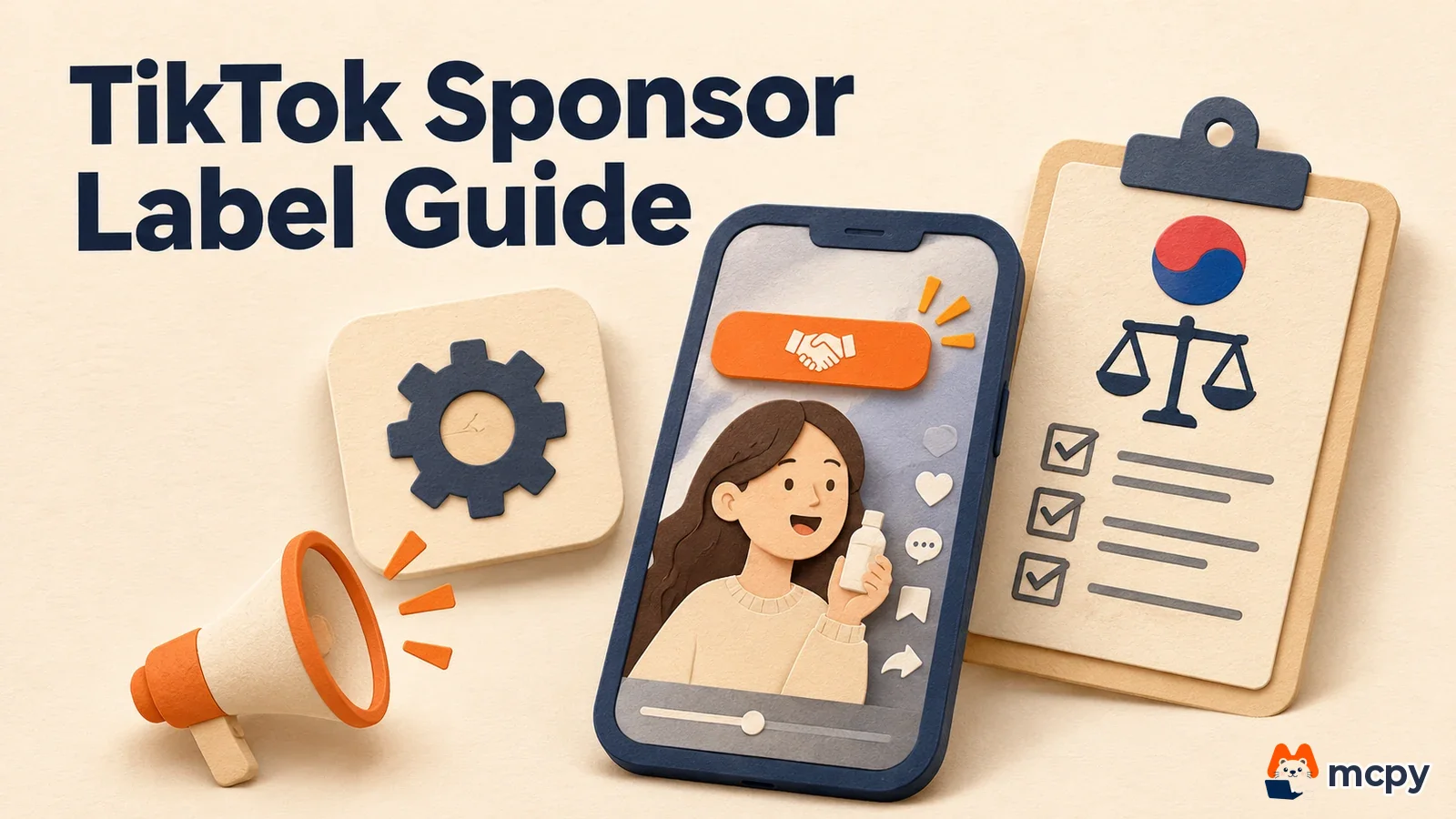
A Korean product-trial (chehumdan) video on TikTok needs a TikTok paid partnership label plus a second disclosure. The first is the "commercial content disclosure" setting that the uploader turns on in the TikTok app. The second is Korean-language ad wording that you add to the video and title yourself, following the rules of the Korea Fair Trade Commission (KFTC). If you turn on the app setting but skip the wording, or add the wording but skip the setting, you break one of the two rules. This guide, current as of November 19, 2026, explains where and how to do both, in order.
TikTok paid partnership label: the app setting and the Korean wording do different jobs
The two mechanisms come from different sources and are checked by different parties. According to the TikTok help page, content that promotes a brand, product or service must have the commercial content disclosure setting on, and the same document says "the exact legal requirements may differ by country." In Korea, the KFTC review guidelines on endorsements and testimonials (Rule No. 499, effective June 1, 2026) decide whether an ad misleads consumers.
| Item | TikTok disclosure setting | KFTC disclosure wording |
|---|---|---|
| Who set the rule | TikTok's branded content policy | Review guidelines on disclosure and advertising for endorsements and testimonials |
| Where it appears | A "Paid partnership" or "Commercial content" label attached to the post | The post title, plus on-screen captions or voice in the video |
| Who adds it | The creator who uploads the video (automatic for TikTok One projects) | Both the advertiser and the creator must make sure it is there |
| If you skip it | After a notice, the video is removed from For You feed recommendations if it is not fixed within 24 hours | It may be judged a deceptive ad |
TikTok's official documents name the label in English, and the KFTC guidelines treat English wording alone as insufficient for Korean-speaking consumers. So even when the label is on, it is safer to add Korean wording such as "gwanggo" (ad) or "hyeopchan" (sponsored) separately. This is MCPY's judgment. The guidelines do not say that the label itself is invalid.
A chehumdan campaign means creators receive a product or service for free in exchange for posting a video. No cash changes hands, but it is still a collaboration with economic value. The TikTok help page also counts content promoted in exchange for money or benefits as commercial content. For fines and placement rules across all sponsorship disclosure, see our guide to hidden-ad rules and sponsorship disclosure.
How to turn on the TikTok disclosure setting and check it
TikTok looks for three kinds of signals that a video is an ad or sponsored. They are financial benefit (links, promo codes, collaboration mentions, QR codes, overlaid ads), brand mentions (hashtags, tags, logos) and product endorsement (usage demos, calls to action such as "Shop now"). A trial review video that shows the product and says the brand name easily matches these signals.
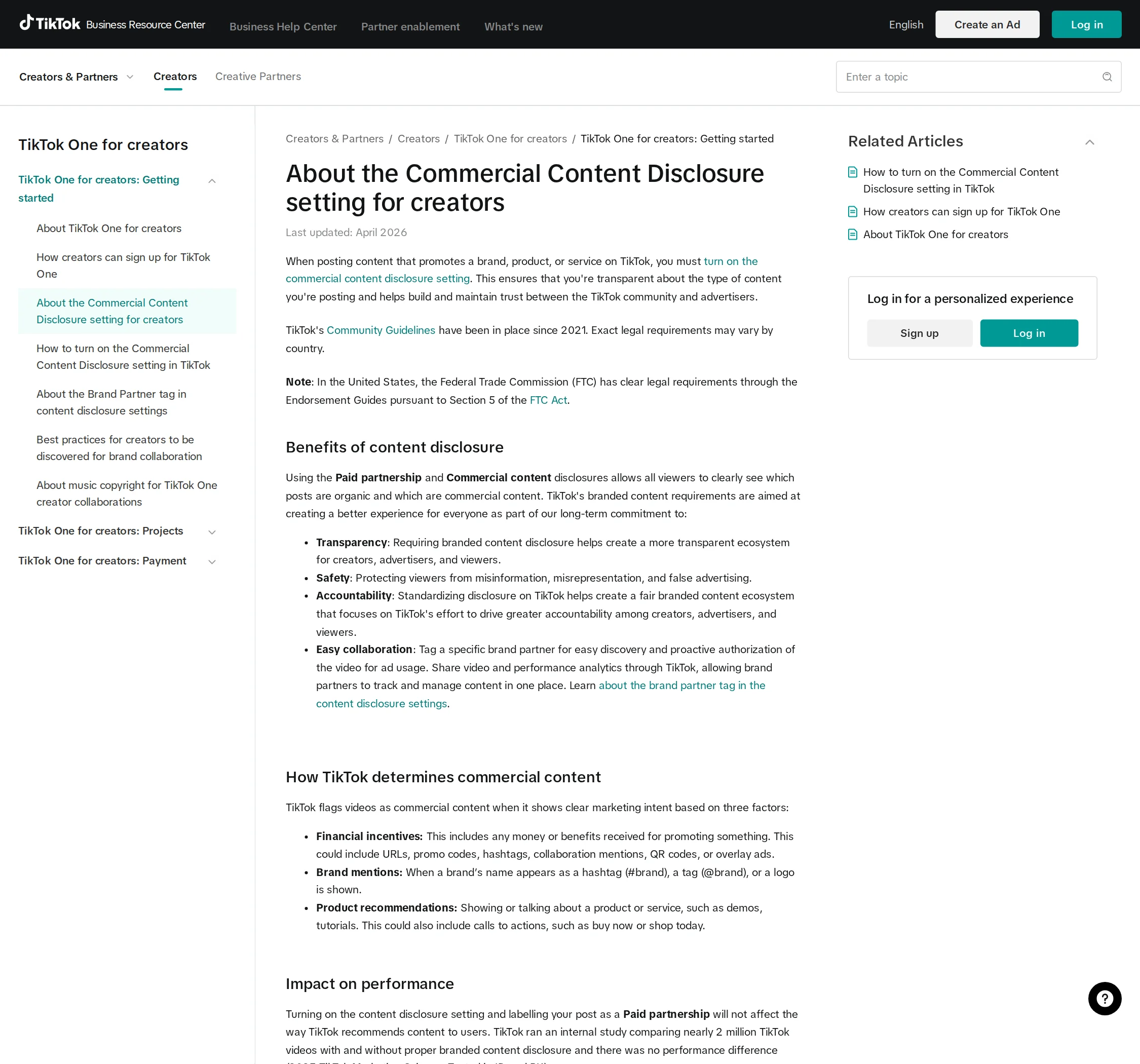
The posting-screen steps in the official help page are below. Menu names follow the English labels in the official document. If your app language shows different labels, pick the item in the same position.
- Create a new video in the TikTok app and go to the posting screen.
- Tap "Content disclosure and ads." If your account has not joined TikTok One, tap "More options" first and look for this item.
- Turn on "Disclose commercial content."
- Choose "Your brand" if you are promoting your own brand. Choose "Branded content" if you are a review-campaign creator posting another company's product.
- If you chose "Branded content," tag the advertiser's account under "Brand partnership." The default period during which the advertiser may use the video in ads is 60 days.
- Tap "Save" and then "Continue," close the "More options" menu, and tap "Post."
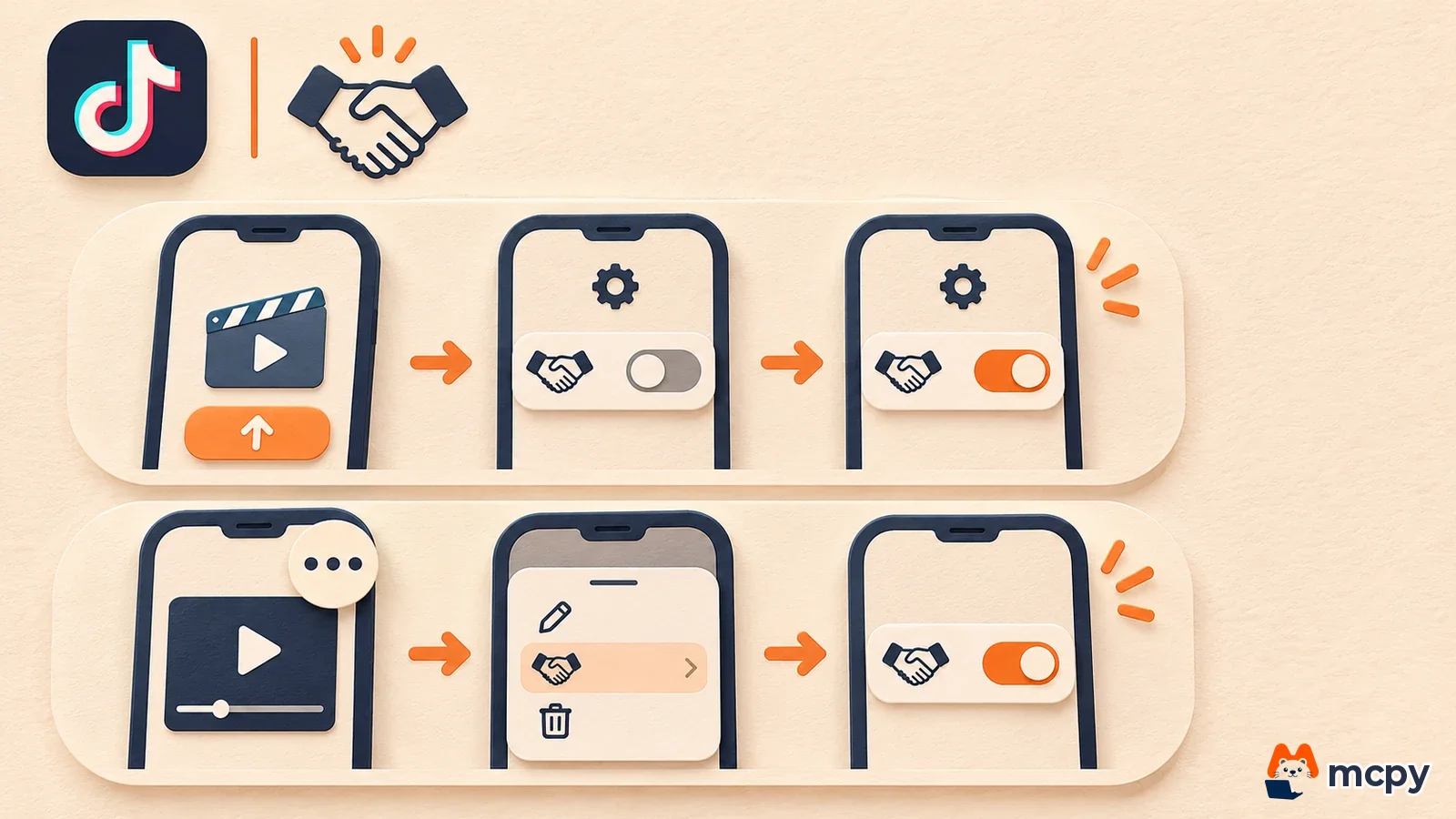
You can also turn it on for a video that is already live. Select the video from your profile, tap "More options" and "Ad settings," then turn on "Disclose commercial content." For videos made through a TikTok One project, the branded content disclosure turns on automatically. For videos commissioned outside TikTok One, by DM or through an agency, the uploader must turn it on manually.
Check that it worked after posting. Open the video in the mobile app on a different account and see whether a "Paid partnership" or "Commercial content" label appears. If you do not see it, set it again using the steps for an already posted video above (More options, Ad settings). If a video goes up with the disclosure off and TikTok judges it to be promotional, TikTok sends a notice. If you do not fix it or file an appeal within 24 hours, the video is removed from For You feed (TikTok's home recommendation feed) eligibility. Only the account that posted the video can file the appeal.
Korean ad wording for the video and title: writing only "chehumdan" is not enough
The KFTC guidelines give examples of wording that falls short of disclosing an economic relationship: "chehumdan" (review team), "seonmul" (gift), "chehum hugi" (trial review) and "jeongbo/hongboseong geulim" (informational/promotional post). Using the brand name only as a hashtag, or hinting at a collaboration with something like "Brand x Creator," is also listed as unclear wording. A line like "chehumdaneuro bada sseo bwatseumnida" (I received it as a review-team member and tried it) sounds honest, but it is not the disclosure the guidelines require. Clear examples include "#gwanggo" (#ad), "#hyeopchan" (#sponsored), "daegaseong gwanggo" (paid ad) and "sangpum hyeopchan" (product sponsorship).
The video media provisions of the same guidelines work like this. Put the disclosure in the post title or inside the video. If you use the title, adjust its length so the disclosure is not cut off. If the whole video is an endorsement, show the disclosure at the start and end and repeat it during the video. If only part of the video is an endorsement, show it at the start and end of that segment and while the endorsement runs. For live broadcasts, the guidelines give examples such as saying the disclosure aloud when captions are hard, and repeating it for viewers who join midway.
Take a 45-second trial video as an example. The whole video introduces the product, so following the guidelines you put "hyeopchan: jepumeul jegongbada jejak" (Sponsored: made with a provided product) in a caption on the first screen and the same wording on the last screen. The guidelines also call for repeated disclosure during the video, but they do not set a repeat interval for short-form lengths. Since no interval is fixed, MCPY recommends keeping a small "gwanggo" (ad) caption in a corner of the screen for the entire video. That catches viewers who join midway better than a caption that passes by once in 45 seconds. Putting the disclosure only at the end of the description, or where users must tap "deobogi" (See more) to view it, is listed in the guidelines as an example of a hard-to-find position.
| Placement | Wording you can use | Wording that falls short |
|---|---|---|
| Post title or first line | #gwanggo (#ad), #hyeopchan (#sponsored), sangpum hyeopchan (product sponsorship) | chehumdan (review team), seonmul (gift), chehum hugi (trial review), or only a brand-name hashtag |
| Captions on the first and last screens | jepumeul jegongbada jejakhan gwanggoimnida (This is an ad made with a provided product) | #AD, #Sponsored (when only English wording is used) |
| Live broadcast | Repeat "hyeopchaneul badeun bangsongimnida" (This broadcast is sponsored) by voice | Saying it once and stopping |
The official way to recruit TikTok review creators without an agency
You do not have to hand creator recruitment to an agency, because TikTok provides collaboration tools for advertisers. In a May 13, 2026 post, the Korean-language TikTok business blog introduces TikTok One as an all-in-one platform that combines creator discovery, collaboration options and insights. Advertisers mainly use four features.
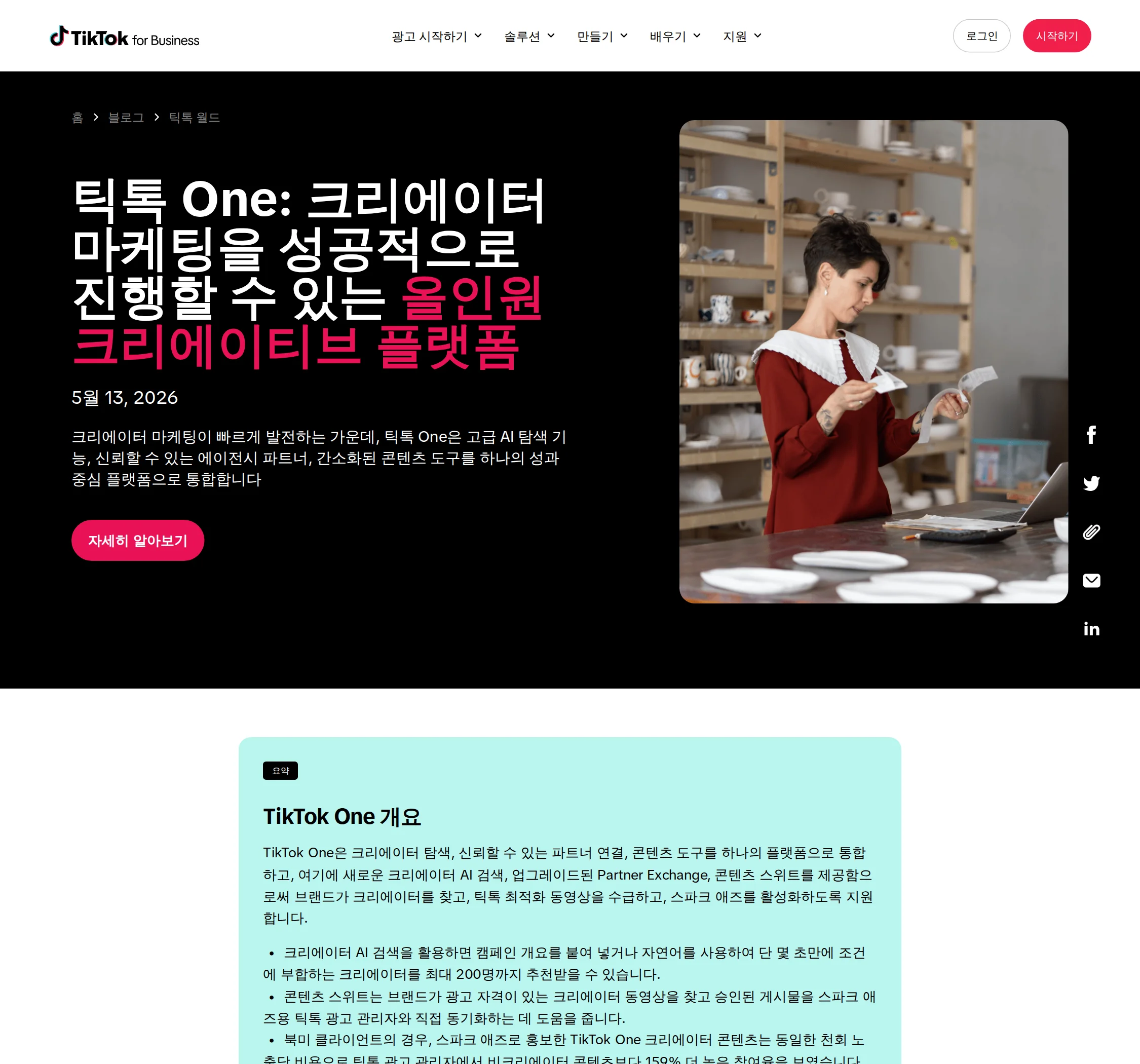
| Feature | What it does |
|---|---|
| Creator Marketplace | The official collaboration platform for brands and creators. You find creators with filters or collect applications through open recruitment, and it covers sending briefs, approvals and managing promotion after posting |
| Creator AI search | Paste a campaign brief or describe your criteria in a sentence, and it recommends up to 200 creators |
| Partner Exchange | Connects you with production partners approved by TikTok to reduce your production workload |
| Content Suite (global beta) | Finds creator videos related to your brand and requests 365-day ad usage rights, then promotes approved videos with Spark Ads (TikTok ads that run a creator's video as-is as an ad) |
The official post does not mention a dedicated feature for product-only review campaigns. If you run a campaign that only sends products, collect applicants through open recruitment in Creator Marketplace, then give the selected creators the disclosure wording above and the setting steps as a guide. Check the sign-up screen to see which features are open on your Korean ad manager account. For how to find creators across Instagram and YouTube as well, see our influencer marketing guide.
The checklist to include in your recruitment notice and creator guide
Decide what the advertiser is responsible for before any video goes up. If the guide you send to creators contains the four items below, it prevents most missing disclosures.
- Put "#gwanggo" (#ad) or "#hyeopchan" (#sponsored) in the first line of the title.
- Add Korean captions on the first and last screens, and keep them on screen in the middle too if the whole video introduces the product.
- On the TikTok posting screen, turn on "Disclose commercial content," choose "Branded content" and tag the advertiser's account.
- Ask the creator to send the video link after posting, and have the advertiser check on another account's mobile app that the label and captions are visible. If you pause the video and capture the first and last screens, you can check caption size and background contrast in under 5 minutes.
A step-by-step check to run before you publish
- Upload the video from the creator account and tag the advertiser account as "Branded content."
- Open that video in the TikTok app on the advertiser account or another phone. If a "Paid partnership" or "Commercial content" label appears, the disclosure setting has been applied.
- Pause the video on the first screen and check that the Korean ad caption is readable, and that "#gwanggo" or "#hyeopchan" in the first line of the title appears without being cut off.
- If any of these is missing, do not delete the video. Fix the settings and captions on the video that is already posted.
The latest revised KFTC guide is available from the KFTC release for the revised economic-interest disclosure guide (December 2025), which includes a Q&A of complaint cases.
Frequently asked questions
Does turning on the disclosure setting reduce video views?
The TikTok help page says that turning on the disclosure setting and adding the Paid partnership label does not affect how videos are recommended. It bases this on an internal study that compared about 2 million videos.
Do I need to turn it on for a video commissioned by DM without TikTok One?
Yes. TikTok says that for commercial content made outside TikTok One, the creator must turn the setting on manually.
Found this useful? Share it
Latest posts
Kakao Share Thumbnail Not Showing? Here's the Fix (JavaScript SDK 2025)
Learn why Kakao Share thumbnails don't appear even with a valid imageUrl, and fix it using scrapImage to convert your URL into a KAGE CDN URL. Step-by-step guide.
How to Generate CRM User Manuals in 20 Minutes with Claude Code Sub-Agents
Learn how Claude Code sub-agents can analyze your CRM codebase and auto-generate user manuals and visual guidebooks in just 20 minutes. See the real-world results.
GEO Generative Engine Optimization: The Complete 2025 AI Marketing Strategy Guide
Learn what GEO (Generative Engine Optimization) is, how it differs from traditional SEO, and discover 5 proven AI marketing strategies to get cited by AI search engines in 2025.
Related projects
Get new posts by email
Insights on marketing, analytics, and dev, delivered to your inbox.