
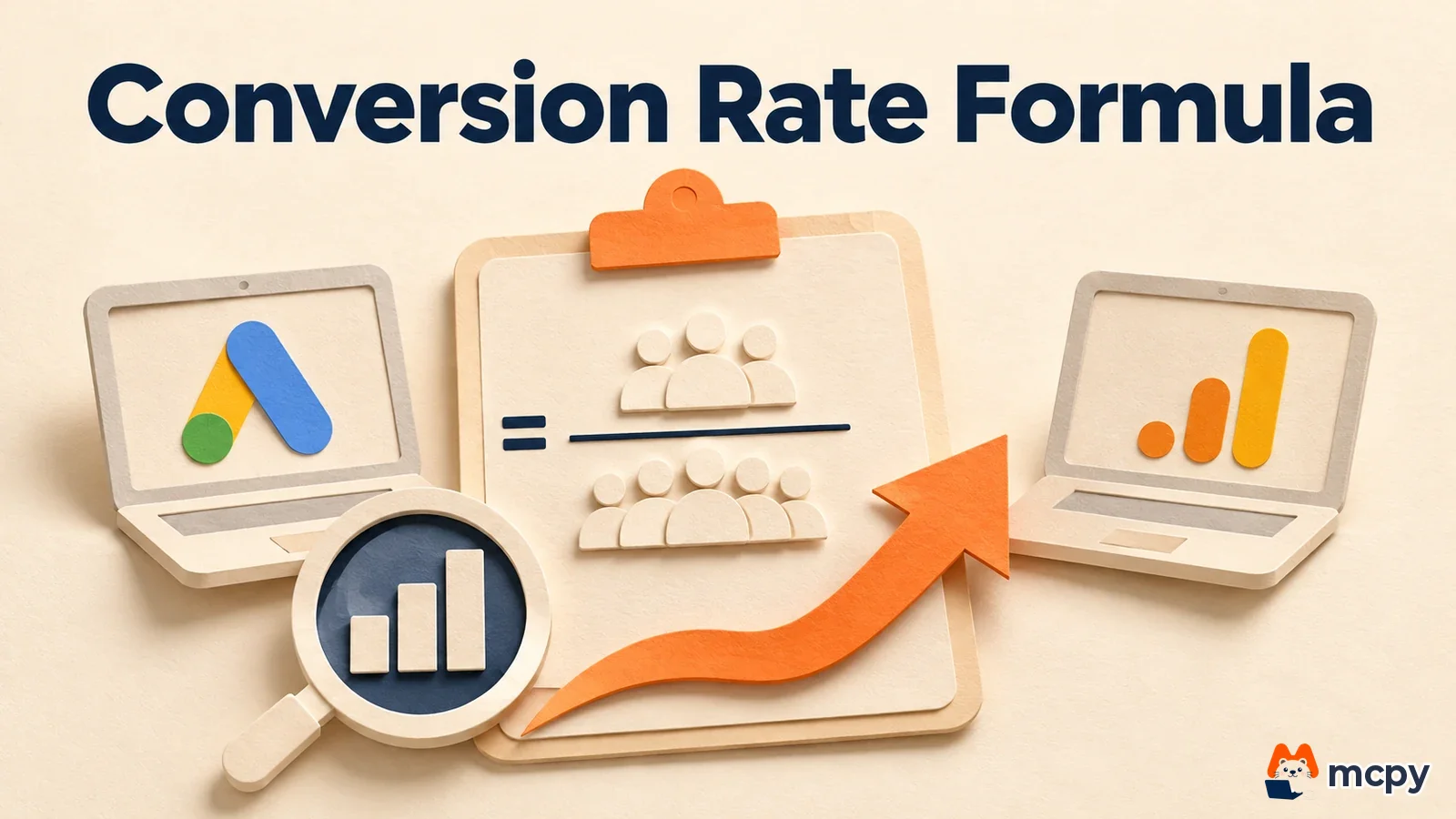
The conversion rate formula measures the share of visitors or clickers who take a goal action such as a purchase or sign-up. Google Ads divides conversions by ad interactions. GA4 divides sessions with a key event by total sessions. That is why the same-named number differs between the two tools. Check the denominator first and you can explain the gap. This article is based on the official Google Ads and GA4 help pages as of November 6, 2026.
Conversion rate formula (CVR): same name, different denominator
People often ask which is wrong when the conversion rate in an ad report does not match the one in an analytics tool. It is like counting "what percent of guests ordered" in a restaurant. The answer changes depending on whether you divide by people who walked past the door, by parties who sat down, or by each individual. Google Ads and GA4 have a similar numerator but count the denominator in different units, so both numbers are correct and still differ. The two screens can never match exactly. Instead of asking which one is right, decide which one answers your question.
According to the Google Ads help page, conversion rate is the average number of conversions per ad interaction. You get it by dividing conversions in a period by the total ad interactions that led to conversions. If 1,000 interactions produce 50 conversions, the conversion rate is 5%. An ad interaction is a response to an ad, such as a click on a search ad or a view of a video ad.
GA4 uses a different name. According to the GA4 help page, events that measure important actions are called 'key events'. If you build Google Ads conversions from them, both platforms share the same conversion results. The same document explains that before this change, GA conversion marking and Google Ads conversion measurement worked differently, so the numbers did not line up. So the GA4 metric that matches conversion rate is 'session key event rate'. Based on the GA4 metrics documentation, the formula is sessions with a key event divided by total sessions.
Google Ads vs GA4 conversion rate comparison
Putting the three metrics side by side by numerator, denominator, and where to find them makes the difference clear.
| Metric | Numerator | Denominator | Where to see it |
|---|---|---|---|
| Google Ads conversion rate | Conversions | Ad interactions (clicks or video views) | Conversion rate column in the Google Ads campaign report |
| GA4 session key event rate | Sessions with a key event | Total sessions | Session key event rate metric in GA4 reports |
| GA4 user key event rate | Users who triggered a key event | Total users | User key event rate metric in GA4 reports |
The denominator of the Google Ads conversion rate is ad interactions. The denominator of the GA4 session key event rate is total sessions. If you do not split the report by traffic channel, visits from organic search, direct traffic, and email that never touched an ad also enter the denominator. Unless you narrow the channel to paid ads, the two numbers compare different groups.
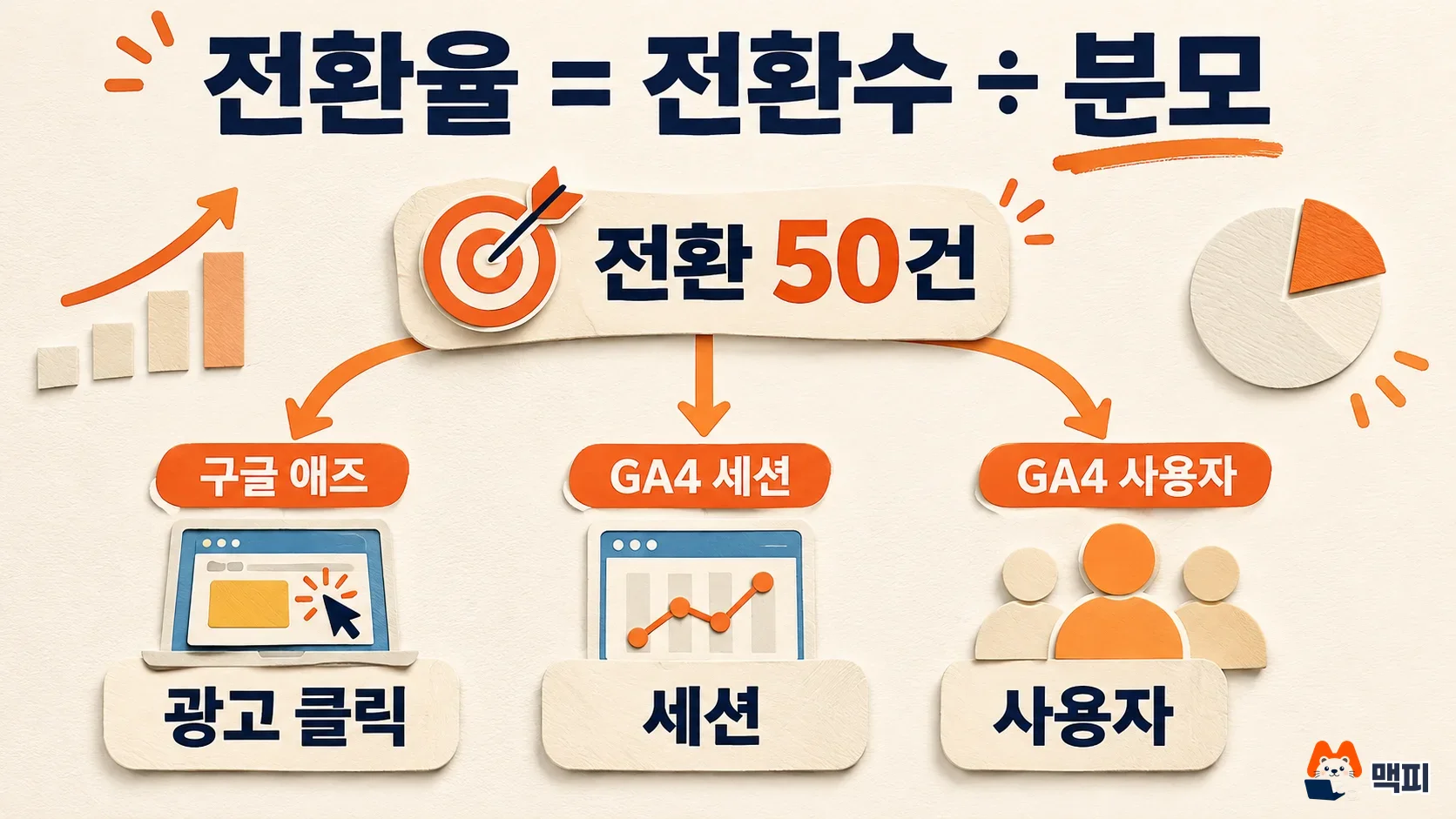
Conversion rate formula worked example with the same numbers
The following are one month of numbers for a hypothetical online store, made up to show the calculation order. They are not industry averages or real measurements.
| Assumed figure | Value |
|---|---|
| Google ad clicks | 1,000 |
| Purchase conversions from ad clicks | 50 |
| Total sessions (all traffic) | 3,000 |
| Sessions with a purchase event | 90 |
| Total users | 2,000 |
| Users who purchased | 70 |
With these numbers, the Google Ads conversion rate is 50 ÷ 1,000 = 5%. The GA4 session key event rate is 90 ÷ 3,000 = 3%. The user key event rate is 70 ÷ 2,000 = 3.5%. None of the three is wrong. 5% is the response of people who clicked the ad, 3% is the purchase rate across all site visits, and 3.5% is the purchase rate per person.
Use the Google Ads conversion rate to judge ad efficiency. Use the GA4 session rate for whole-site or channel-by-channel comparison. Fixing the period and unit inside the same report and watching the trend matters more than the size of any single number. For how this relates to other ad metrics such as click-through rate and cost per conversion, see the CPC, CPM, CPA, and CTR comparison.
Why conversion rate can exceed 100% and how counting works
The Google Ads help page explains that one or more conversions can be counted for each interaction, so the conversion rate can exceed 100%. If one click is followed by two purchases, 2 conversions divided by 1 click gives 200%. This is not an error. It is the result of the counting method.
The setting behind this is the conversion counting method. According to the Google Ads help page, you can count every conversion after an interaction or count only one. Use 'Every' when each event matters, such as purchases. Use 'One' to stop duplicate leads when the same person refreshes a page. Changing this setting changes the basis of conversions and conversion rate, so note the date you changed it and do not compare directly with earlier periods.

Where to check the conversion rate formula and the comparison order
To line up the numbers on the two screens, check in this order.
- In the Google Ads campaign report, set the period and turn on the Conversions and Conversion rate columns.
- Check whether the counting method for that conversion action is 'Every' or 'One'.
- In the GA4 report, choose the same period, narrow the traffic channel to Google ads, and look at the session key event rate.
- Check which GA4 key event the Google Ads conversion action is linked to. If you do not have a GA4 account and tag yet, finish the GA4 sign-up and installation guide first.
If Google Ads conversions and GA4 key events differ a lot in the same period, the numerators differ before the denominators do. In that case, first match which event is counted as a conversion on each side. The goal is not to make the numbers equal. The goal is to be able to explain the difference between the two screens by the denominator and the counting method.

How conversion rate connects to CAC
CAC (customer acquisition cost) is marketing and sales spend divided by the number of new customers won in the same period. When conversion rate rises, the same ad budget brings more customers, so CAC generally falls. To judge whether acquiring customers is actually profitable, continue with what ROI means and how to calculate marketing ROI. If you plan an experiment to raise conversion rate, first read the sample size guidance in how to run an A/B test.
Frequently asked questions
Are CVR and conversion rate the same thing?
Yes. CVR is short for Conversion Rate. The denominator changes depending on which tool the value comes from, but the concept is the same.
I cannot find a report named conversion rate in GA4. Where is it?
GA4 calls conversion events key events, so look for the session key event rate or user key event rate metric.
Should I turn off ads if the conversion rate is low?
Do not turn them off based on conversion rate alone. Look at cost per conversion and average order value together, and check your landing page and conversion tracking setup first.
Found this useful? Share it
Latest posts
Kakao Share Thumbnail Not Showing? Here's the Fix (JavaScript SDK 2025)
Learn why Kakao Share thumbnails don't appear even with a valid imageUrl, and fix it using scrapImage to convert your URL into a KAGE CDN URL. Step-by-step guide.
How to Generate CRM User Manuals in 20 Minutes with Claude Code Sub-Agents
Learn how Claude Code sub-agents can analyze your CRM codebase and auto-generate user manuals and visual guidebooks in just 20 minutes. See the real-world results.
GEO Generative Engine Optimization: The Complete 2025 AI Marketing Strategy Guide
Learn what GEO (Generative Engine Optimization) is, how it differs from traditional SEO, and discover 5 proven AI marketing strategies to get cited by AI search engines in 2025.
Related projects
Get new posts by email
Insights on marketing, analytics, and dev, delivered to your inbox.