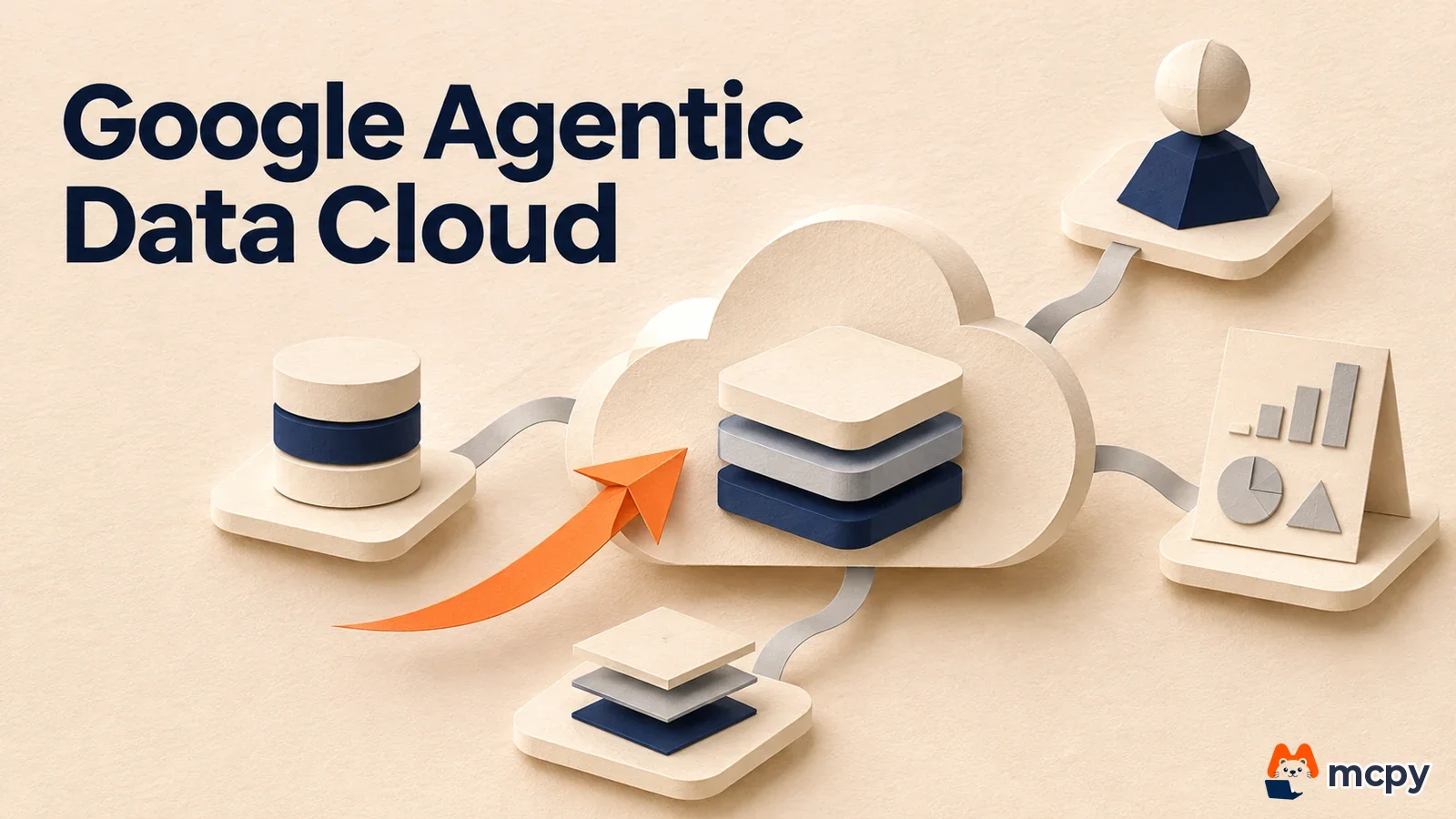
Google Agentic Data Cloud is the name Google Cloud uses for a bundle of AI agent data features added to existing services such as BigQuery, AlloyDB and Spanner. On November 5, 2026, the new features were listed together on the official blog. Four are generally available (GA): Data Agent Kit, BigQuery Graph, Spanner Omni and cross-cloud connectivity. TimesFM 3.0, TabFM and AlloyDB Express are in preview. The source is the official Google Cloud blog.
What changed Google announced its agent data features in one batch. The announcement states 4 as GA and names TimesFM 3.0, TabFM and AlloyDB Express, among others, as preview.
Who is affected Developers and data teams that use BigQuery or AlloyDB on Google Cloud and run coding agents with tools such as Claude Code or VS Code.
What to do now Pick only the GA features that match your environment and test them. Do not connect preview features to production data.
Google Agentic Data Cloud new features: what changed
Reading every feature one by one to see what changes for the services you use is tiring. It is like a supermarket flyer with dozens of discounts when only three or four match your shopping cart. Google also splits the announcement by existing service, such as BigQuery, AlloyDB and Spanner. So if you first match the status (GA or preview) and the service you use, the reading load drops a lot.
The features with a stated status on the Google Cloud blog are below.
| Feature | What it does | Status |
|---|---|---|
| Data Agent Kit | Connects Google data tools to dev tools such as VS Code, Claude Code and Antigravity | GA |
| BigQuery Graph | Runs graph analysis on relational tables without ETL | GA |
| Cross-cloud connectivity and caching | Queries data in AWS and Azure over private connections. Google says there are no variable egress fees (charges for moving data out of a cloud) | GA |
| Spanner Omni | Runs a database for agent apps on-premises, at the edge and across multiple clouds | GA |
| TimesFM 3.0 | Creates forecasts with SQL, without training a separate model | Preview |
| TabFM | Runs machine learning predictions on tabular data inside BigQuery | Preview |
| AlloyDB Express | An edition for developers and coding agents that is created in under 2 seconds and scales to zero when idle | Preview |
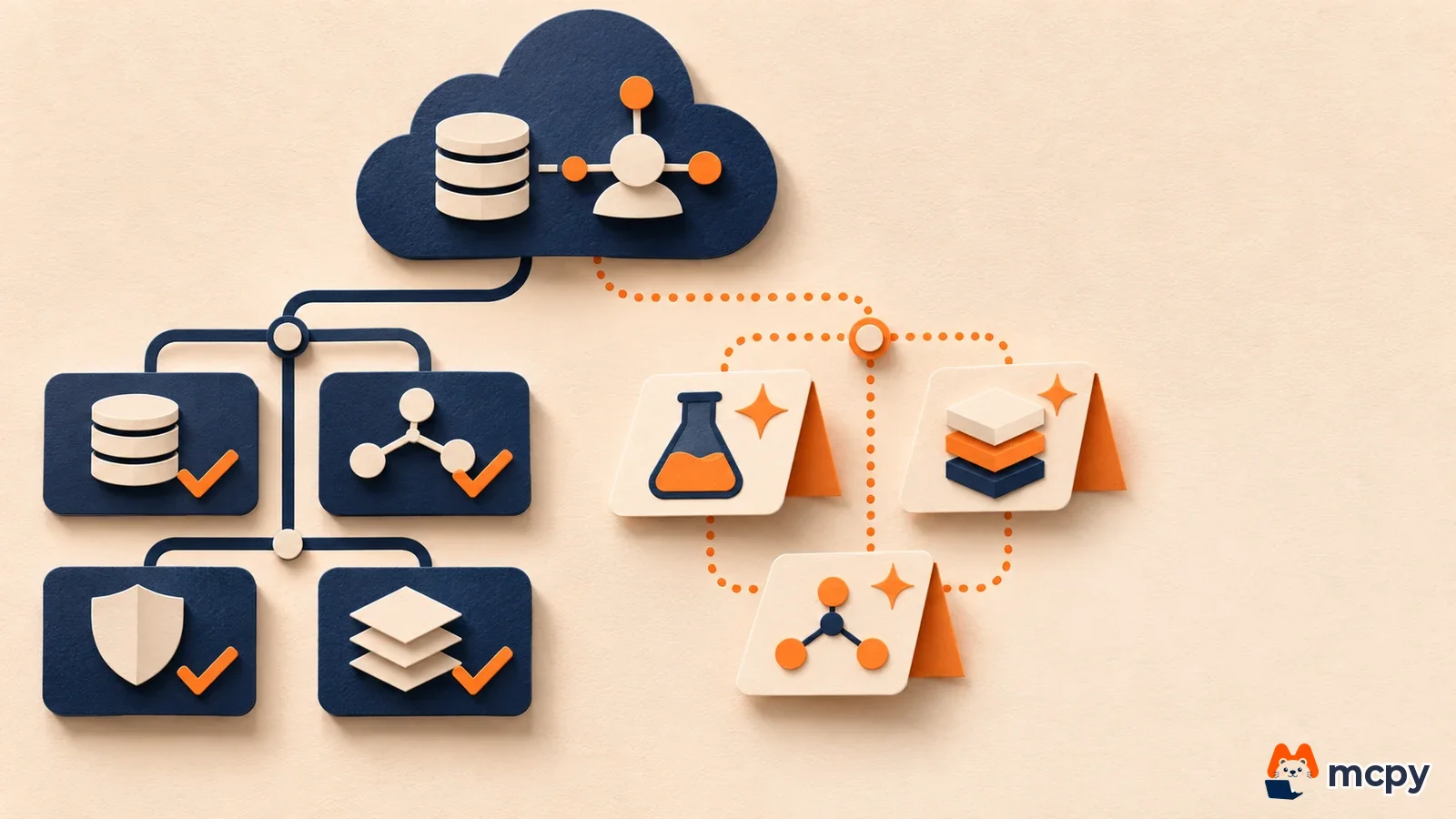
Knowledge Catalog self-learning enrichment, Knowledge Studio and support for 6 semantic models were introduced again this time. We already covered the first two in our post on the self-learning context enrichment preview, and semantic model support in our post on support for 6 semantic models.
Does this apply to you: who should check Data Agent Kit first
If your team has agents do data work from dev tools, Data Agent Kit is the most direct fit. According to Google, the kit is an open-source bundle. It contains skills that hold work procedures such as query optimization, data validation and drift checks (when the data distribution changes), plus MCP tools (a standard way for agents to call external services) that connect to BigQuery, AlloyDB and Cloud Storage. The original post lists VS Code, Claude Code, Codex, Gemini CLI and Antigravity CLI as supported environments.
The kit was introduced earlier as a preview, and this announcement states it is now GA. Individual feature pages may still carry a preview label, so check the current status and cost in the Data Cloud extension docs before you use it. In VS Code, search the marketplace for "Google Cloud Data Agent Kit". For the CLI, follow the guide in the GitHub repository `gemini-cli-extensions/data-agent-kit-starter-pack`. After installing, sign in to Google Cloud (IAM) and set your project ID and region. If permission setup gets stuck, our post on the Google Cloud IAM helper agent skills shows how to let an agent skill help with IAM.
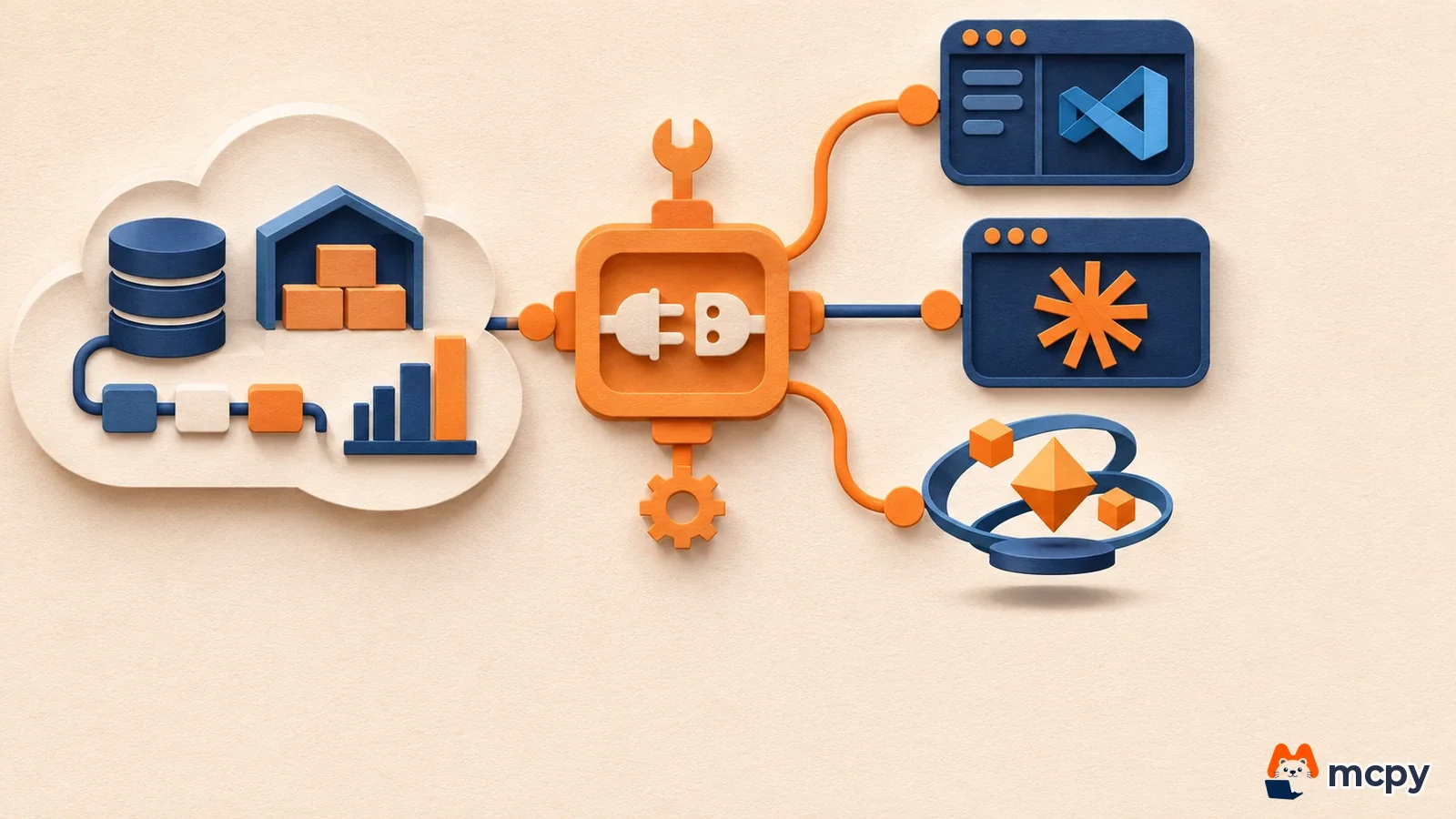
The other new features fit their own situations. If your data lives in AWS or Azure and you want to query it together with BigQuery, cross-cloud connectivity is the one. TimesFM 3.0 fits when you want to pull time series out with SQL, such as service demand forecasts. TabFM fits when you want a prediction model on tabular data. Both are in preview. The BigQuery graph feature sits on the same foundation as the graph table metric definitions covered in our guide to BigQuery measures.
The announcement does not confirm pricing or availability regions for each feature, and it does not say whether Korean language is supported. Check each feature's official docs for exact costs.
What to do now: start with GA, keep previews separate
- Write down the services you use. Which features to read depends on whether you use BigQuery, AlloyDB or Spanner.
- Test only the matching GA features in a development environment. For Data Agent Kit, follow the MacPhee recommendation and connect with an account that has read-only permissions first. This prevents an agent from changing data by mistake from the start.
- Use preview features (TimesFM 3.0, TabFM, AlloyDB Express) in a test project. In its product launch stages guide, Google Cloud explains that preview features may be offered without a service level agreement (SLA).
- When you give an agent write access, narrow the scope to the tables it needs. For permission design, see how to check AI agent IAM lateral movement.
You can verify the setup with a small experiment. After connecting, ask the agent to "show me the list of BigQuery datasets in my project." If the MCP status on the settings screen is healthy and the names match the real list in the BigQuery console, the connection works. If the list is empty or you get a permission error, recheck the project ID, region and account permissions you set earlier.
What to watch next
The performance figures in Google's announcement are Google's own measurements. Claims that BigQuery queries got more than 40% faster and processing costs fell by more than 50% over the past year, or that AlloyDB aggregate queries are up to 7x faster than a comparison service, do not mean your workload will see the same gains. Watch each feature's docs changelog to learn when preview features reach GA and whether they are available in the Korea region.
Frequently asked questions
Is Agentic Data Cloud a new product I subscribe to?
The announcement presents it not as a separate product signup but as a bundle of features added to Google Cloud data services such as BigQuery, AlloyDB and Spanner. Check each service's docs for per-feature pricing.
Can I use Google data tools in Claude Code?
The Data Agent Kit description lists Claude Code as a supported environment. Follow the GitHub repository guide to install it.
Found this useful? Share it
Latest posts
Kakao Share Thumbnail Not Showing? Here's the Fix (JavaScript SDK 2025)
Learn why Kakao Share thumbnails don't appear even with a valid imageUrl, and fix it using scrapImage to convert your URL into a KAGE CDN URL. Step-by-step guide.
How to Generate CRM User Manuals in 20 Minutes with Claude Code Sub-Agents
Learn how Claude Code sub-agents can analyze your CRM codebase and auto-generate user manuals and visual guidebooks in just 20 minutes. See the real-world results.
GEO Generative Engine Optimization: The Complete 2025 AI Marketing Strategy Guide
Learn what GEO (Generative Engine Optimization) is, how it differs from traditional SEO, and discover 5 proven AI marketing strategies to get cited by AI search engines in 2025.
Related projects
Get new posts by email
Insights on marketing, analytics, and dev, delivered to your inbox.