
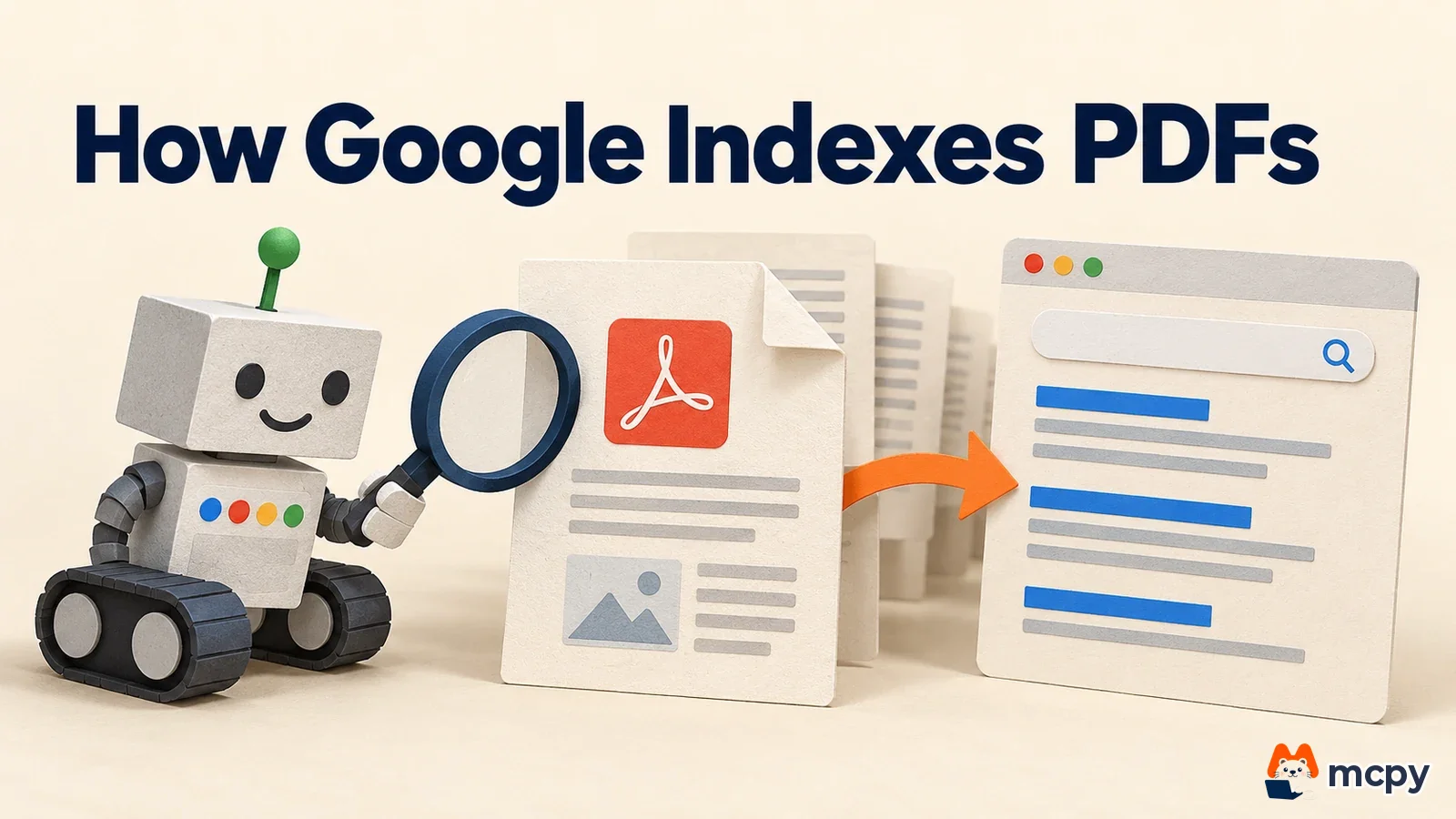
Google PDF indexing works by converting a PDF file into HTML and then indexing that HTML (registering it in Google's catalog so it can appear in search results). Martin Splitt and John Mueller of the Google Search team explained this in the podcast "PDFs in Search: Indexing, AI & Pitfalls", released on October 13. If your site publishes a company profile, product catalog, or price list as a PDF, it is worth checking once that the file is readable for search.
What changed Google said it does not view PDFs in a viewer. It converts them to HTML with a converter and indexes the result. Converted PDFs can appear in regular search and in AI answers.
Who is affected Sites that publish company profiles, catalogs, price lists, or reports as PDF files.
What to do now Drag over the text in your PDF to see if it can be copied. If a web page with the same content exists, make that page the preferred version.
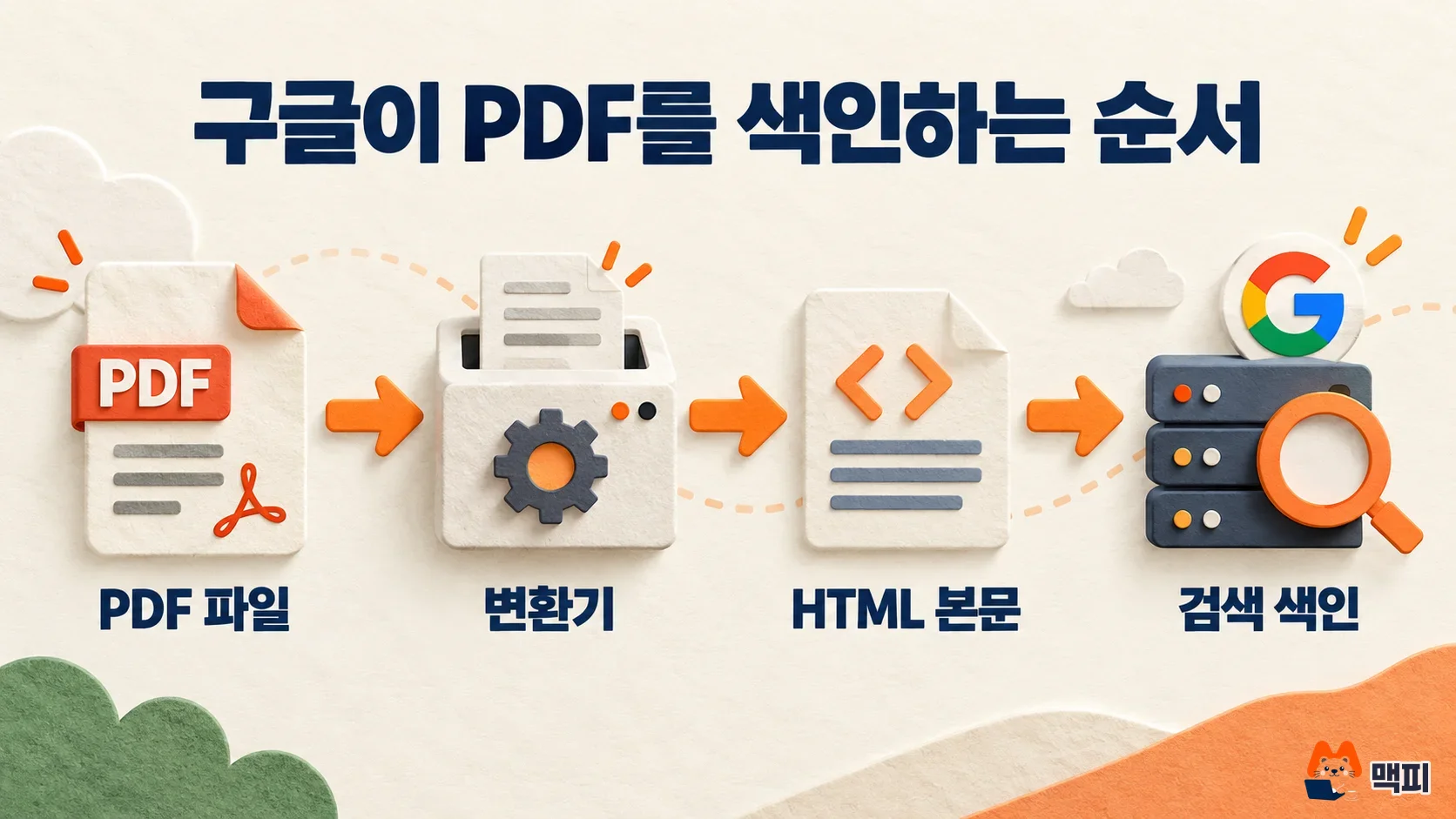
How Google PDF indexing works, step by step
Google reads a PDF differently from how people read one. Think of a library that can only catalog a foreign-language book after a translator has put it into the local language. Google also does not store the PDF as it is. It converts the file into an HTML document and then indexes that result like a normal web page. A book that translates badly cannot be cataloged well, and in the same way a PDF whose text the converter cannot read is at a disadvantage in search.
According to the Search Engine Journal article that summarizes the talk, Splitt said Google has no PDF viewer, and links inside a PDF are followed like normal links in the converted HTML. Converted PDFs can reportedly show up not only in regular search but also in AI Mode and AI Overviews. PDF is also listed as an indexable file type in the supported file types page of Google Search Central.
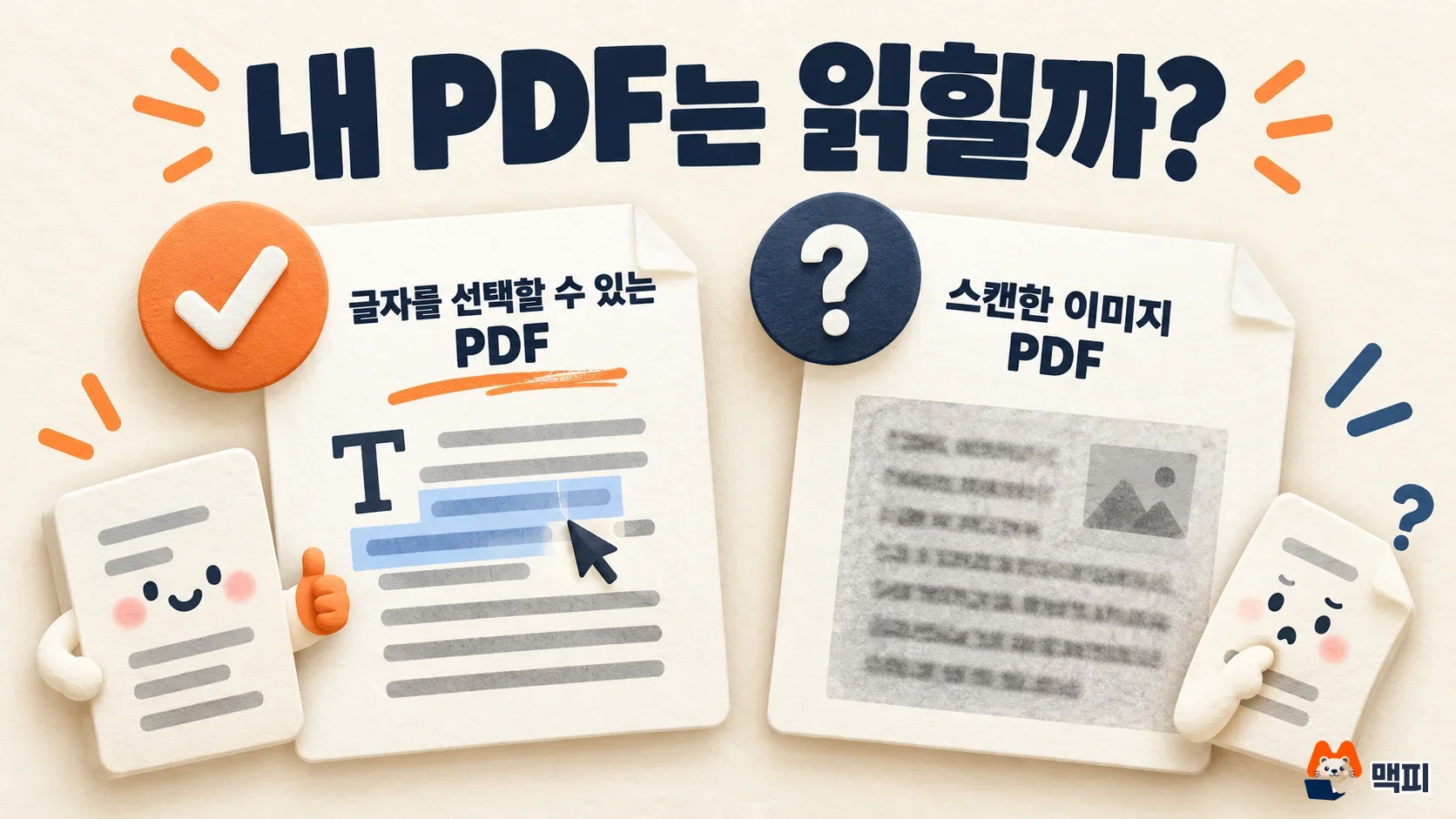
In 2011, the Search Central blog said Google can index text content in many character encodings unless the PDF is password-protected or encrypted. So a PDF with a password may be left out of the index. Splitt said it is not certain whether images inside a PDF are indexed, and it is safer to assume they are not. Images in a PDF also have no separate URL, so it is hard for them to appear in image search the way web images do. A PDF that holds a price list or chart only as an image may therefore not have that information picked up by search.
How to check that your PDF is readable by search
The check takes about a minute. Open the PDF and drag your mouse over the body text. If the text can be selected and copied, the converter is likely to read it. In the Search Engine Journal summary, a PDF with selectable, copyable text is in a usable state for ranking, while a PDF made only of scanned images has limits. If you cannot select the text, re-export the PDF from the original document software, or run optical character recognition (OCR), which turns text inside images into real text, and then upload it again.
To check whether a PDF is indexed, enter its address in the URL Inspection tool in Search Console. If it says "URL is on Google", the file is indexed. If not, first check whether any link on your site points to that PDF. Even without Search Console, you can type site:yourdomain.com filetype:pdf into the Google search box to list the PDFs Google has for your site. It does not show every file, so check any missing file separately with URL Inspection. For how to use Search Console, see our Google Search Console getting started guide.
Keep the PDF or switch to a web page
According to the Search Engine Journal summary, Splitt and Mueller said you can use a PDF when you really need one, for example for print layouts, precise formatting, or forms. They also gave the example that a restaurant menu posted as a PDF is better than no menu on the web at all. Still, if the same content can be built as HTML, they said HTML is better for both search engines and visitors. The reason given is that search engines process it more easily and visitors find it easier to use.
| Situation | Recommendation |
|---|---|
| Content that can be a web page, such as a company profile or product introduction | Build a web page (HTML) and keep the PDF as a download |
| Print catalogs, layouts, and forms | Keep the PDF and check that the text is selectable |
| Scanned documents | Run OCR, or also move the key content into the body of a web page |
If you publish the same content as both HTML and PDF, Google chooses which one appears in search. In its page on consolidating duplicate URLs, Google explains that for non-HTML files such as PDFs, you can add Link: <canonical URL>; rel="canonical" to the response header the server sends with the file. This tells Google the preferred (canonical) address when the same content lives at several URLs. Write the canonical address as an absolute URL. If you cannot change server settings, a realistic fallback is to put a link from the PDF to the HTML page at the very start of the body.
Keeping a PDF out of search, and file size limits
For PDFs that should not appear in search, such as internal documents or expired price lists, block them with a server response header. You cannot put an HTML meta tag in a PDF, so use the X-Robots-Tag response header, which Google's documentation describes for non-HTML files. On Apache, put Header set X-Robots-Tag "noindex" inside <Files ~ "\.pdf$">. On Nginx, put add_header X-Robots-Tag "noindex"; in a location ~* \.pdf$ block. If you block crawling with robots.txt, Google cannot read this header, so do not block crawling for files you want removed from the index. Some hosting services and shopping mall builders popular in Korea do not allow server header changes. In that case, ask your hosting provider, or move the file to a private address.
You may also wonder what happens when a file is too large. In the podcast, Splitt guessed that the PDF crawl limit is larger than for normal web pages, but said he did not know the exact figure. Google's crawler documentation says Google's crawlers read only the first 15MB of a file by default, and that individual crawlers may set smaller limits. The documentation gives no official limit just for PDFs. For a catalog of tens of MB, splitting it into chapter files avoids any worry about the limit.
If you want your PDF to be cited in AI answers, read this together with how to allow or block crawlers for AI search optimization. Leaving the PDF open so bots can read it is the starting point.
What to watch next
This explanation comes from the Google Search team in a podcast. The official documentation has not changed. Splitt also said that PDF image indexing and size limits may change depending on the situation. Keep an eye on the Google Search Central update log and the file type documentation to see whether any PDF-related wording is added.
Frequently asked questions
Are links inside a PDF counted by search?
According to Splitt, text links in a PDF remain in the converted HTML and are followed like normal links.
If I publish both a PDF and a web page with the same content, will it be penalized as duplicate content?
Google's documentation only tells you to specify a canonical address and does not state that a penalty applies. Use a header or a link to signal which version you want as the preferred one.
Do images inside a PDF need alt text?
Splitt said images in a PDF may not be indexed, so it is safer to also write any price or condition that appears only in an image as body text.
Found this useful? Share it
Latest posts
Kakao Share Thumbnail Not Showing? Here's the Fix (JavaScript SDK 2025)
Learn why Kakao Share thumbnails don't appear even with a valid imageUrl, and fix it using scrapImage to convert your URL into a KAGE CDN URL. Step-by-step guide.
How to Generate CRM User Manuals in 20 Minutes with Claude Code Sub-Agents
Learn how Claude Code sub-agents can analyze your CRM codebase and auto-generate user manuals and visual guidebooks in just 20 minutes. See the real-world results.
GEO Generative Engine Optimization: The Complete 2025 AI Marketing Strategy Guide
Learn what GEO (Generative Engine Optimization) is, how it differs from traditional SEO, and discover 5 proven AI marketing strategies to get cited by AI search engines in 2025.
Related projects
Get new posts by email
Insights on marketing, analytics, and dev, delivered to your inbox.