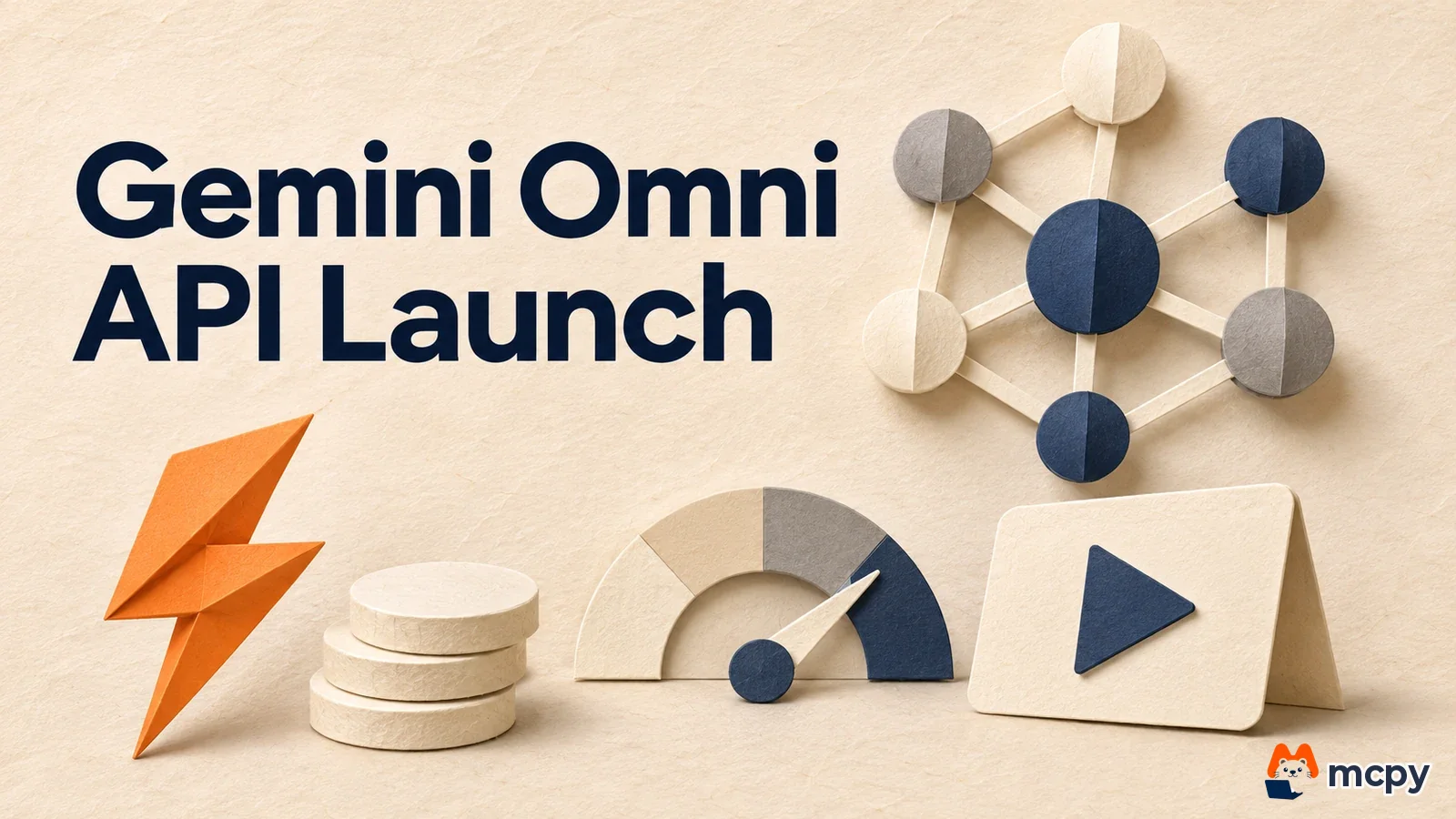
The Gemini Omni API now serves Gemini Omni 1.2 Flash (gemini-omni-1.2-flash). It reached general availability (GA, meaning it is officially available to paid developers) in the Gemini API on November 5, 2026, and video output pricing dropped 30%. According to the Google changelog, 1.1 Flash requests will be switched to 1.2 Flash automatically from December 3.
What changed Omni 1.2 Flash is now a GA model on the paid API. Video output costs 12 dollars per 1 million tokens, down 30%, and the paid tier request limit doubled.
Who is affected Developers who make video with gemini-omni-1.1-flash, and marketers who want to auto-generate draft ad videos through the API.
What to do now Follow the switch schedule in the changelog. Before December 3, change the model name to 1.2, compare the results, and recalculate the expected cost by video length.
Gemini Omni API 1.2 Flash: what changed
Think of a restaurant that puts a dish on the official menu and prints a new price tag. Once it is on the menu, you can see the price and the order limit and decide whether it fits your business. Gemini Omni works the same way. As a GA model, its price and limits are now fixed in the docs. One caution: the docs say English is fully supported and other languages have not been evaluated, so test Korean prompts yourself.
The November 5 entry in the Google changelog has three points.
| Item | Details |
|---|---|
| Model ID | gemini-omni-1.2-flash, generally available to paid tier developers |
| Price | 12 dollars per 1 million video output tokens, 30% lower than before |
| Request limit | The paid tier requests-per-minute limit (rate limit) is doubled. The docs give no exact number |
| 1.1 Flash | Switches automatically to 1.2 Flash from December 3, with 1.2 pricing applied |

The same day, the changelog also listed support for PPT, ODP, ODS and DOC file input, plus the ability to return audio, video and document files from function responses. These are separate from video generation, so this article does not cover them.
Gemini API video generation pricing: what does one second cost
Video output is billed in tokens, the units of text and video pieces the model processes. Google also lists a per-second conversion on its pricing page. At 720p, one second is about 5,792 tokens, or about 0.07 dollars. A 10-second video is about 0.70 dollars, and a 15-second video is about 1.04 dollars.
| Resolution | Cost per second |
|---|---|
| 360p | 0.023 |
| 720p | 0.07 |
| 1080p | 0.104 |
| 4K | 0.209 |
The table lists 1080p and 4K prices as including upscaling (processing that enlarges a video made at a smaller size). On the Google pricing page, input is 1.50 dollars per 1 million tokens for text, image and video alike, and text output is 9 dollars. You cannot use this model on the free tier, so create a key and link billing. Cost in Korean won depends on the exchange rate and VAT, so multiply the dollar values above by your own payment terms.
Video length and features in Omni 1.2 Flash
A single request makes a video of 3 to 15 seconds, and the default is 10 seconds. According to the Gemini Omni docs, going over 15 seconds returns an error. For longer videos, use the extension feature, which adds 3 to 10 seconds at the end, up to 30 seconds in total. You cannot extend the beginning or the middle.
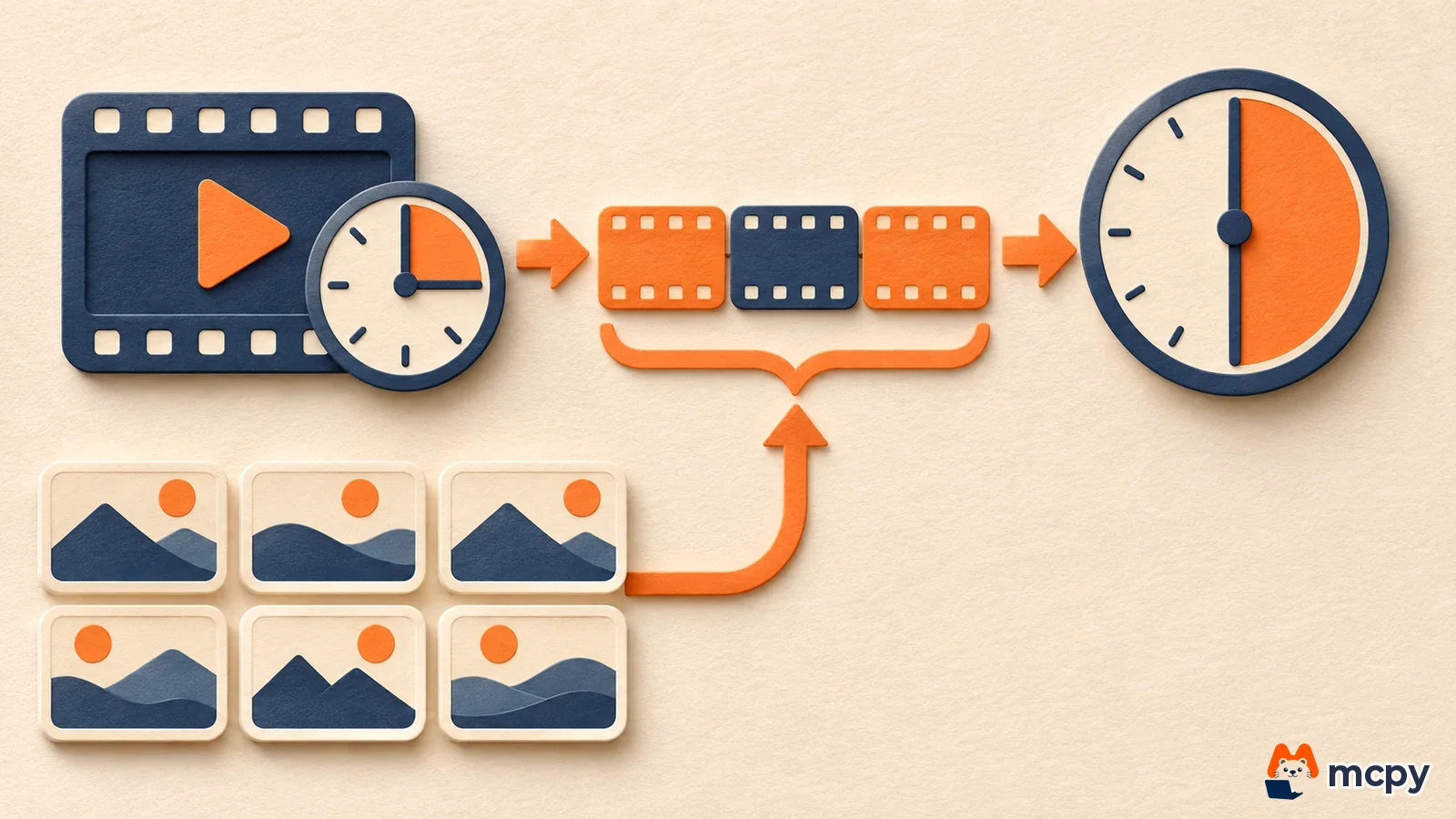
There are five ways to use it. You can make a video with sound from text alone, animate a single image, connect a first frame image and a last frame image over 3 to 10 seconds, keep the same person with up to 6 reference images (3 per person, up to 2 people), and revise a video by chatting across multiple turns. Resolutions are 360p, 720p (default), 1080p and 4K, and aspect ratios are 16:9 and 9:16. For vertical video for Shorts or Reels, set 9:16. The same docs say every generated video carries an invisible SynthID watermark (an origin marker that only software can detect).
The limitations section of the same docs lists the constraints. Audio input, voice editing, negative prompts and temperature control are not supported. Uploading and editing images that contain minors or specific real people is restricted. In the United Kingdom, Switzerland and the European Economic Area, editing and extending uploaded videos is blocked, while videos made by the model are allowed.
How to make video with the Gemini Omni API
One call, interactions.create, does the job. In the Python SDK (the code library Google provides), you pass the model name and a prompt. The video comes back as a base64 string (a format that turns a file into text), which you decode and save as mp4. The example from Google's video docs is below.
import base64
from google import genai

client = genai.Client()
interaction = client.interactions.create(
    model="gemini-omni-1.2-flash",
    input="A marble rolling fast on a chain reaction style track, continuous smooth shot.",
)
with open("marble.mp4", "wb") as f:
    f.write(base64.b64decode(interaction.output_video.data))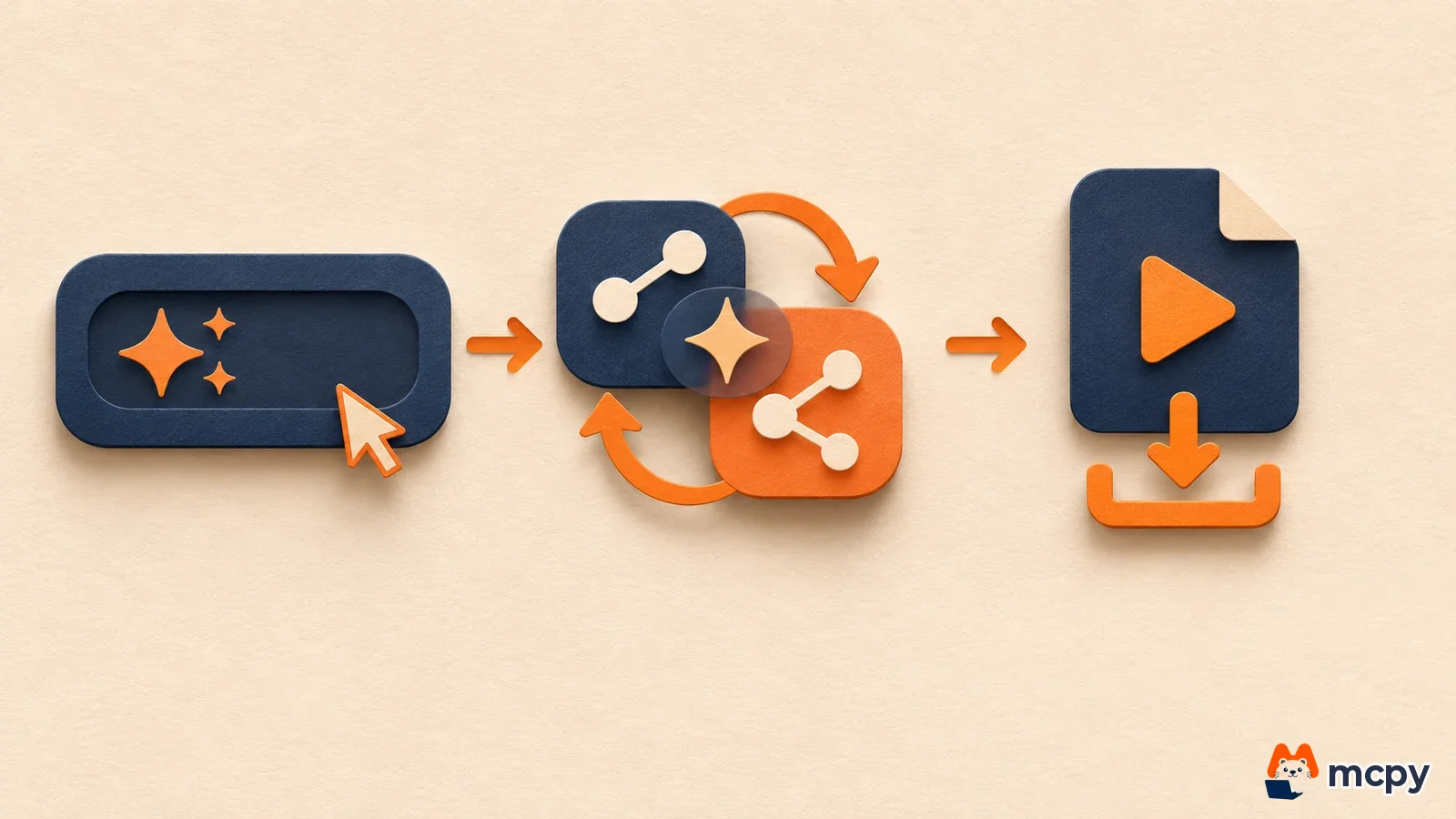
- Create an API key in Google AI Studio and link a payment method. The free tier does not support this model.
- In the code above, write the scene description in English in
input. - To set length and resolution, add
duration(an integer from 3 to 15 seconds) andresponse_format.resolutionto the request. If the video is over 4MB, the docs recommenddelivery: "uri". - After it runs, open the mp4 in your folder and check that the length, sound and aspect ratio match your request. For a first test, set
durationto 3 seconds and resolution to 360p. Each run then costs only about 0.07 dollars (0.023 dollars x 3 seconds).
If you call the address directly with REST instead of a library, find the video in the model_output item of the steps array instead of output_video. Judge success by playing the file, not by the response code. To keep editing the same video, pass the previous_interaction_id from the earlier response.
What to do now: 1.1 Flash users and new users
If you have code that uses 1.1 Flash, follow the switch schedule in the changelog. Before December 3, change the model name to gemini-omni-1.2-flash and compare results with the same prompts. From December 3, requests are handled as 1.2 even if you do not change the name, and 1.2 pricing applies. That leaves about 4 weeks to check whether any difference in results affects your service.
If you are starting fresh, test a few clips at 720p and 10 seconds, set the cost of one video first (about 0.70 dollars), and raise the resolution if the results are usable. If you are still deciding where to produce video, the article on AI video alternatives after the Sora AI shutdown compares other tools and plans. To add voice with the same API, see how to design and clone voices with Gemini TTS. For the default for storing requests, see the article on the Gemini API request storage default. Subscription prices for the app are in the Gemini plan comparison.
How to check your Omni 1.2 video generation cost
After you switch to the GA model, check the billed tokens on the usage screen in Google AI Studio. Make one video at 360p and 3 seconds, then see whether video output tokens appear in usage. If the cost is close to the per-second conversion (about 0.023 dollars for 360p), billing follows the price table. If the numbers differ a lot, first check that the resolution option was included in the request.
Common mistakes and what to watch next
A duration above 15 seconds causes an error, so use the 3 to 10 second extension feature for longer videos. It is also easy to miss that if you leave 1.1 Flash code as it is, 1.2 pricing is applied automatically from December 3.
The changelog gives no actual number for the doubled limit. Check your own project's numbers on the usage and limits screen in Google AI Studio. The docs also do not guarantee quality for Korean prompts, so for videos that include ad copy, write the scene in English and review the result by eye.
Frequently asked questions
Can I use the Gemini Omni API for free?
No. The pricing page shows that neither input nor output is offered on the free tier, so you can only use it on the paid tier.
How do I make a video longer than 30 seconds?
According to the docs, one video is at most 30 seconds even with extensions. To go longer, make several videos and join them in an editing program.
Does the video carry an AI label?
According to the Gemini Omni docs, an invisible SynthID watermark is added to every video, and software can detect it. The docs do not say that a visible logo is added to the screen.
Found this useful? Share it
Latest posts
Kakao Share Thumbnail Not Showing? Here's the Fix (JavaScript SDK 2025)
Learn why Kakao Share thumbnails don't appear even with a valid imageUrl, and fix it using scrapImage to convert your URL into a KAGE CDN URL. Step-by-step guide.
How to Generate CRM User Manuals in 20 Minutes with Claude Code Sub-Agents
Learn how Claude Code sub-agents can analyze your CRM codebase and auto-generate user manuals and visual guidebooks in just 20 minutes. See the real-world results.
GEO Generative Engine Optimization: The Complete 2025 AI Marketing Strategy Guide
Learn what GEO (Generative Engine Optimization) is, how it differs from traditional SEO, and discover 5 proven AI marketing strategies to get cited by AI search engines in 2025.
Related projects
Get new posts by email
Insights on marketing, analytics, and dev, delivered to your inbox.