
This week (week 1 of November 2026, October 26 to November 1), six changes in marketing and AI need a check: GPT-6.1 Terra pricing, a Google AI training opt out control, Google Cloud spend caps, PMax automatic video, a Google privacy policy update, and Gemini file editing. They fall into three groups. Ad platforms changed defaults, AI model prices dropped, and cloud and search tools added ways to control cost and data. Last week's news is in Marketing and AI changes, week 4 of October 2026.
The common thread is that settings change even if you do nothing. PMax automatic video is on by default, and the Google policy update applies to users who connect their services. Spend caps and the Google AI training opt out, on the other hand, only work if you turn them on yourself. Each item covers what changed, who should check, and links to the official source and the detailed MCPY article.
The six items come in this order: a model with a new price, crawler control, cloud cost, an ad default, a privacy policy, and a Gemini work feature.
GPT-6.1 Terra costs half as much as Sol
When a restaurant starts selling the same dish for less, regulars rethink their order. AI models work the same way. When the price changes, you need to decide again whether to keep using your current model. Do not switch based on the price list alone. Run the same task on both and compare the results.
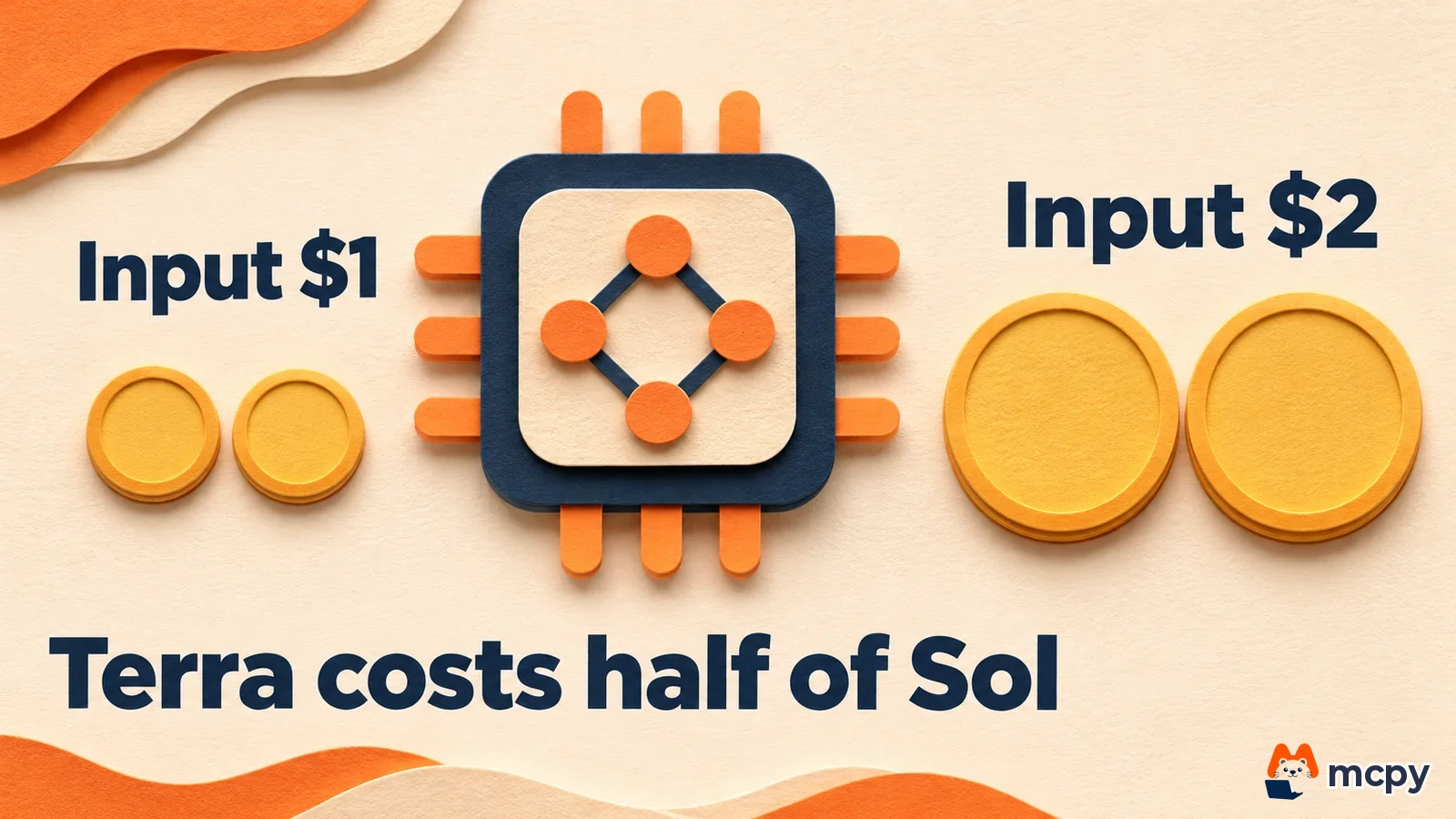
OpenAI released GPT-6.1 Terra, a computer-use model that looks at the screen and operates it directly. Its API price is half of GPT-6.1 Sol.
What changed Terra reads the screen and works across apps. According to the OpenAI announcement, Plus, Pro, Enterprise and Edu users can use it in ChatGPT Work and Codex from the announcement date. The API model ID is gpt-6.1-terra. The price is $1 per 1 million input tokens and $5 per 1 million output tokens.
Who should check Teams that want agents handling repetitive screen-based work, and developers who manage API costs. The announcement does not say whether a free plan exists or whether there are regional limits. Run one task you already give your current model through Terra. Then multiply the token counts on your usage screen by the prices above and compare the cost.
Official link and detailed article Check prices on the OpenAI API pricing page. What changed and what to do now is covered in GPT-6.1 Terra pricing and what to do now.
Google AI training opt out will move into one robots.txt line
Google announced it will support a shared control in robots.txt that states an AI training opt out once for many companies. The target for rollout is 2027.
What changed According to the Google Search Central blog, the approach is based on the IETF AIPREF working group's definition of AI training. It sends the same signal to many AI companies. If a site opts out of training with the shared signal and does not list Google-Extended, Google plans to treat it the same as if the site had blocked Google-Extended. To control only Google, keep using Google-Extended as you do today.
Who should check Site owners who run their own content. This is still a draft proposal and the exact syntax has not been published, so there is nothing new to write in robots.txt now. What you can do today is review your current robots.txt to see which AI bots you allow and block. Open your domain followed by /robots.txt in the address bar and look at how names like GPTBot and Google-Extended are written.
Official link and detailed article Per-crawler blocking methods are in the Google crawler documentation. This announcement was added as an update section to the MCPY article AI search optimization and AI crawler settings.
Google Cloud spend caps are now generally available
Google Cloud spend caps are now generally available. They can stop new usage when your monthly spend reaches the limit you set.
What changed According to the Google Cloud announcement, you can set a cap on one project and one service. Supported services are the Gemini API, Agent Platform (formerly Vertex AI), Cloud Run, and Cloud Run functions. Data and resources are not deleted when a cap is reached.
Who should check Teams that use the Gemini API in AI features or ad automation. The cap does not take effect instantly, so spend in that gap is billed as normal. A budget that only sends alerts cannot be converted into a cap, so you must create a new one. Create the cap under Budgets and alerts in the Billing menu. You need the Billing Account Administrator role. After creating it, check that the budget list shows the type as spend cap.
Official link and detailed article Setup steps are in the Google Cloud spend caps documentation. The step-by-step order and how to resume service are in the article on the Google Cloud spend caps general release.
Google PMax automatic video is on by default
In Google Performance Max (PMax) campaigns, the sourced videos feature is now on by default for new campaigns. Videos found by AI can be attached to your ads.

What changed AI finds videos on your landing page, social media, and linked YouTube channel, and adds up to 10 per asset group. The videos are uploaded to a dedicated YouTube channel owned by Google, not the advertiser's channel, and they carry the advertiser's logo and business name. Google has not stated a general release date or the countries covered. The feature is rolling out in stages.
Who should check PMax managers who control the quality of their video creative. Because AI picks the videos, check the asset group to see whether they match your brand standards. If you do not want this, clear the Sourced videos checkbox under asset optimization in the campaign settings. After turning it off, check that no more sourced videos appear in the asset group's video list.
Official link and detailed article The steps to turn it off are in the Google Ads Help page. The five steps are covered in How to turn off PMax automatic video.
Google privacy policy update allows Gmail and Photos in personalized ads
On October 16, Google updated its privacy policy. It now states that if a user allows connections to Gmail, Drive, and Photos, that content can be used for personalized ads.

What changed In the Google privacy policy, the sentence saying data is not used for personalized ads now has an exception for cases where the user allows it. If you do not connect, that data is not used for personalized ads. Google explained that it does not share information such as names or email addresses with advertisers without permission.
Who should check Site and app operators who guide customers through Google service connections, and people with a personal Google account. There is no announcement yet that Google Ads targeting options will change. Look at the connected content apps in your account settings and remove connections you do not need. Removing a connection does not delete records that are already stored.
Official link and detailed article Check your connection status in your Google account. What advertisers should know is in Google's policy update and the use of Gmail and Photos in ads.
Gemini app lets you preview and edit files inside chat
You can now preview and edit files created in the Gemini app directly inside the chat screen.

What changed According to the Google Workspace Updates blog, you can open a file in full screen and type directly, drag text to ask a question, or ask Gemini to polish it. On the web it supports Docs, Sheets, Slides, Markdown, TXT, code, and PDF. On mobile, only PDF works. One prompt creates one file.
Who should check Marketers who often draft reports or proposal slides. On mobile you cannot edit formats other than PDF, so do that work on the web. Google said this feature has no separate admin control.
Official link and detailed article An introduction to file generation is on the Google blog. The table of supported formats and the four steps to create files are in How to create PDF and Excel files with Gemini.
This week's order of checks
If you do not have time to review all six, start with cost and ad settings. Spend caps set a monthly cost ceiling for usage-based services like the Gemini API. The PMax video setting decides whether AI-picked videos get attached to your ads.
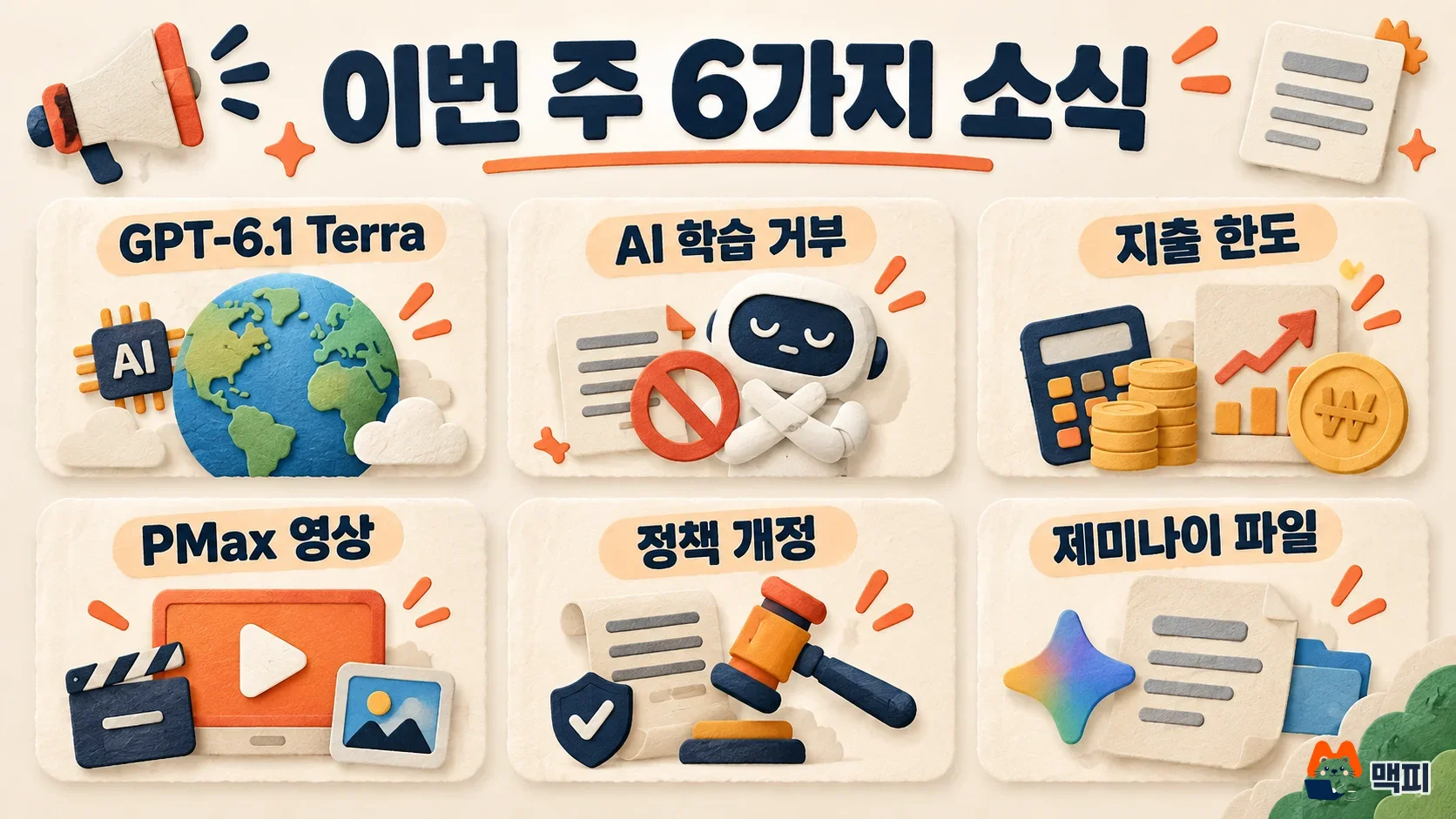
First, mark which of the six items on the map above affect your work. The order below builds on that.
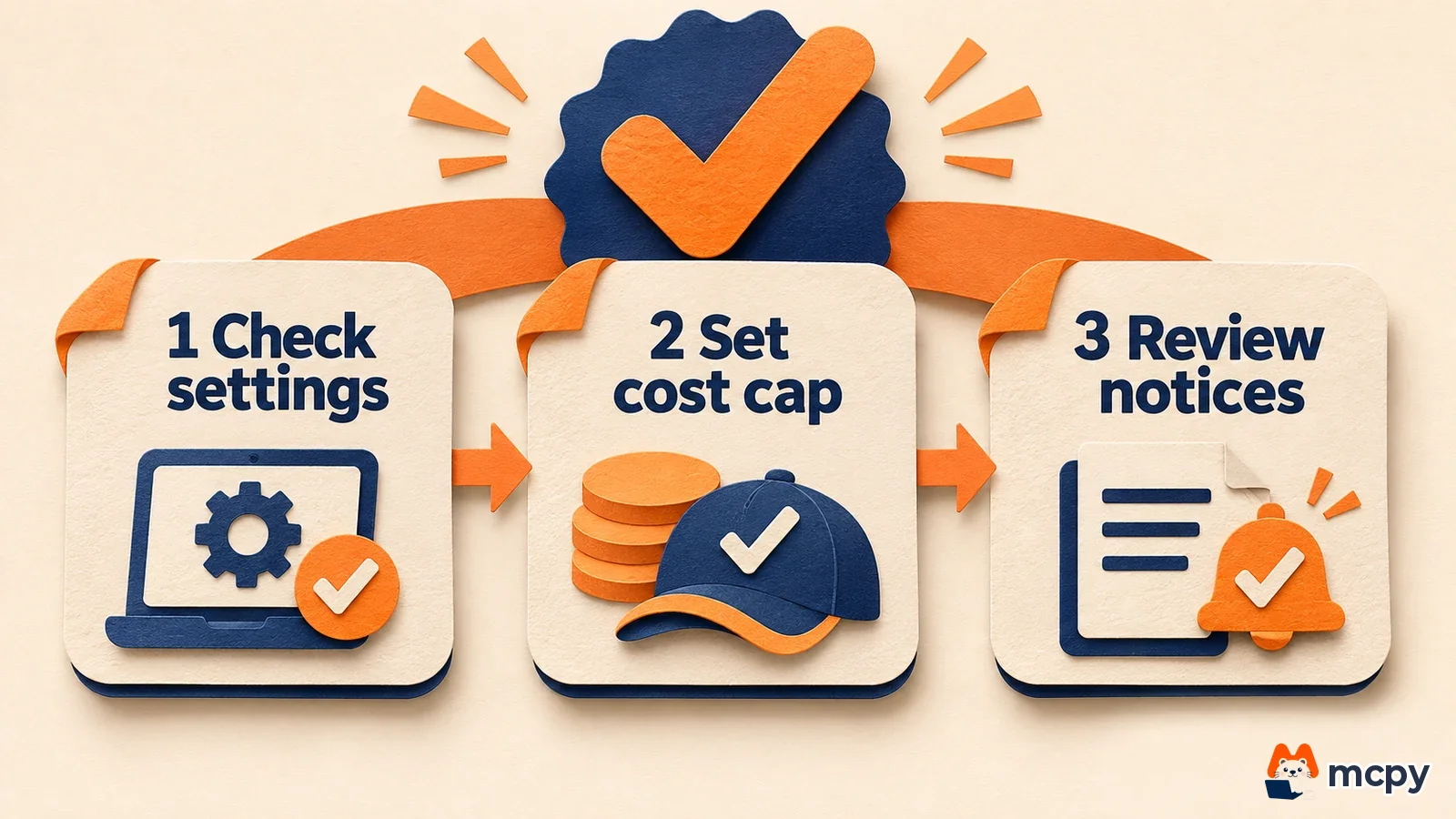
Then review your robots.txt and your Google account connections. Even if nothing needs to change right now, knowing your current settings lets you decide quickly when the AI training control arrives in 2027.
The reference date is November 2, 2026. Check the official links above again for the effective date and scope of each item.
Frequently asked questions
How is GPT-6.1 Terra different from Sol? They are models from the same 6.1 generation. According to the announcement, Terra's API price is half of Sol's for both input and output. Terra is the model that puts computer use first.
Should I block Google-Extended now? If you do not want your content used for training, you can already block it by listing Google-Extended in robots.txt. The new shared control has not been rolled out yet.
Found this useful? Share it
Latest posts
Kakao Share Thumbnail Not Showing? Here's the Fix (JavaScript SDK 2025)
Learn why Kakao Share thumbnails don't appear even with a valid imageUrl, and fix it using scrapImage to convert your URL into a KAGE CDN URL. Step-by-step guide.
How to Generate CRM User Manuals in 20 Minutes with Claude Code Sub-Agents
Learn how Claude Code sub-agents can analyze your CRM codebase and auto-generate user manuals and visual guidebooks in just 20 minutes. See the real-world results.
GEO Generative Engine Optimization: The Complete 2025 AI Marketing Strategy Guide
Learn what GEO (Generative Engine Optimization) is, how it differs from traditional SEO, and discover 5 proven AI marketing strategies to get cited by AI search engines in 2025.
Related projects
Get new posts by email
Insights on marketing, analytics, and dev, delivered to your inbox.