
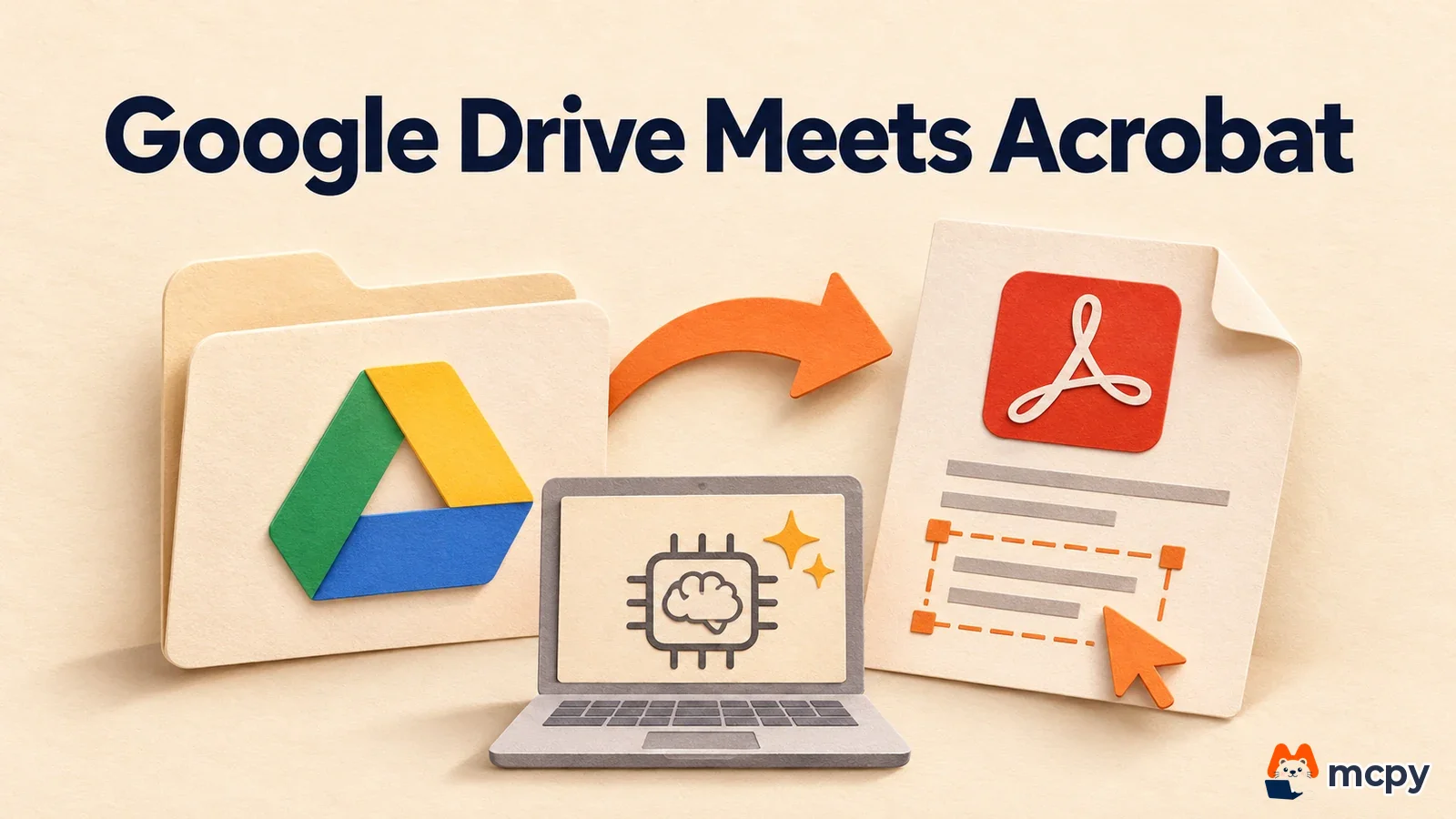
Google Drive Adobe Acrobat: what changed for PDF editing
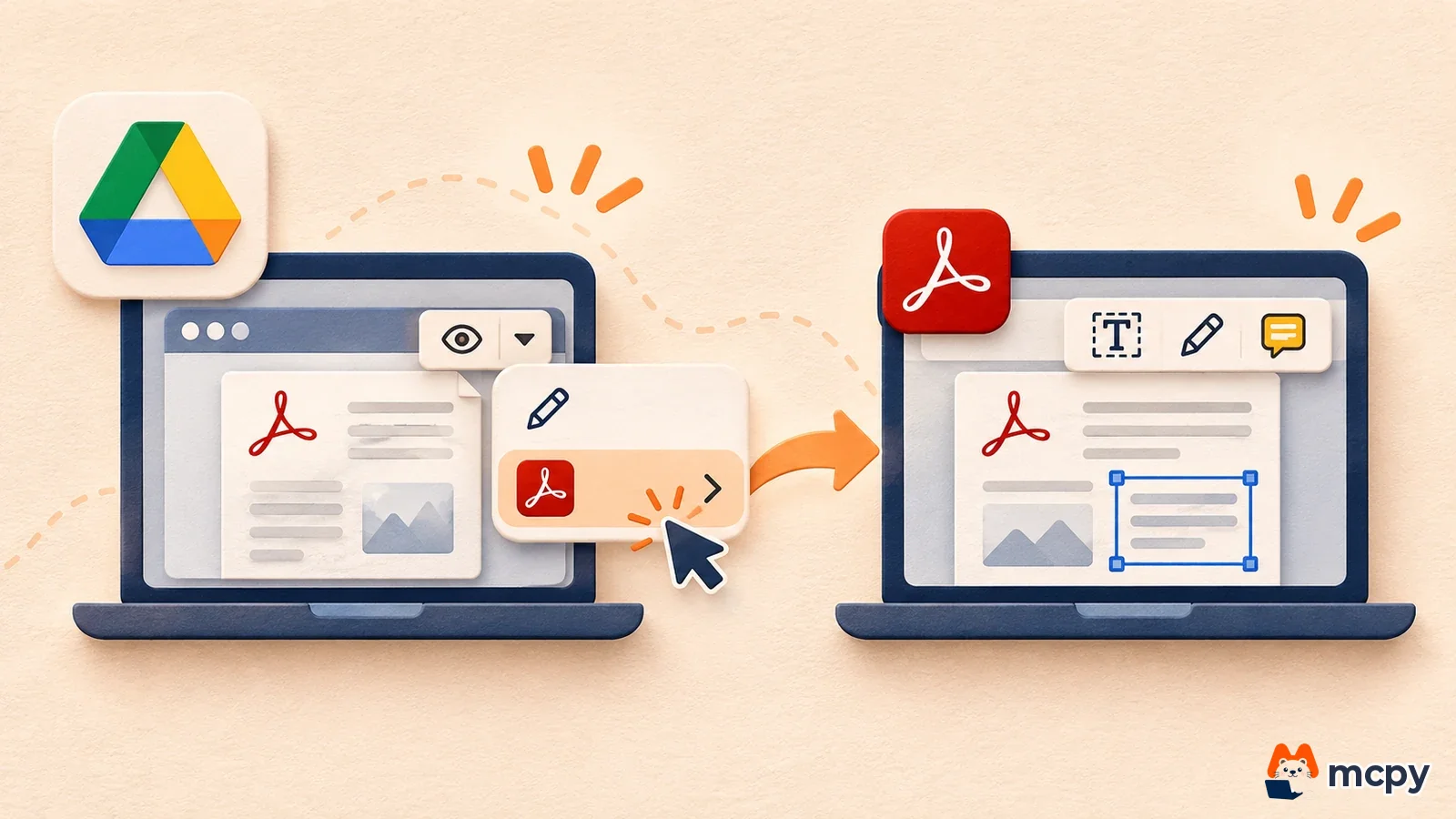
Google Drive Adobe Acrobat support is coming: Drive PDF editing will soon connect to Adobe Acrobat, the PDF editing program. At Adobe MAX on November 10, 2026, Google expanded its partnership with Adobe and said it will soon open a direct path from Drive and Gmail to Acrobat. There is no release date yet, so there is nothing to turn on today. Individuals do not need to change anything. Companies only need to set their rules for external apps before launch. Teams that store PDF contracts and quotes in Drive should decide again where PDFs get edited and who approves it. The old routine was to download a file, edit it in another program, and upload it again. It will become one menu item in the preview screen.
What changed A path from Drive and Gmail previews to Acrobat is planned. Acrobat will also be added to the Gemini connector.
Who is affected Individuals and teams who exchange PDFs through Drive and Gmail, and companies that use Gemini Enterprise.
What to do now There is nothing to try yet. If you run a company, first decide your rules for external apps and which PDFs may be sent outside.
According to the Google blog, the expanded partnership has five parts. The table below lists the timing of each item in the original wording.
| Announcement | Timing wording in the original | Source |
|---|---|---|
| Direct path from Drive and Gmail to Acrobat (an "Edit with" entry point in file preview) | soon | Google blog |
| Acrobat added to the Adobe connector in Gemini and Gemini Enterprise | No timing given (expanding) | Google blog |
| Adobe creative tools in Google Search AI Mode | No timing given (coming) | Google blog |
| Adobe CX Enterprise Coworker agent in Gemini Enterprise (supports graphic design, PDF work, and marketing campaign execution) | No timing given (will become available to companies) | Google blog |
| New editing features in Photoshop based on an image model from Adobe and Google DeepMind | explore | Google blog |

Adobe's creative connector existed before this announcement. In its May 19, 2026 blog post, Adobe said it would bring a creative agent connector to Gemini in time for Google I/O. It explained that users tell Gemini what they want to make, and image, design, and video tools do the work behind the scenes. What is new in this announcement is that Acrobat is added to that connector.
Does this apply to you: individuals vs companies
The original Google blog post does not list pricing plans, supported countries, or an exact release date. So whether you can use it in Korea, and from when, and whether free accounts can use it, depends on further notice from Google or Adobe. For differences between Gemini plans themselves, see the Gemini plan comparison. Only one item in the original clearly names its audience: the agent, which targets companies that use Gemini Enterprise.
Gemini can already edit PDFs inside its own chat, so it helps to separate that from this announcement. The table below puts what you can use now next to what was announced.
| Item | Editing inside Gemini chat | Editing in Acrobat from Drive |
|---|---|---|
| Status | Announced October 29, 2026, available | Announced November 10, 2026, soon |
| Target file | PDFs Gemini created in chat | PDFs already in Drive and Gmail |
| How you edit | Type or drag in chat and ask the AI to change it | Move to Acrobat and edit (details not yet public) |
| Source | Google blog file editing announcement | Google blog Adobe announcement |
The steps for editing a Gemini-made PDF in chat are covered in the guide to making PDF and Excel files with Gemini. If you need to edit a PDF from a client that you already have, you must wait until the announced Drive path opens.
What to do now: decide these before launch
There is no setting to turn on today. Google only said an "Edit with" entry point will appear in Drive and Gmail. It did not share the exact menu location or how to enable it. So before launch, you can only prepare your decisions. The three items below are not steps required by official documentation. They are items people usually check when a feature that hands files to an external app opens up.
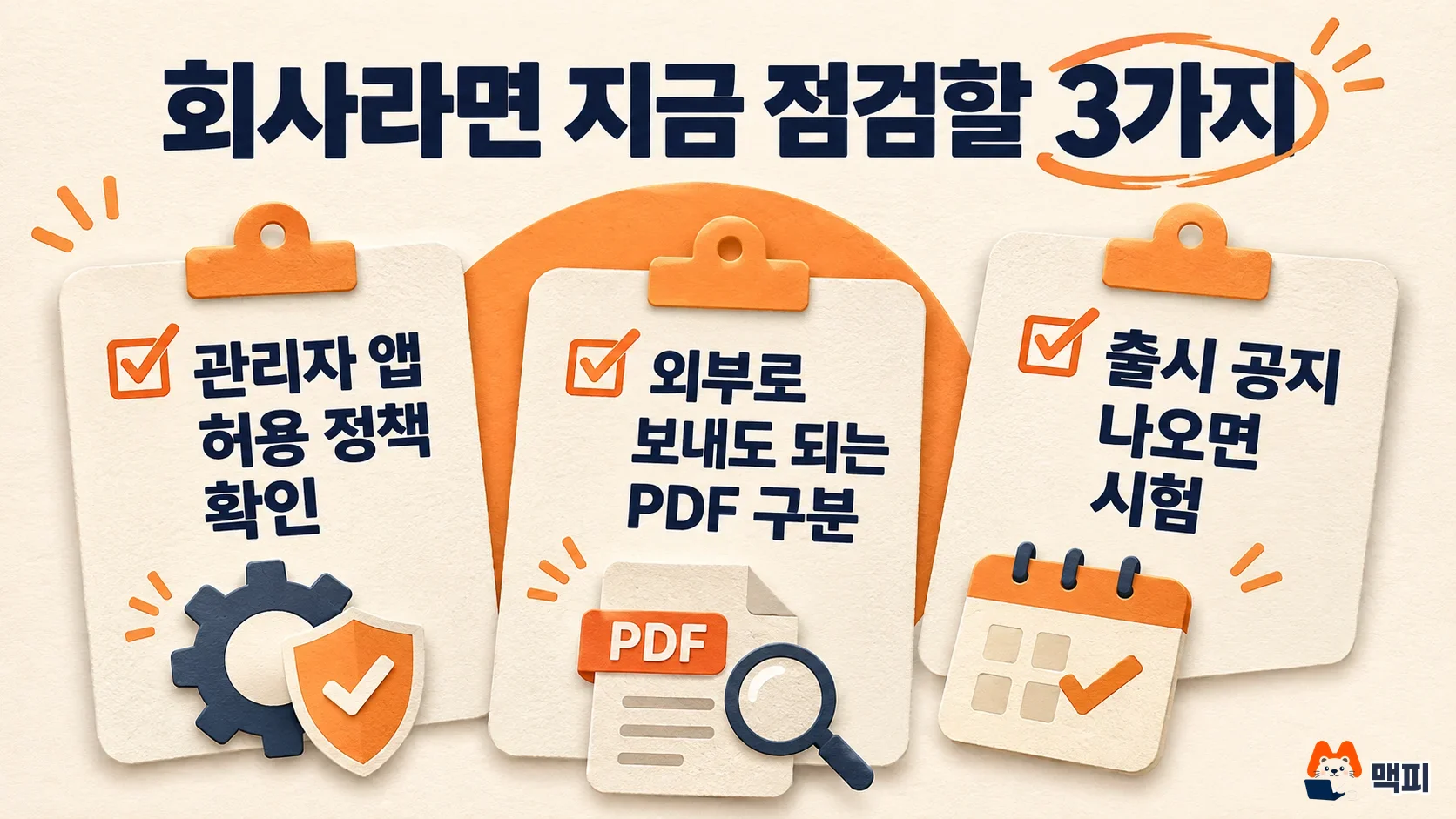
- Set the admin rule for allowing external app connections. This feature moves PDFs to a service outside Drive. Organizations with contracts or HR documents should first decide which files are allowed.
- Sort PDFs into folders by whether they may be sent outside. If you keep PDFs with customer personal data in a separate shared drive, it is easier to start with a narrow app allowance later.
- When a release date appears in a Google Workspace notice or an Adobe notice, try it first with one test PDF. The success check is that an "Edit with" item shows in the preview screen and that changes made in Acrobat appear in the same file in Drive.
Individual users have nothing to change right now. For simple text fixes or page cleanup, keep using the program you use today.
There are three common mix-ups before launch. First, people look for "Edit with" in the Drive preview right after the announcement. The original only says "soon" for this path, so not seeing it yet is normal. Second, people treat it as the same feature as PDF editing inside Gemini chat. As the earlier table shows, the target file and editing method differ. Third, people treat the Gemini creative connector Adobe announced in May as the same news. What is new this time is Acrobat and the Drive and Gmail path.
What to watch next
We will add updates to this post when the following four points appear in official notices. First, the release date and supported countries for the Drive and Gmail path. Second, who can use it among free Google accounts, Workspace, and paid Adobe subscriptions. Third, how a file edited in Acrobat is saved back to the original in Drive. Fourth, whether admins can turn the feature off or narrow its scope.
How Gemini works across several apps to finish tasks is explained separately in the Gemini agent overview. If you mainly want to upload materials and ask questions about them, the NotebookLM guide may fit better. The first thing to do right now is the first of the three checks above: set your team's rule for external apps.
Found this useful? Share it
Latest posts
Kakao Share Thumbnail Not Showing? Here's the Fix (JavaScript SDK 2025)
Learn why Kakao Share thumbnails don't appear even with a valid imageUrl, and fix it using scrapImage to convert your URL into a KAGE CDN URL. Step-by-step guide.
How to Generate CRM User Manuals in 20 Minutes with Claude Code Sub-Agents
Learn how Claude Code sub-agents can analyze your CRM codebase and auto-generate user manuals and visual guidebooks in just 20 minutes. See the real-world results.
GEO Generative Engine Optimization: The Complete 2025 AI Marketing Strategy Guide
Learn what GEO (Generative Engine Optimization) is, how it differs from traditional SEO, and discover 5 proven AI marketing strategies to get cited by AI search engines in 2025.
Related projects
Get new posts by email
Insights on marketing, analytics, and dev, delivered to your inbox.